

For the entire winter season, we've been heads-down on something that doesn't always make headlines: making SimpleBackups fundamentally better to use. No flashy feature launches. Just our small team doing what we love most: building a product people genuinely enjoy using.
Here's what we've been up to.
Like the Lannisters, We Always Pay Our Debts
Every development project accumulates technical debt. Ours was no different.
We'd been running on Vue 2, our component library had grown inconsistent, and hot reload had stopped working properly. We reached a point where we were dragging our feet before making UI changes. For a team that prides itself on UI/UX excellence, that's unacceptable.
So we gave ourselves two months and completely rewrote the frontend.
What Changed
The stack is now Vue 3, Inertia, and shadcn. But the technology matters less than what it enables: a consistent component library across every screen, proper loaders that actually show you the system is working, better validation patterns that skip unnecessary steps, and improved on-screen messages with direct links to our documentation.
We also rethought how the entire application flows.
The Dashboard is now a real command center. At a glance, you can monitor all your backup activities, see important usage information, spot what needs your attention, and jump straight to the most important parts of the application. No more hunting through menus.
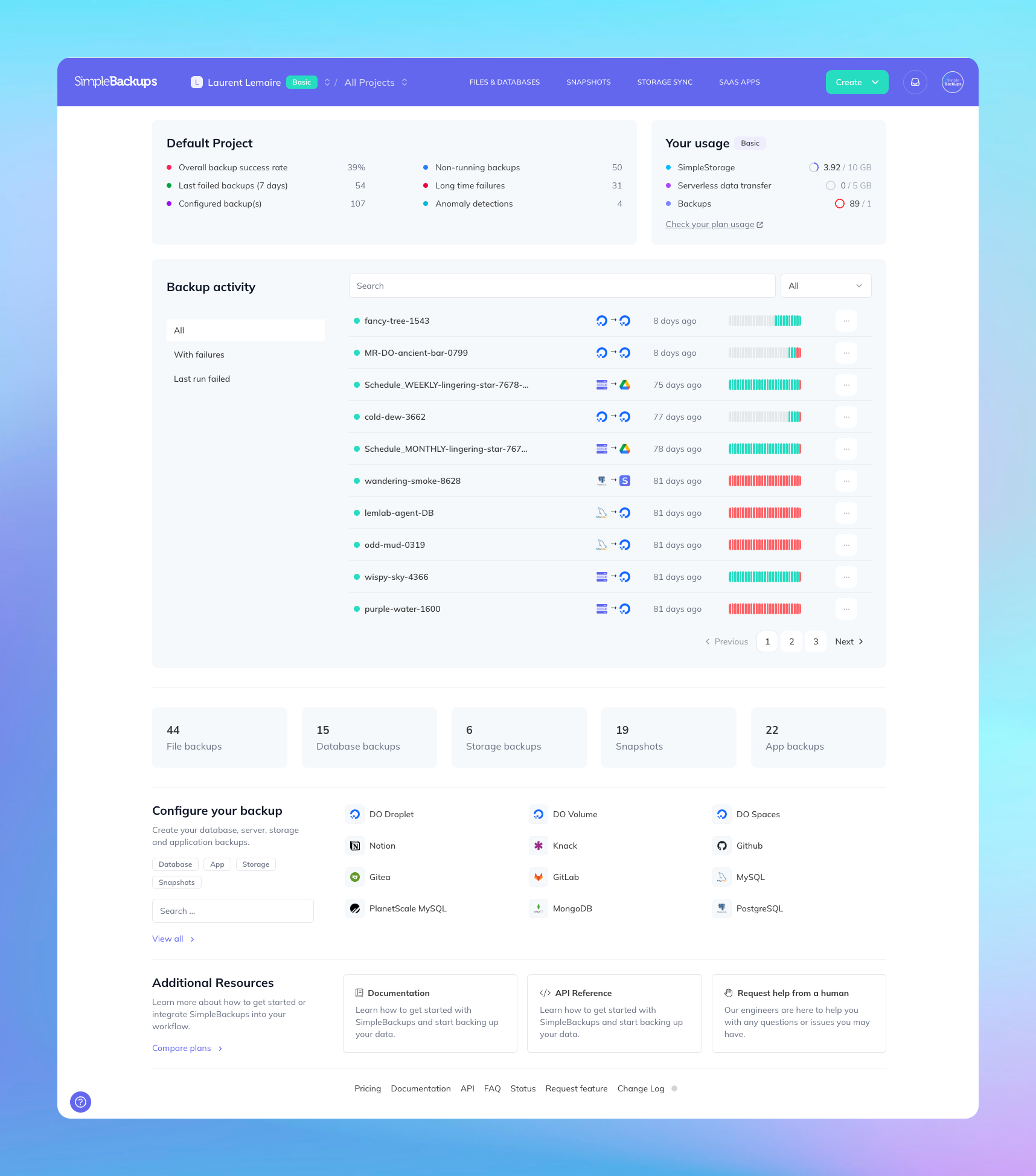
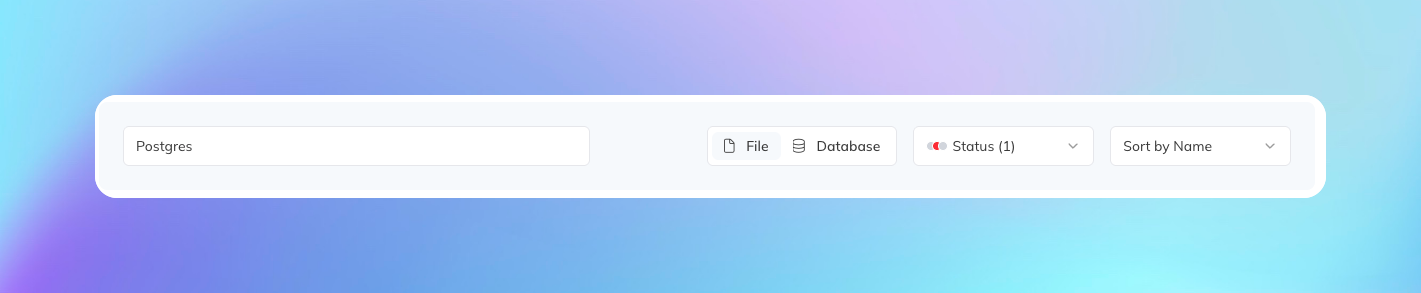
Listing pages for backups, servers, and storage have been completely rebuilt with reactive UX, proper filtering, and cleaner design. Everything responds instantly.
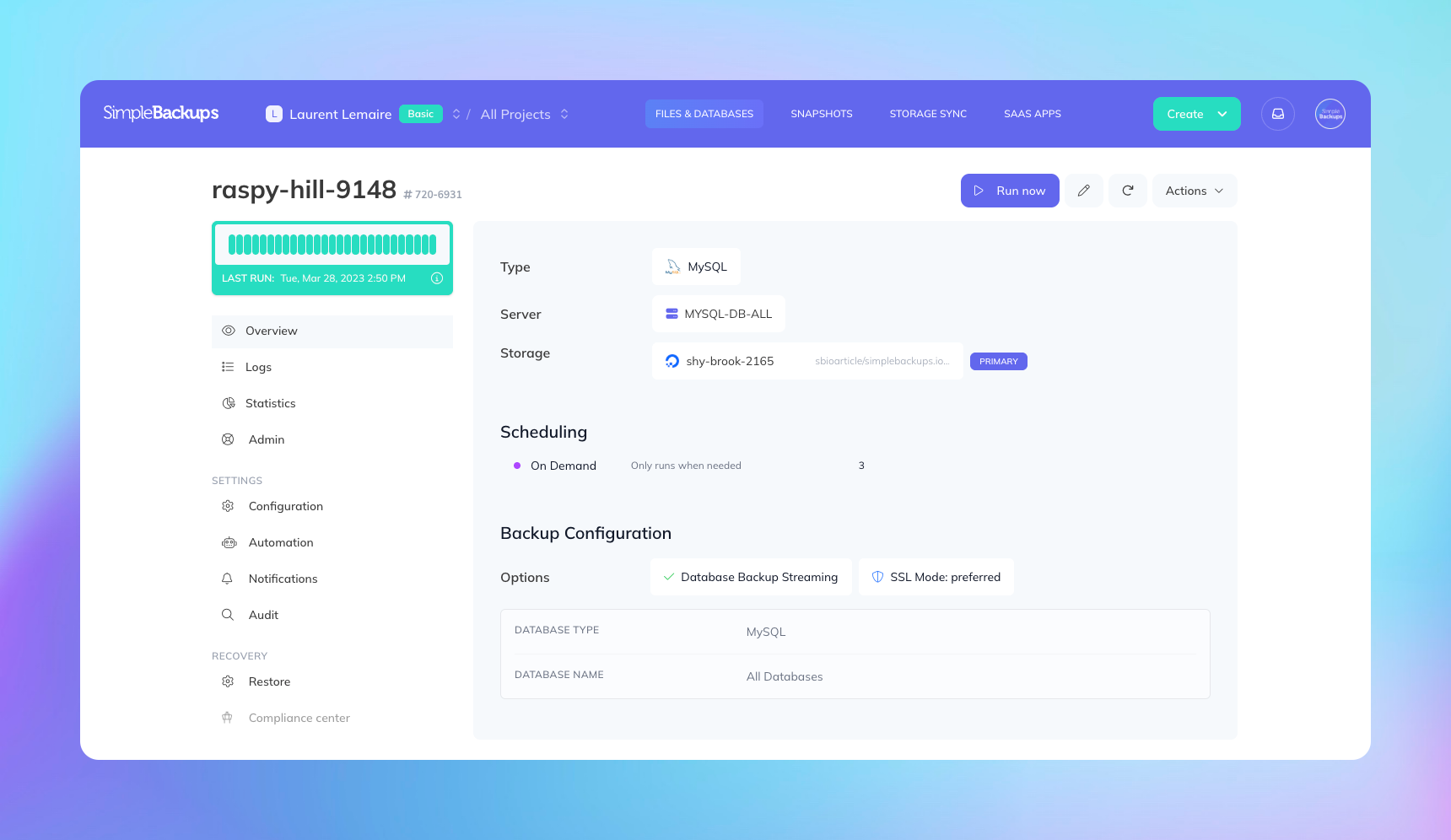
Backup details got a full overhaul. We reorganized all the information with vertical navigation, making it easy to find exactly what you need. We also added a dedicated "Restore" tab right in the navigation—a direct response to user feedback. Previously, you had to dig through backup logs to restore. Now it's one click away.
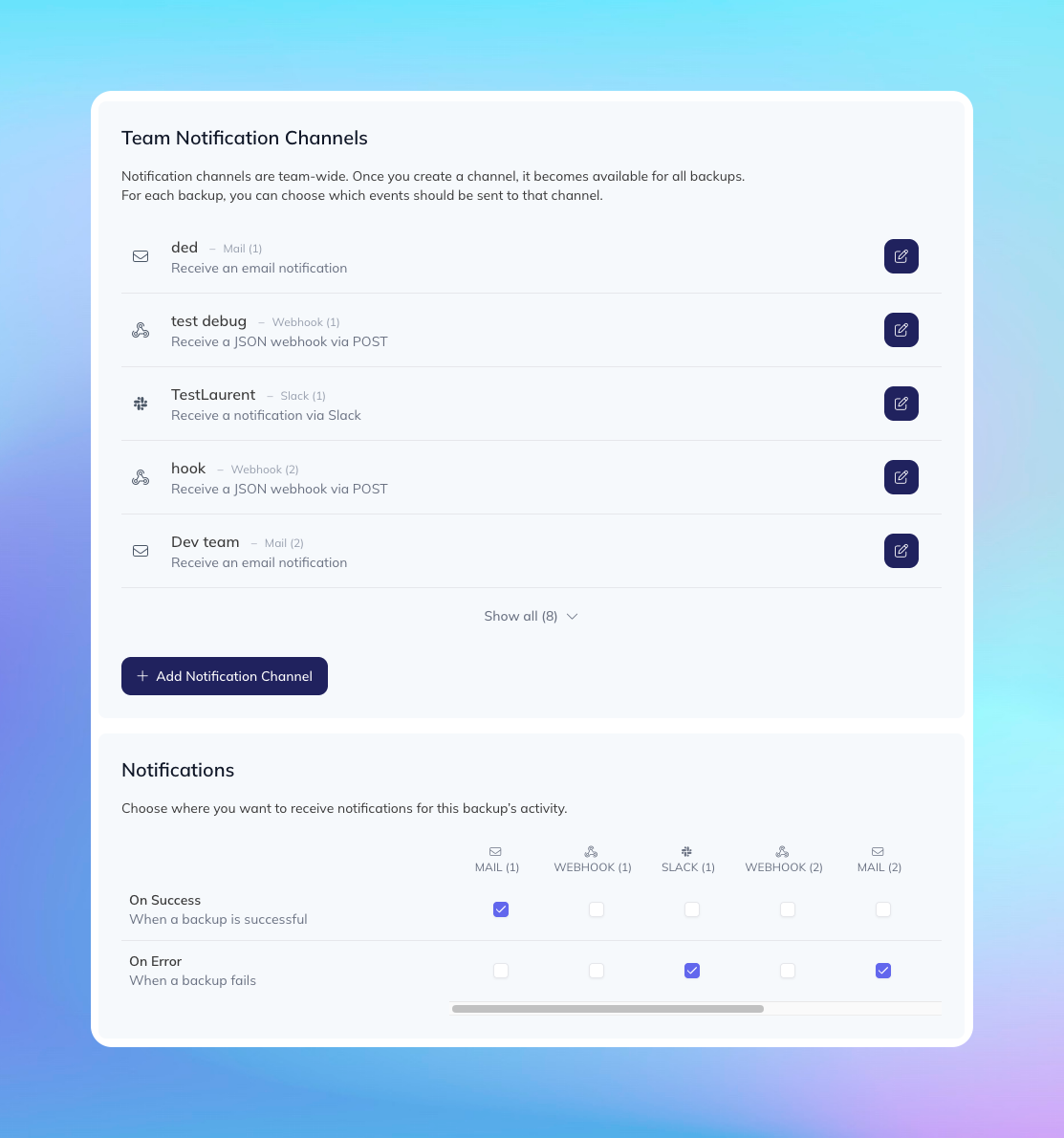
Notification channels were confusing for many users. We rebuilt them from scratch: channels are now defined at your team level and can be enabled per backup based on specific events you want to track. More improvements coming here.
Schedule templates are something we'd postponed for too long. Setting up common backup strategies like GFS used to mean manually adding each schedule. Now you can load a template with one click.
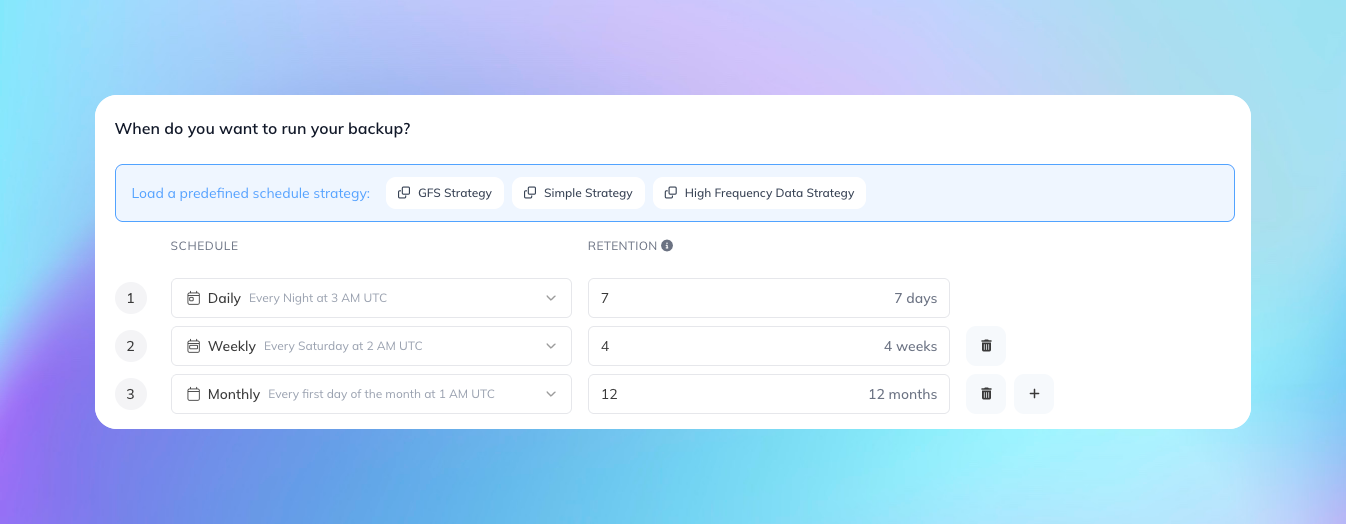
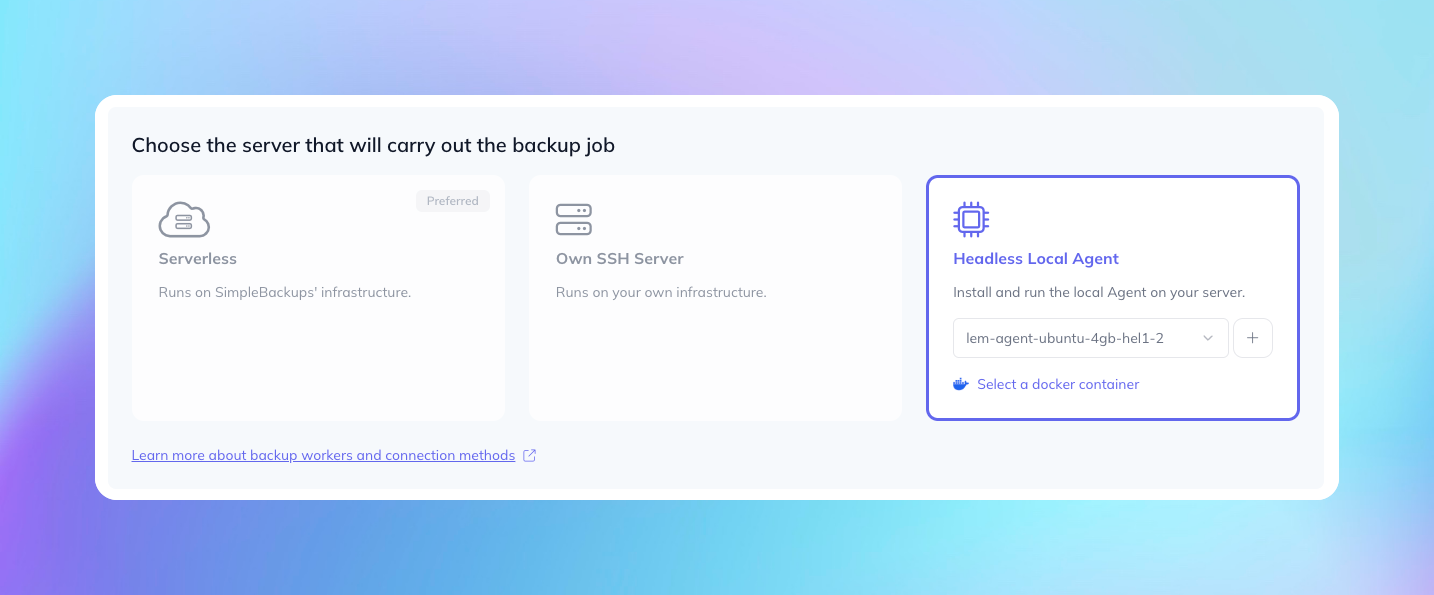
Backup forms got the full treatment. This was actually the final sprint of this whole effort—completely rebuilt with better progress indicators so you always know where you are in the process, consistent typography throughout, contextual helpers, and direct links to our documentation (which we also updated). Creating and editing backups now feels like a guided experience rather than a form you're fighting with.
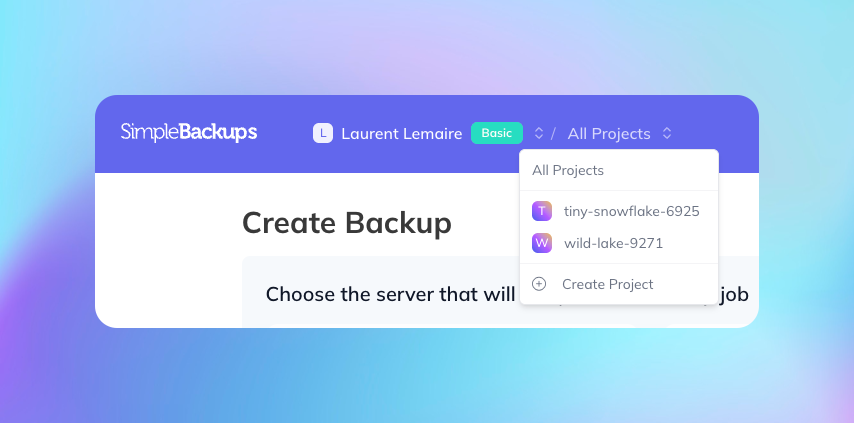
Projects finally work the way they should. Once you're a member of a project, you can view the app through that project's lens only. Much cleaner than the old approach of showing shared resources from all your projects at once.
Under the Hood: Performance
SimpleBackups just turned 6. Thousands of users, tens of thousands of backups running daily, with features and security layers that didn't exist on day one: anomaly detection, monitoring systems, data validation, and more.
All of this requires resources. So we took the time to review and optimize everything.
We use many tools to track exceptions, loading times, request sizes. Over the years, we'd snoozed non-critical exceptions, turned a blind eye on requests we knew could be improved, queries that were probably called too often. Never a real concern at the time. But this season, no one escaped. The goal was simple: all our monitoring tools should display an empty "things to look into" list.
One by one. Why is this exception showing up? How can we optimize that query that runs thousands of times per day?
It was a lot of work. But this methodical approach forced us to dive into every part of the application with care. Each small fix added up. Each optimized query compounded.
The result? We've reduced our computing needs by close to 30%, with more optimization still ahead. For us, this means we can grow confidently without worrying about hitting infrastructure limits. Less time firefighting servers, more time building.
For you, it means the application is dramatically snappier. Things are reactive, fluid, with virtually no loading time. We still have a few points to polish, but the difference is significant.
We're a small team of engineers who actually enjoy making things work well. The old stack was frustrating us every day, and that frustration eventually bleeds into the product.
Now we're debt-free on the frontend. We can move fast again. That feels good.
Good job, team.