

A backup fails at 03:00. The alert reaches Slack, and the person who reads it first opens the dashboard, finds the job, opens the run history, reads the error, decides whether it is the database or the tunnel, and then goes looking for the last run that worked. That sequence takes ten minutes on a good day, and most of it is navigation rather than thinking. The SimpleBackups MCP server collapses it into one question, asked in the tool you already have open.
It came out of private beta in August and is open to every SimpleBackups account. Since 26 August 2026 it is also listed in Claude's official Connector Directory, which means adding it takes one click and nothing to configure.
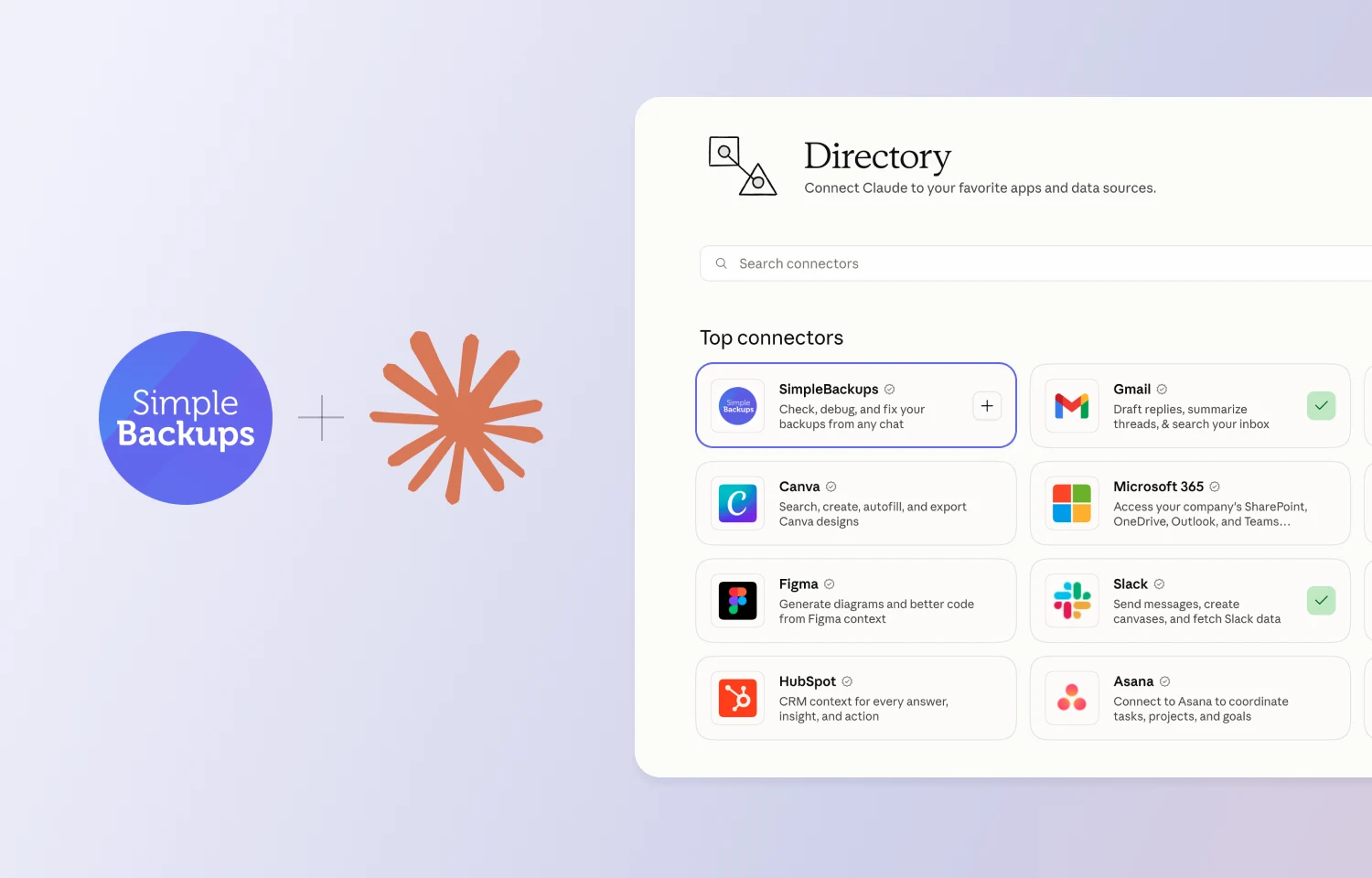
A connector directory is mostly productivity software, where the work is writing and planning and talking. Backup infrastructure is not obvious company for it. We think it should be. The industry has treated AI assistants and operations tooling as two separate problems, one about drafting and one about uptime, and the 03:00 sequence above is why we think they are the same problem. The work is reading state, forming a judgement, and acting on it. That is what an assistant is for.
What is the SimpleBackups MCP server?
The SimpleBackups MCP server is a remote server that lets an AI assistant read and act on your SimpleBackups account. It publishes a set of tools covering four jobs: seeing the state of your backups, understanding why one failed, controlling when runs happen, and preparing a restore.
The Model Context Protocol is an open standard for letting AI assistants call tools in external systems. An MCP server publishes the tools; a client such as Claude, Cursor, or Codex discovers them and calls them on your behalf.
Ours is remote, so there is nothing to install and nothing to keep updated. You point your client at https://mcp.simplebackups.ai/mcp, approve an OAuth prompt in your browser, and your assistant gains a set of tools scoped to one team in your account. Authentication is OAuth 2.1 with Dynamic Client Registration, so there are no API keys to paste into a config file and no tokens sitting in your dotfiles.
Connect the MCP server to Claude, Cursor, or Codex in a minute.
Read the installation guide →
What can you do with it?
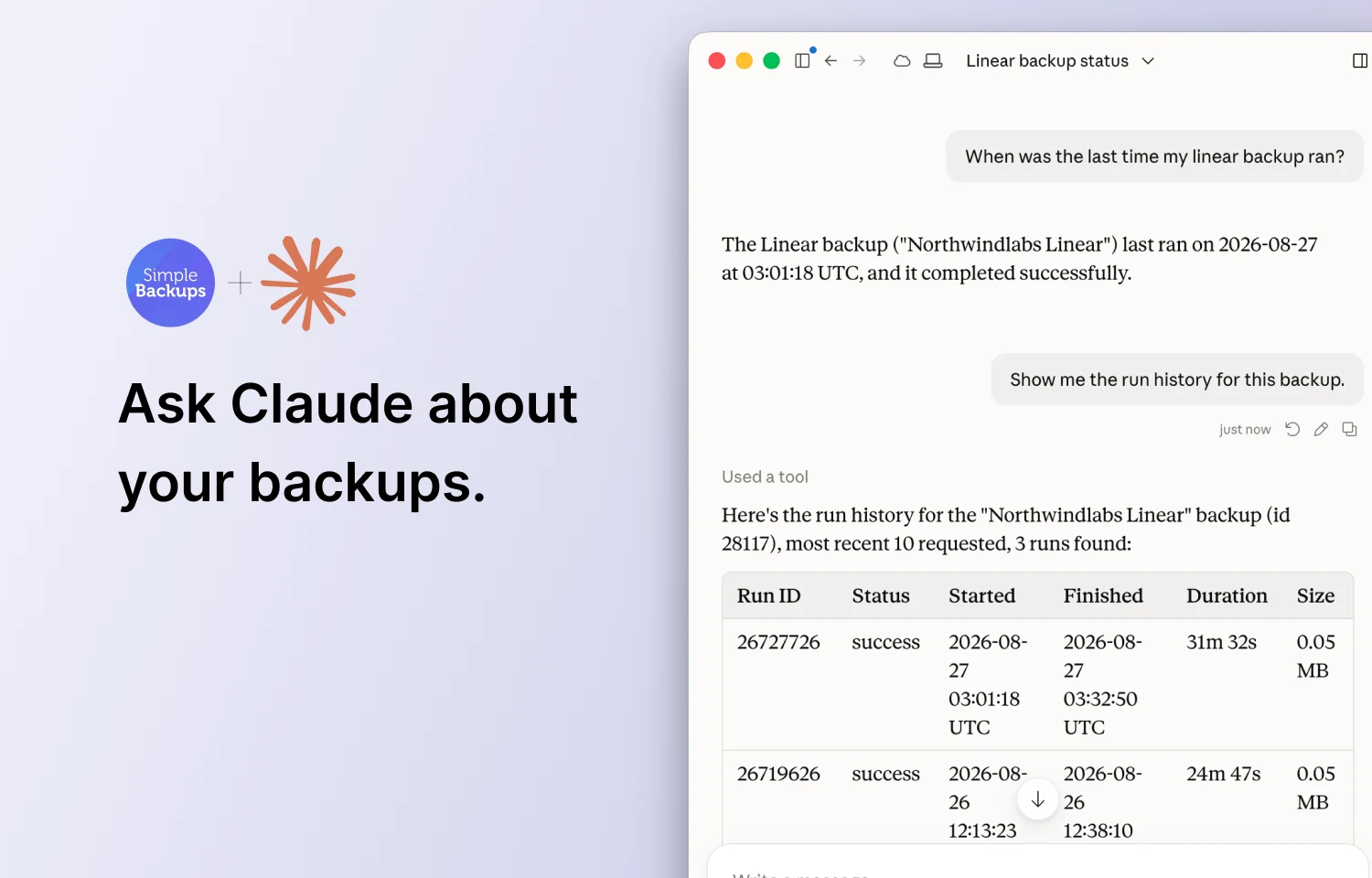
You ask, in words, for the thing you would otherwise click through five screens to find. The tools cover four jobs: seeing the state of your backups, investigating why one failed, controlling when runs happen, and preparing a restore.
See the state of everything
Account health in a single call: what exists, what is failing, what has gone quiet, and which servers and storage destinations are connected.
Any backups failed in the last 7 days?
Investigate a failure
Narrows to what broke, returns the run history, then pulls the real stdout and stderr so the assistant reads the same error you would read on the server.
Why did backup #28491 fail last night?
Control when runs happen
Trigger an on-demand run, or pause and resume for the maintenance window you did not plan for. All three ask you to confirm before they execute.
Pause every MySQL backup, I'm doing maintenance.
Prepare a restore
Assembles the restore for a given run and returns instructions specific to that backup type. The server prepares; you run the commands.
Prepare a restore of last night's postgres run.
The difference shows up as step count. Three real jobs, counted as the navigation steps each one takes in the dashboard, against the question you would ask instead:
| The job | In the dashboard | What you ask instead |
|---|---|---|
| Triage a failed backup | 14 steps | "Why did mysql-orders-staging fail?" |
| Restore last night's database locally | 11 steps | "Pull the latest postgres-xyz backup and restore it locally." |
| Produce SOC2 evidence across 23 backups | 47 steps | "Prove every prod backup ran in the last 30 days, as JSON." |
How do I connect Claude to SimpleBackups?
The shortest path is Claude's Connector Directory. Open claude.ai/directory/simplebackups, add the connector, and approve the OAuth prompt. Nothing to paste, nothing to configure. That covers claude.ai and Claude Desktop.
If you work in a terminal, or your client is not Claude, add the server URL yourself. Claude Code takes one command:
claude mcp add --transport http simplebackups https://mcp.simplebackups.ai/mcp
Then start Claude Code, type /mcp, and approve the browser prompt.
Cursor and Codex take the same URL, as does any client supporting the streamable-http transport. The per-client steps are in the MCP server documentation, and the full tool reference is in the API docs.
Is it safe to let an AI assistant touch my backups?
Yes, because the server is built so that the destructive things are not reachable. Backups are what you fall back on when everything else went wrong, so an AI assistant with a connection to them needs clear limits rather than good intentions. Ours are:
- No credentials leave SimpleBackups. Not to the client, not to the model, not in any tool response.
- No delete tool exists. Nothing exposed over MCP can remove a backup, a run, or a stored archive.
- No unattended writes to your data. Restores are prepared and handed to you as instructions. The server never runs them against your database.
- Actions confirm first. Triggering, pausing, and resuming all prompt you before they execute.
- One team per connection. A token is scoped to a single team, and you revoke any connection from Settings, MCP in your dashboard.
MCP server or REST API: which should you use?
Use the REST API for work you write down once and repeat forever, and the MCP server for the investigative work in between. We already have a REST API, and the MCP server does not replace it. They answer different kinds of question.
| REST API | MCP server | |
|---|---|---|
| Shape of the work | Deterministic, repeated, written once | Conversational, exploratory, different every time |
| Who calls it | Your CI pipeline, your onboarding script, your cron | You, through an AI assistant |
| Typical use | Trigger a backup before every deploy | Work out why last night's backup broke |
| Auth | Bearer token you manage | OAuth 2.1, no keys to store |
| Failure mode you care about | A 500 in a pipeline | A wrong answer in a chat window |
A rule of thumb that has held up: if you would write it down as a runbook step, use the API. If the runbook step is "investigate", use the MCP.
The two also compose. Your pipeline triggers backups through the API on every deploy, and when one of those runs goes red, you ask your assistant what happened.
The beta users who shaped it
We ran the MCP server as a private beta for several months, and the reason was straightforward: we wanted the people who would actually use it to tell us what it still needed before everyone got it. They did, and the server is better for it.
Nicolai at Peanut App gave us the single most useful piece of feedback we received. When a backup failed, his assistant could tell him that it had failed, but the error excerpt it returned was an internal bookkeeping string rather than the error the backup process itself had produced. He pointed out that this still meant opening the dashboard to find out what happened.
We shipped get-run-output within days. It fetches the real stdout and stderr from the run. In Nicolai's case the answer turned out to be a typo in a Postgres pre-script:
ERROR: column "pg_wal_replay_pause" does not exist
One line, sitting in the output the whole time. An assistant that says "this backup is failing because your pre-script calls a column that does not exist" is a different tool from one that says "this backup is failing." That tool exists because somebody took the time to tell us what to build.
Two of our beta users offered to say something publicly:
"We used the Simple Backups MCP to troubleshoot a pesky backup that kept failing. It helped uncover a configuration issue that we made. It would have taken way more time to troubleshoot this issue without the MCP."
Jason Siffring, Owner, Surprise Highway
"The SimpleBackups MCP integration makes debugging failed backups incredibly fast. Getting the exact error reason directly within the AI assistant saves us a lot of time when troubleshooting."
Nicolai Dalsgaard, Peanut App
Both describe the same job, and it is the one we optimized for: shortening the distance between a failed run and the reason it failed. Our thanks to everyone who spent time in the beta and told us what was missing.
Try it
If you already run backups with us, connecting takes about a minute, and the first question worth asking is the boring one: anything failing right now? You will either get a reassuring answer or find something you did not know about, and both are useful.
We are still shaping this. get-run-output exists because one person told us what was missing, and the same door is open now that everyone can use it.
FAQ
Which MCP clients work with SimpleBackups?
Any MCP client that supports the streamable-http transport and OAuth 2.1 with Dynamic Client Registration. That includes Claude Desktop and claude.ai, Claude Code, Cursor, the OpenAI Codex CLI, Windsurf, Zed, and VS Code with an MCP extension. Claude Desktop and claude.ai can add SimpleBackups from the Connector Directory in one click; every other client takes the server URL directly.
How do I revoke an AI assistant's access to my backups?
Open Settings, then MCP in your SimpleBackups dashboard, and revoke the connection. Access stops immediately for that client. Because each connection is a separate authorization, revoking one assistant does not affect any other client you have connected.
Does connecting the MCP server require an API key?
No. The MCP server uses OAuth 2.1 with Dynamic Client Registration, so you approve the connection in your browser and the client stores the token itself. There is no key to paste into a config file and no token sitting in your dotfiles. The SimpleBackups REST API is the one that uses a bearer token you manage.