FeatureImprovement
Changelog - September 2026 #1
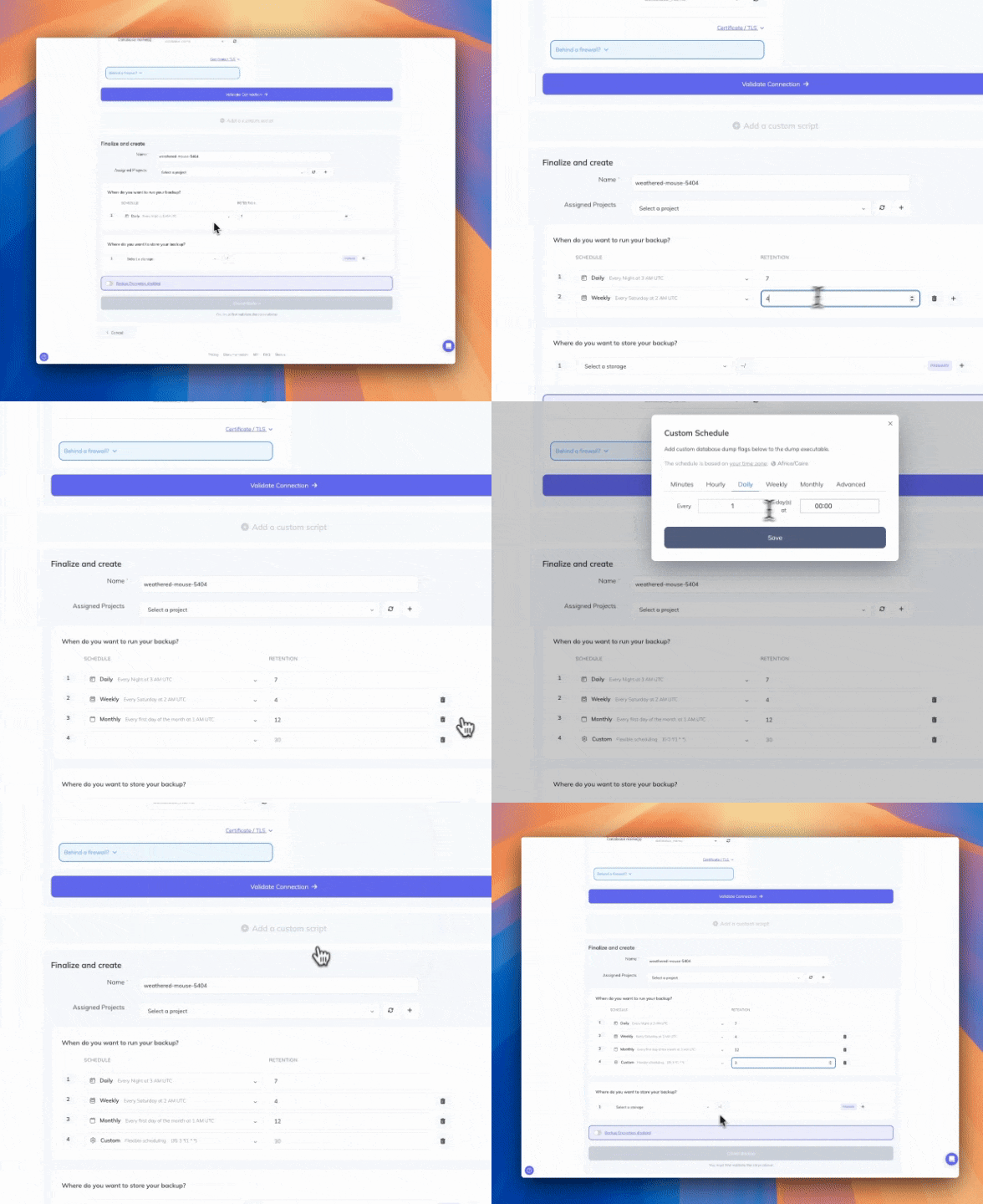
4x faster backup orchestration
We rebuilt how backups on a fixed schedule (daily, weekly or monthly) are orchestrated across our infrastructure. Queue time for these backups is now more than 4x shorter, so each run is picked up sooner.
What's New
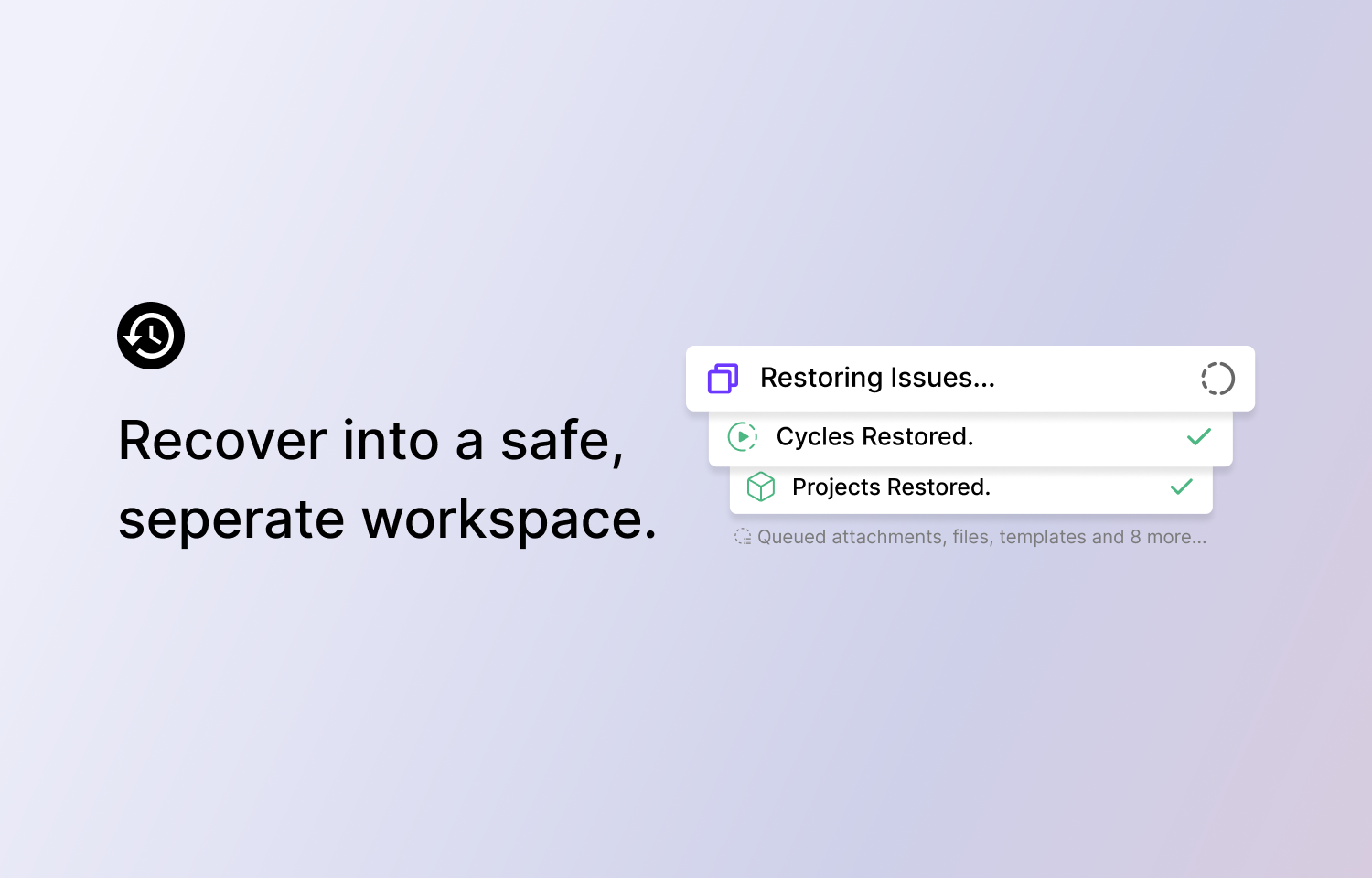
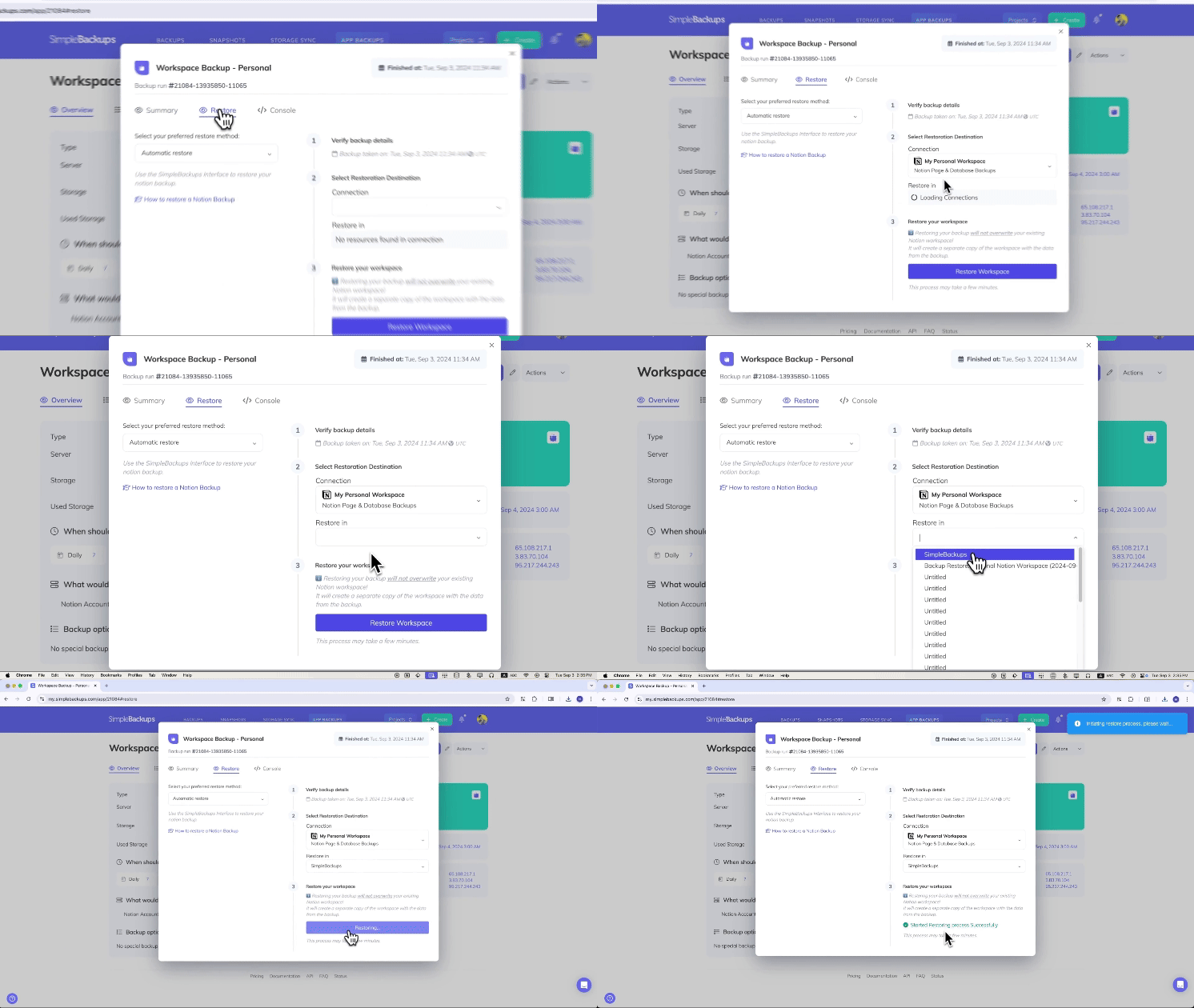
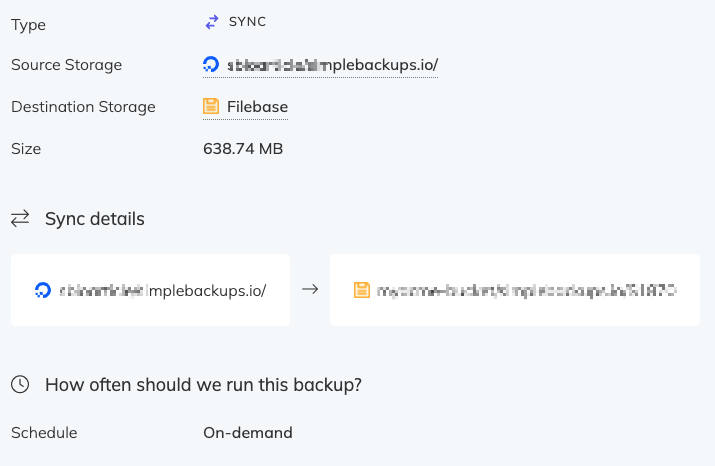
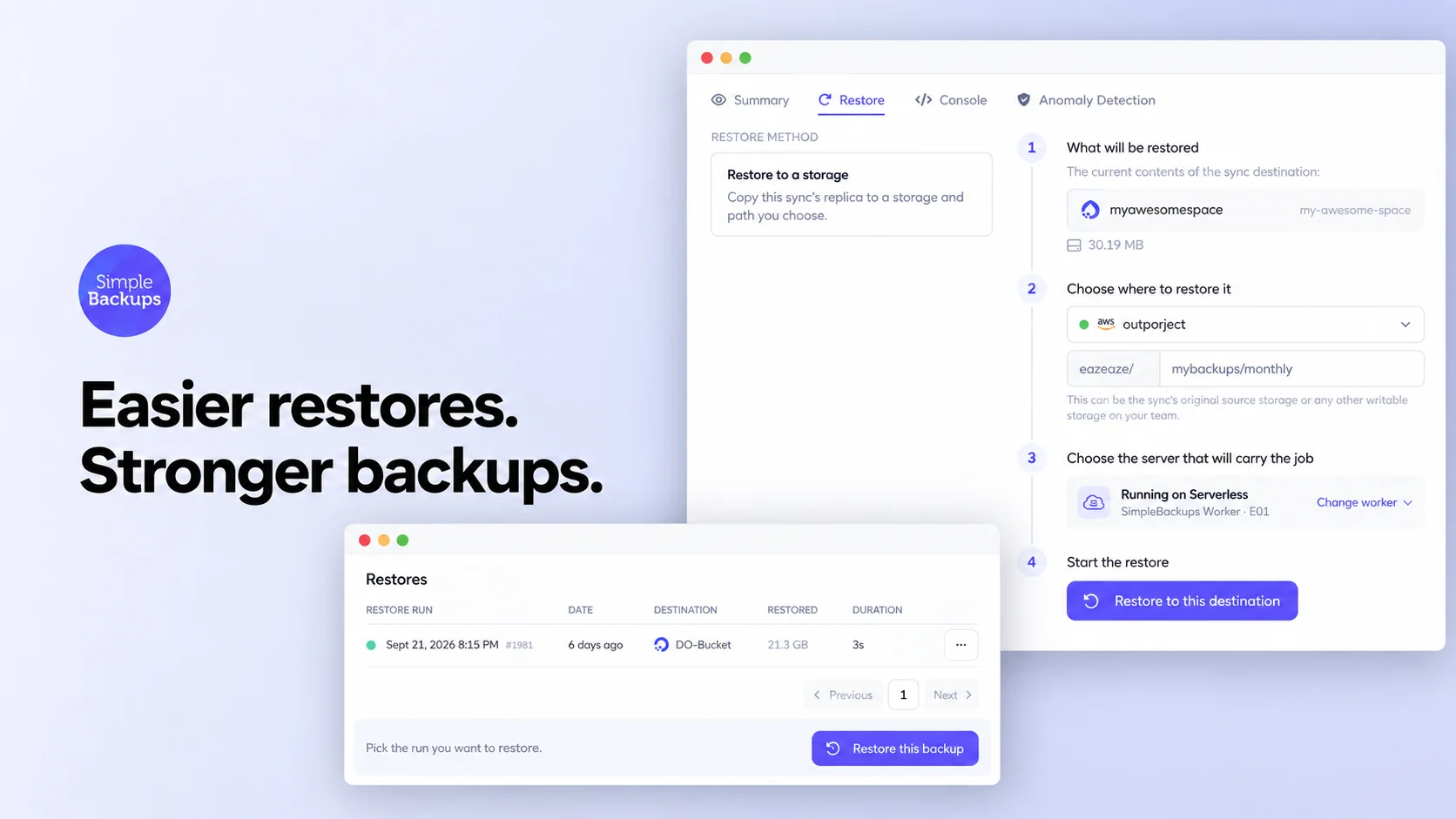
- Restore a storage sync from the dashboard. Copy your sync's replica to any storage and path on your team in a few clicks, without setting up a reverse sync. Read the Storage Sync restore guide.
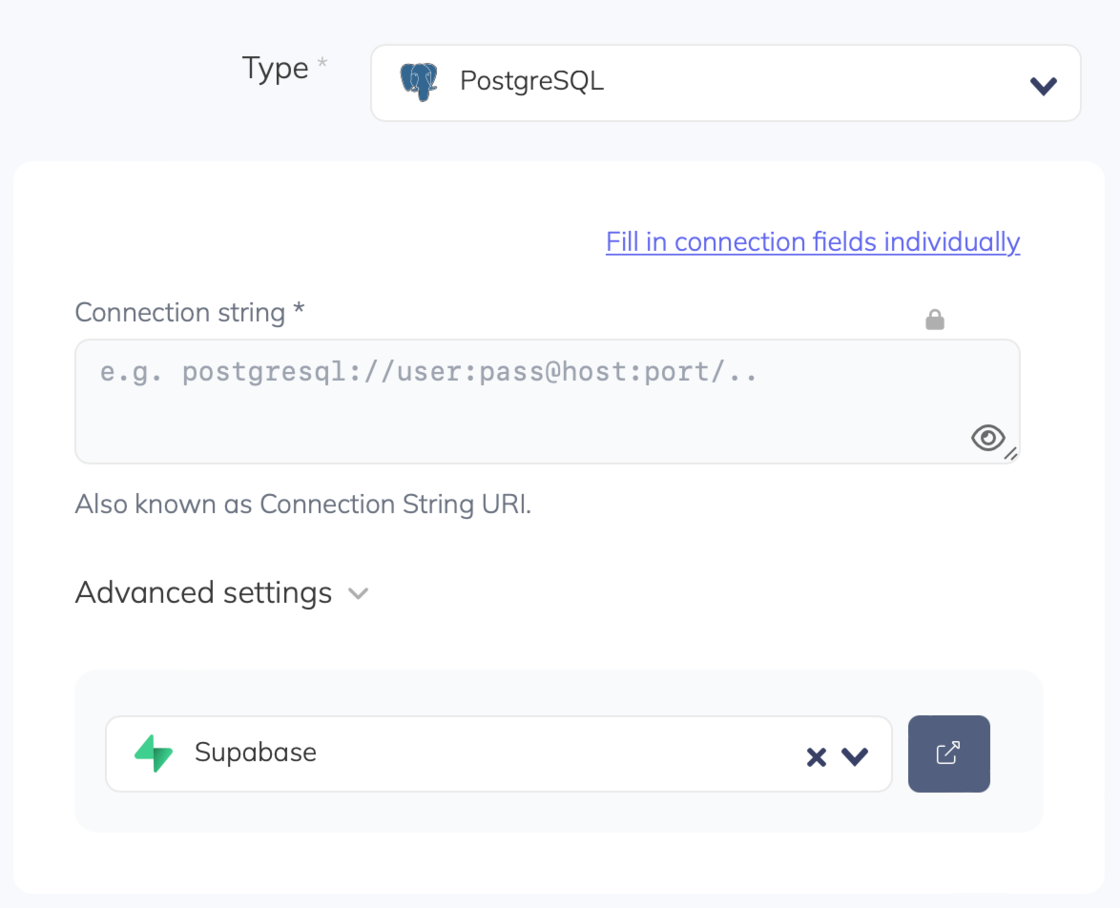
- Keep permissions in Supabase backups. You can now include
GRANTandREVOKEprivileges in Supabase PostgreSQL backups, so a restore brings your access rules back with your data.
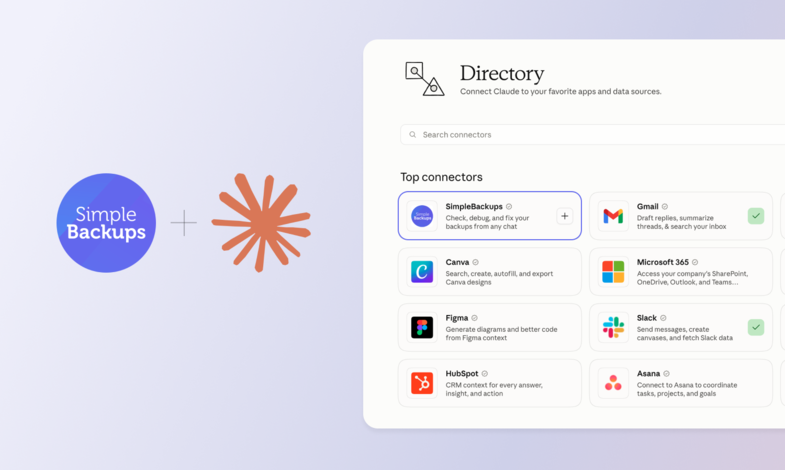
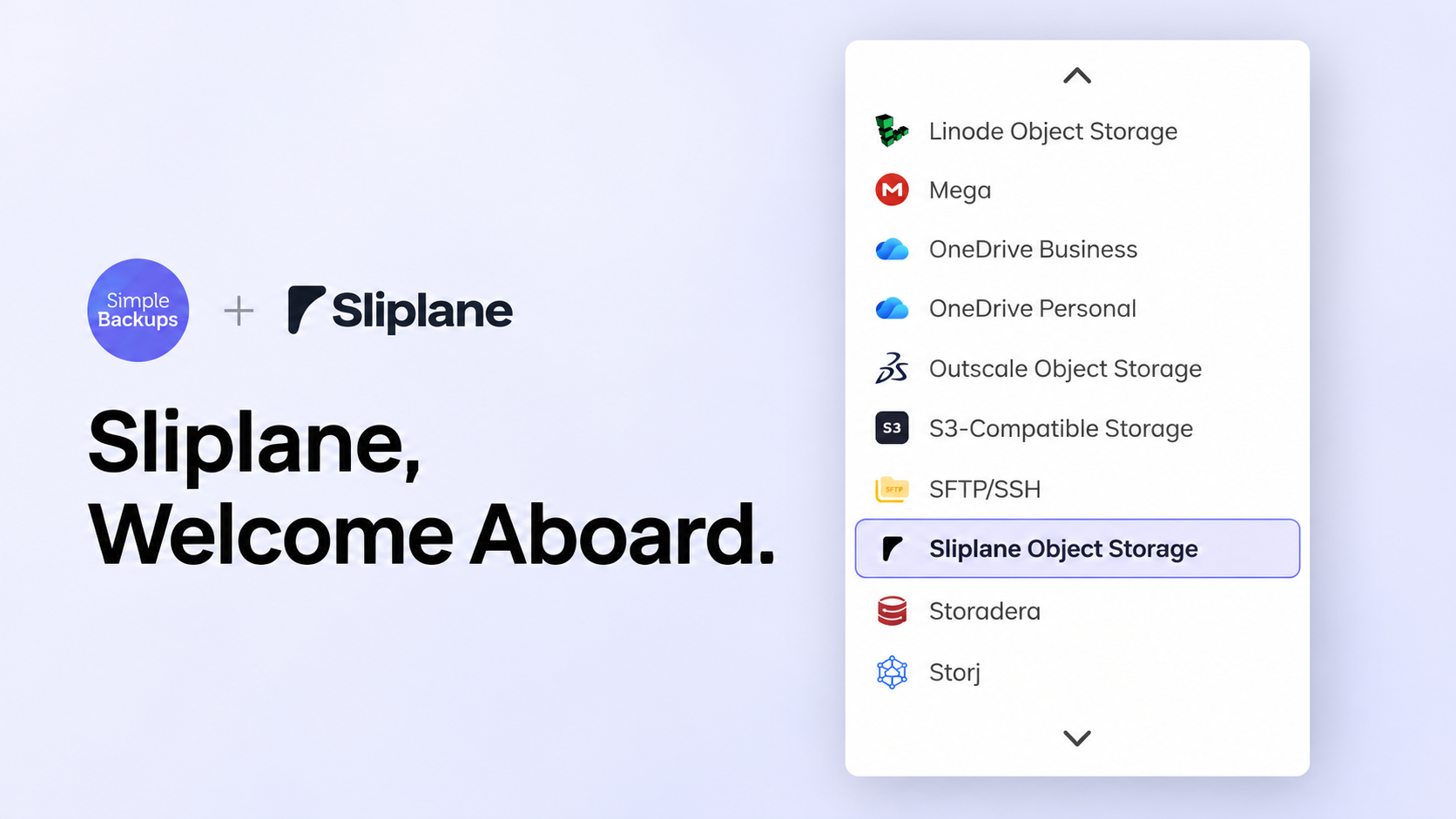
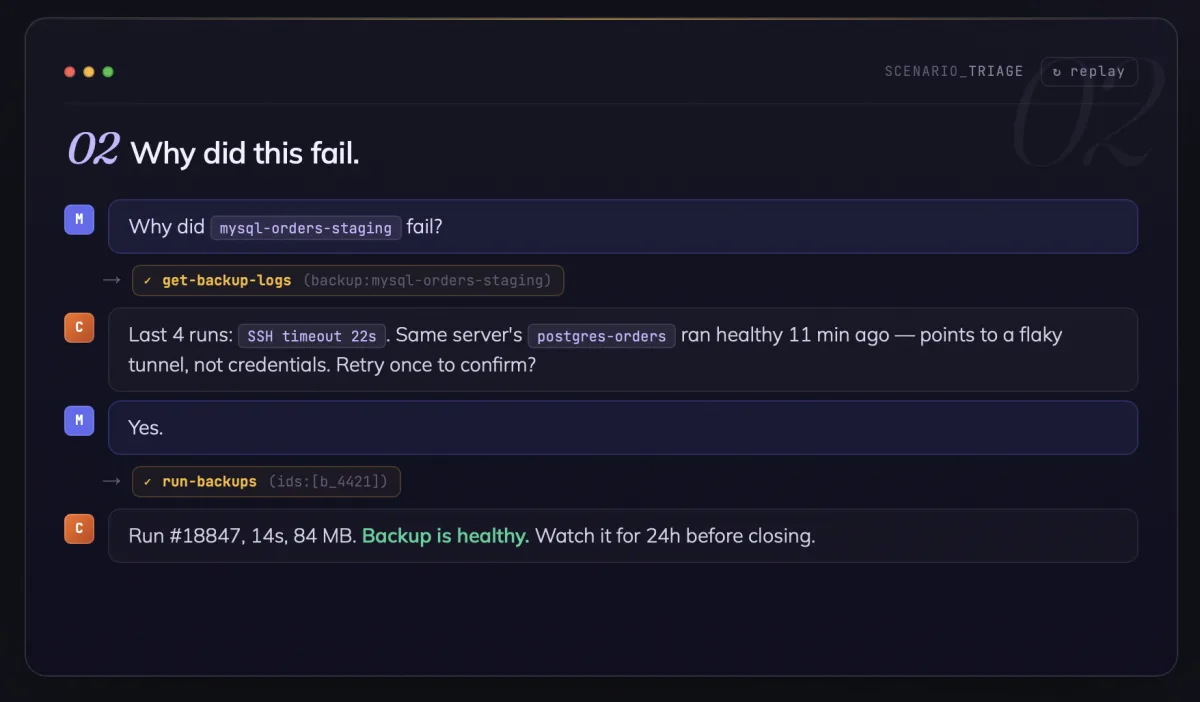
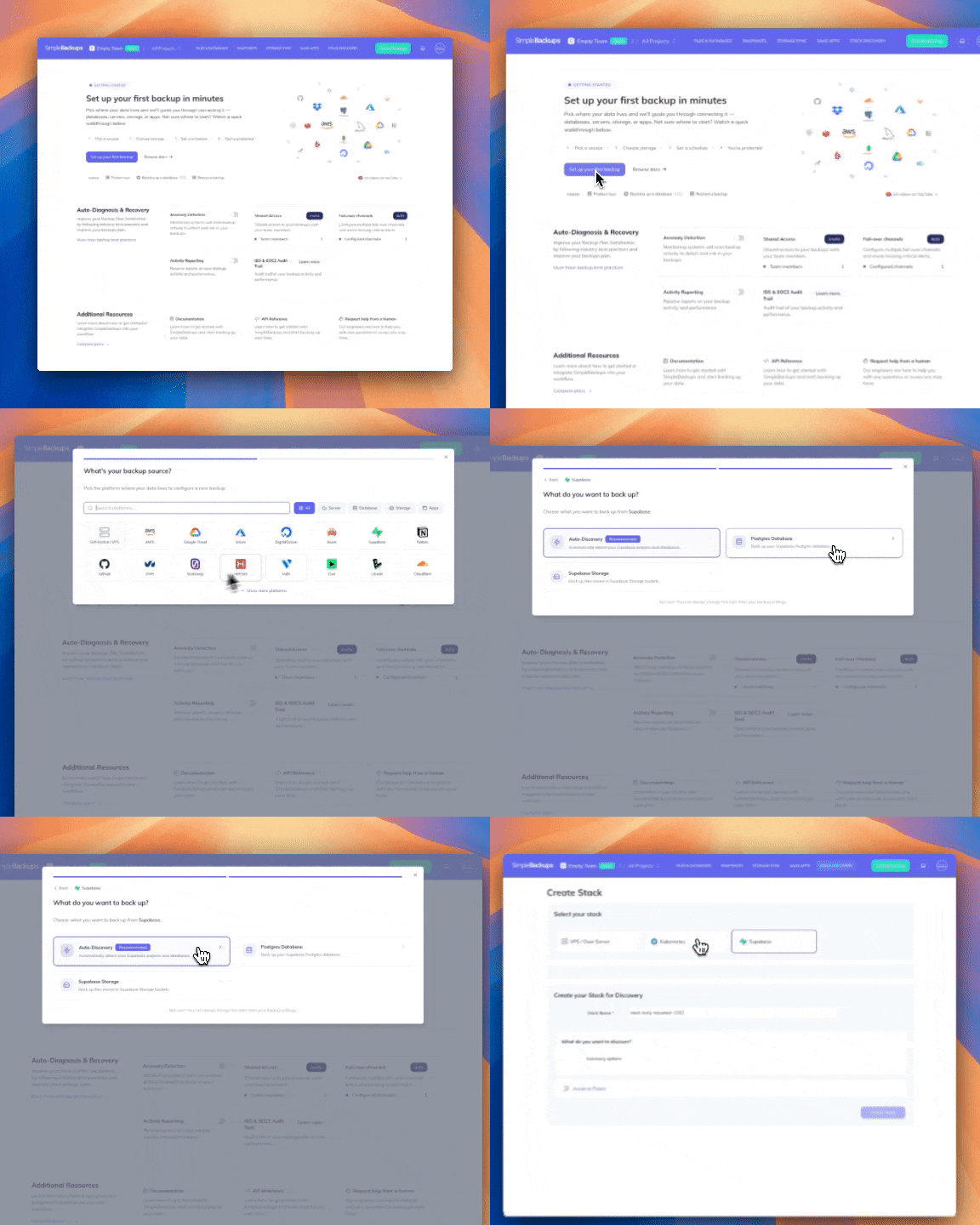
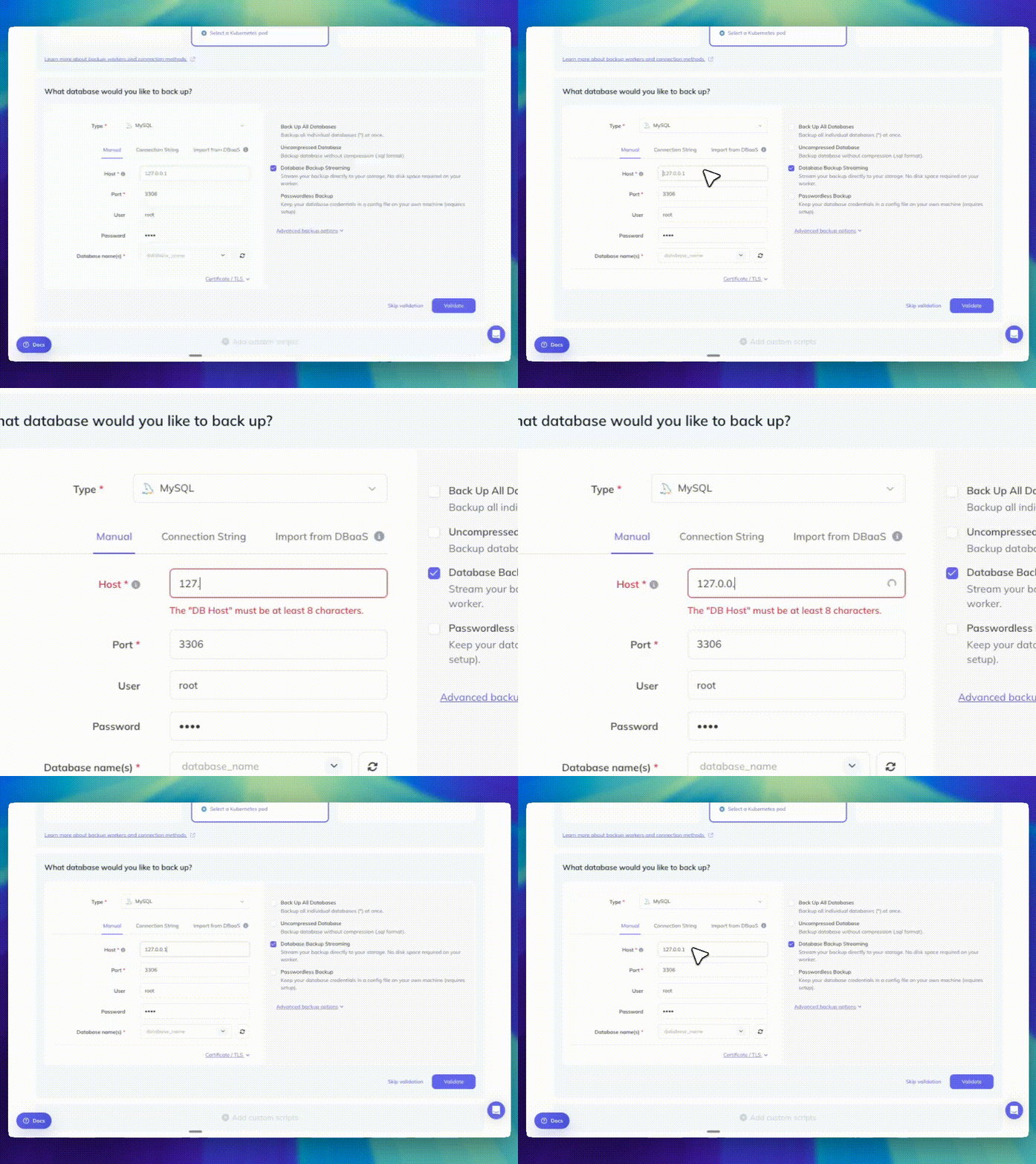
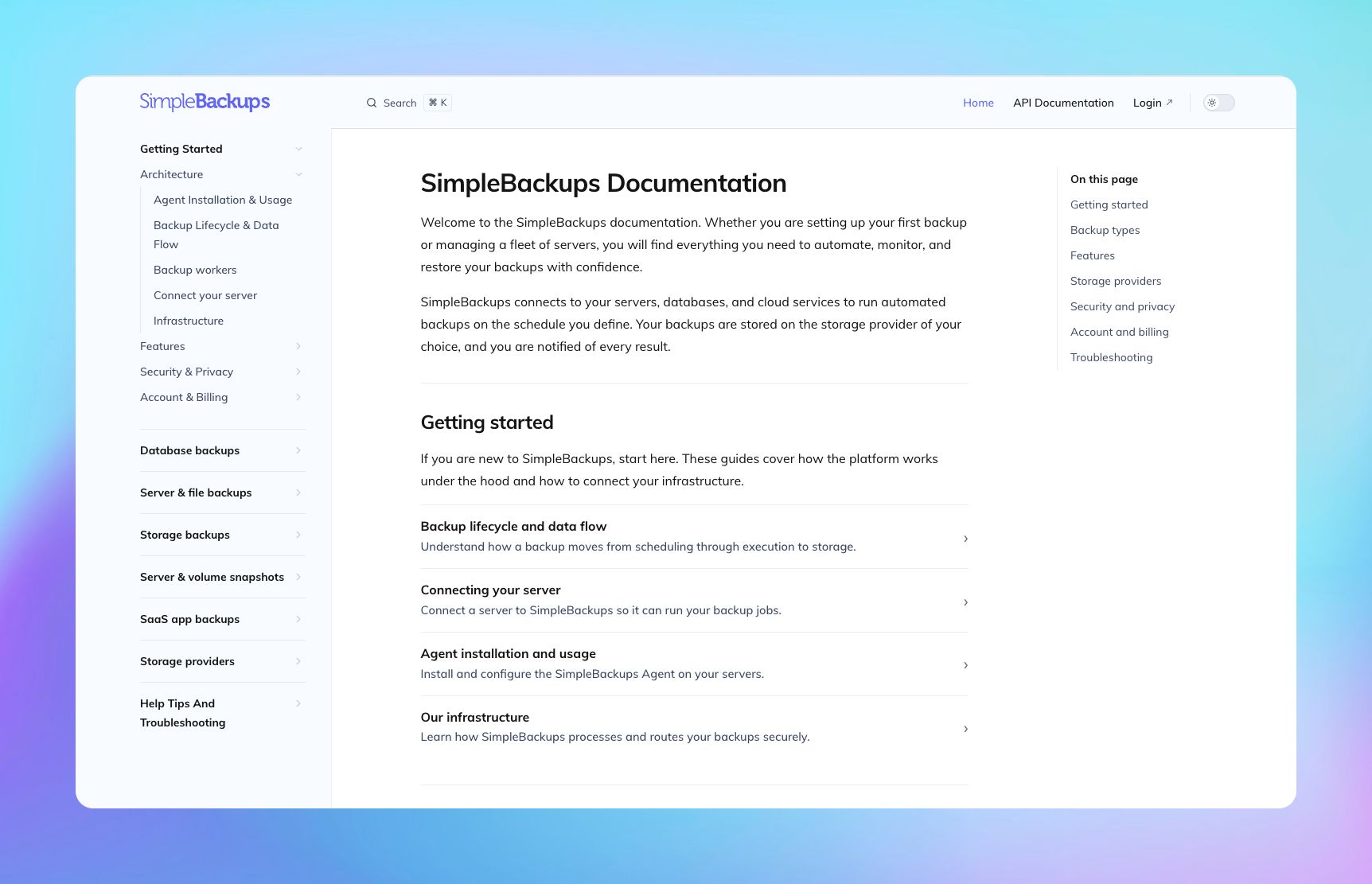
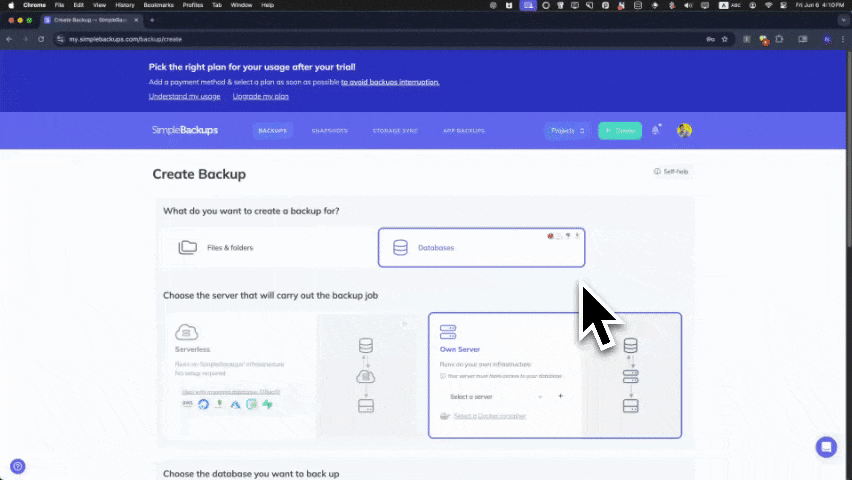
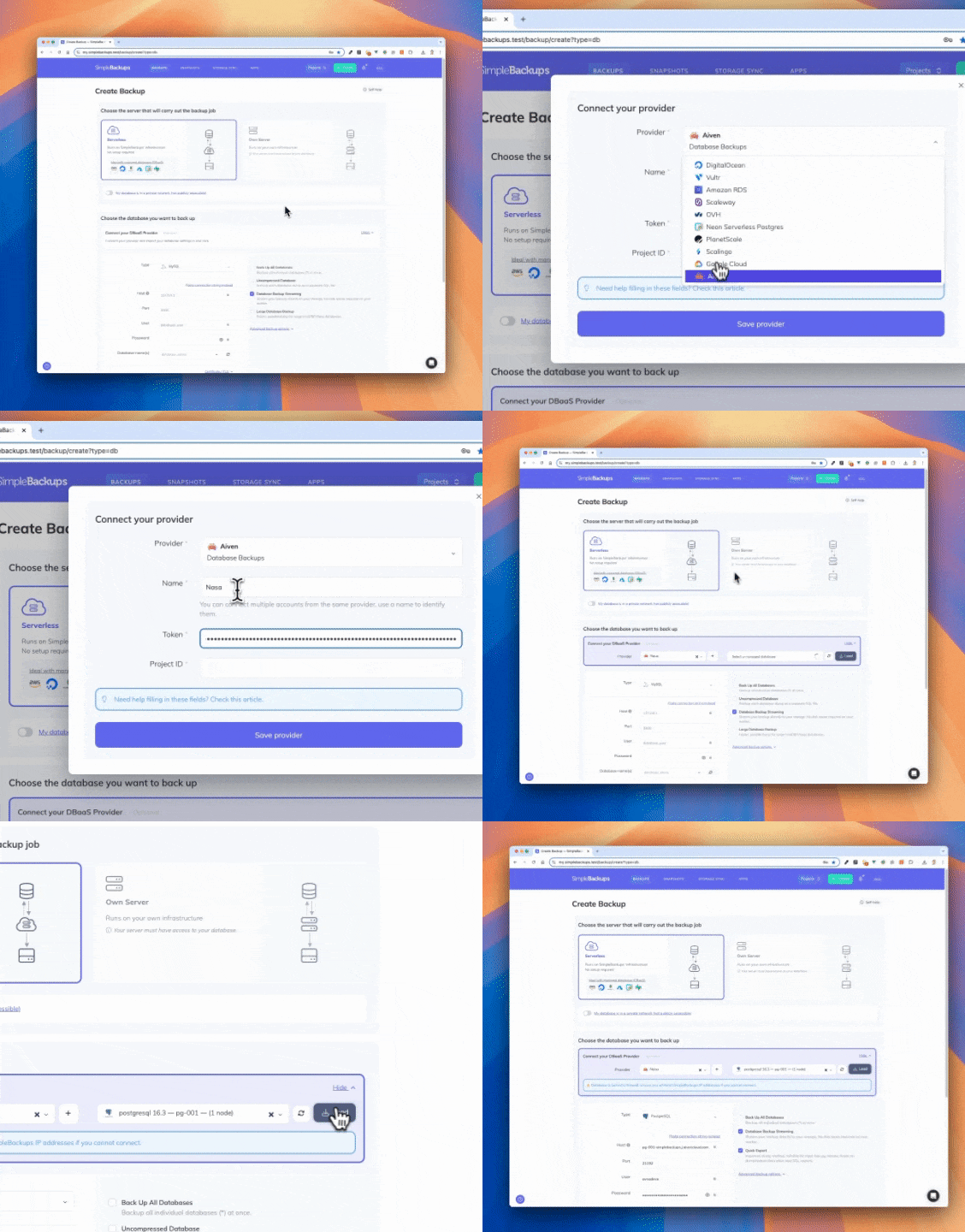
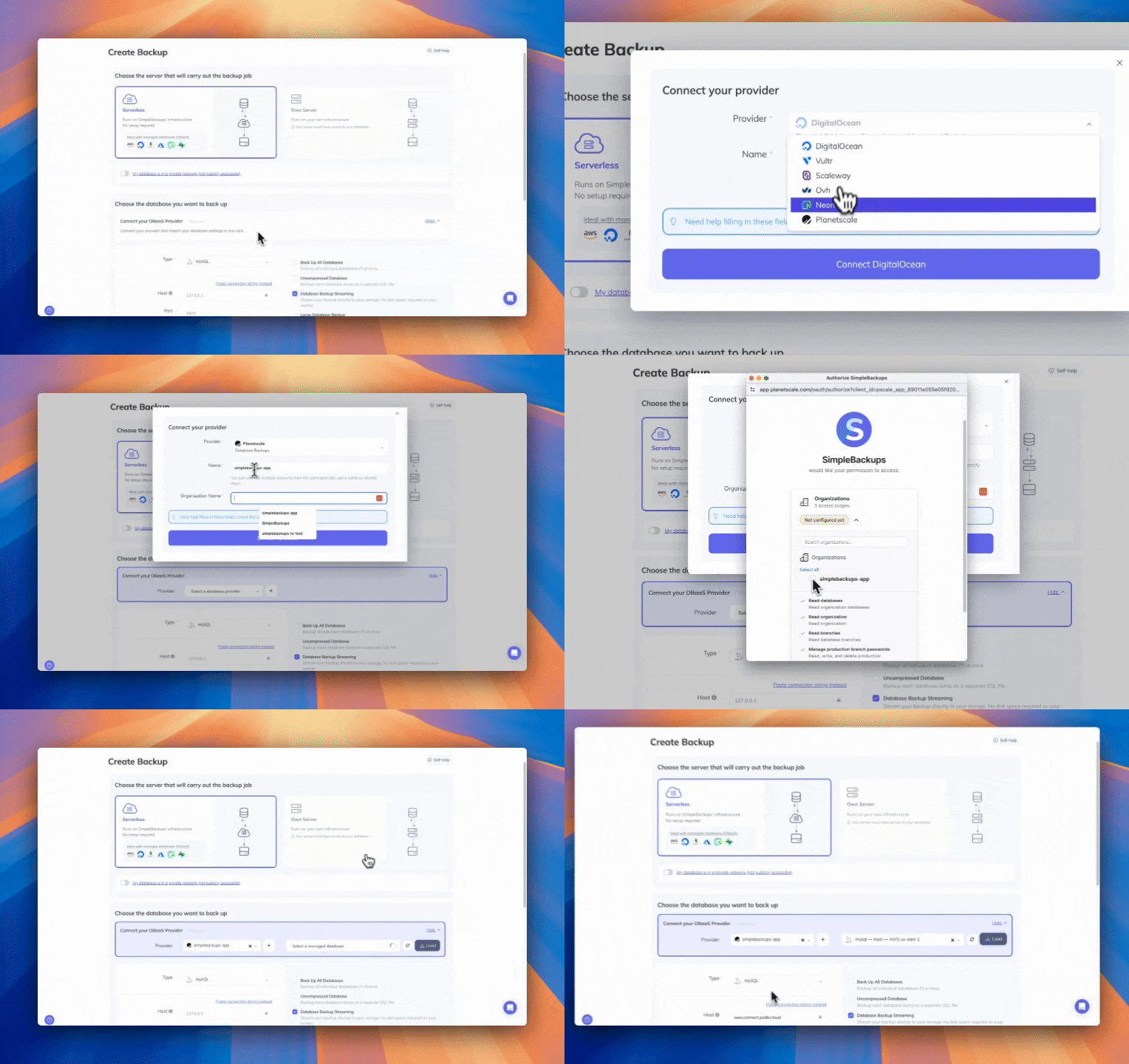
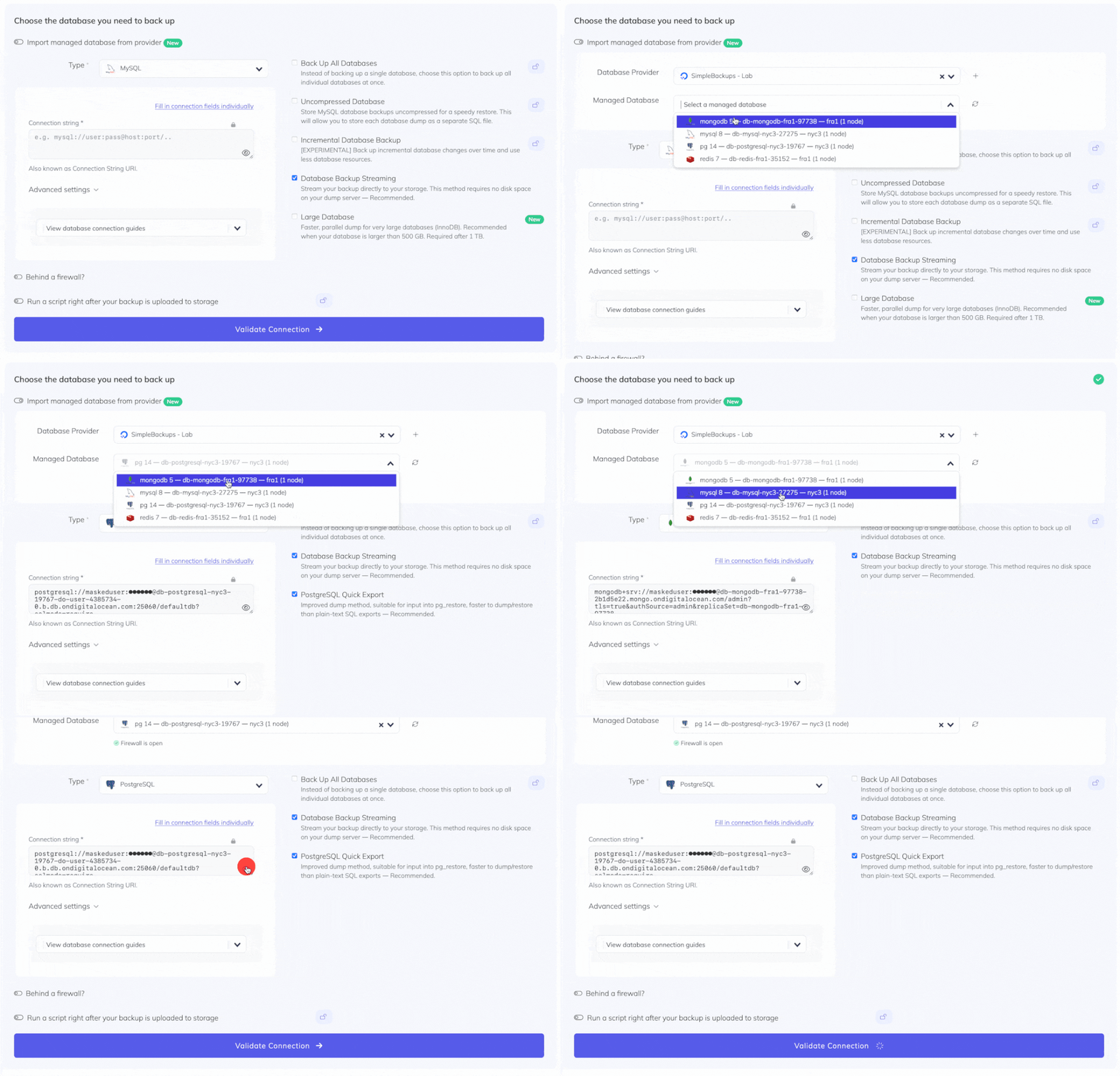
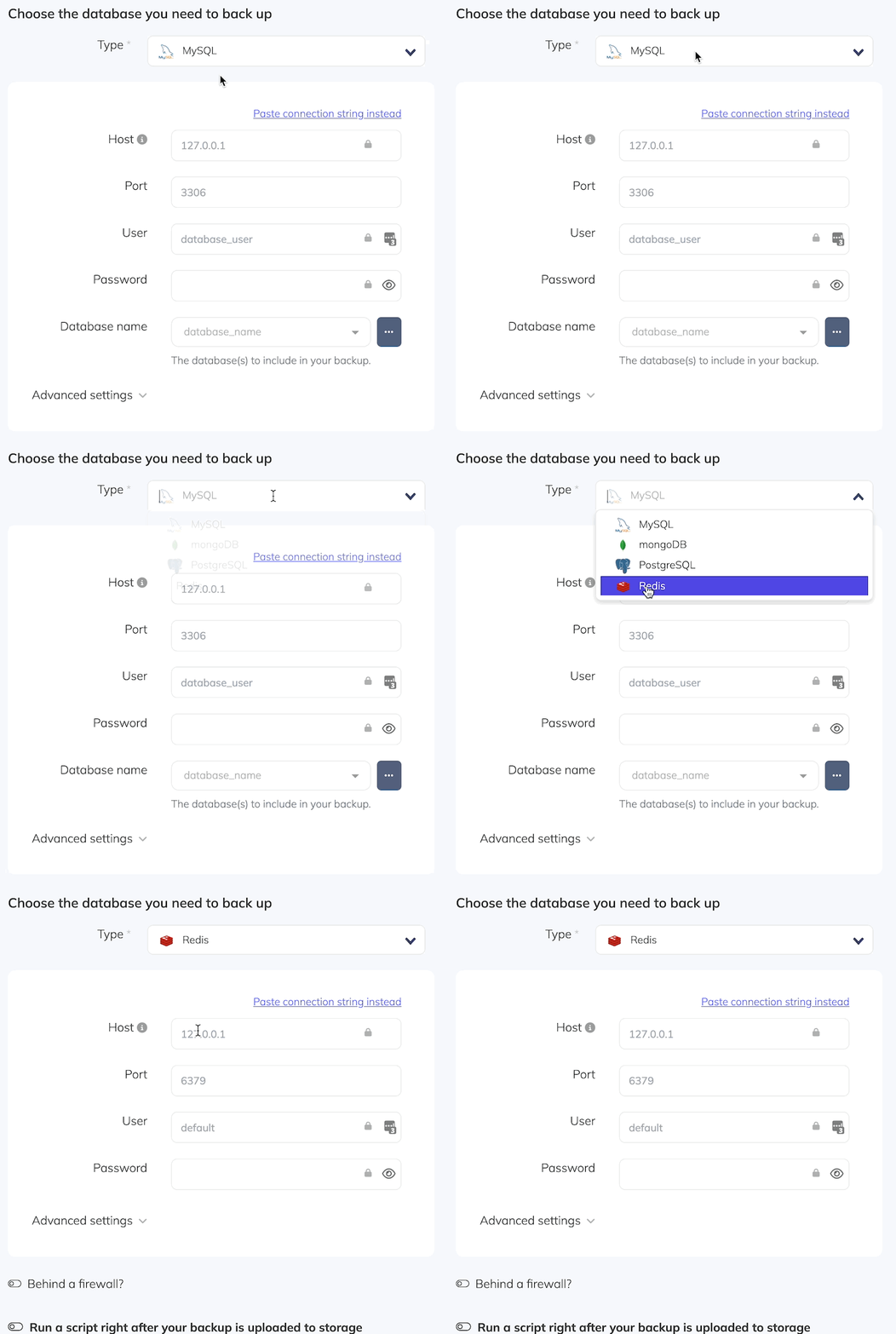
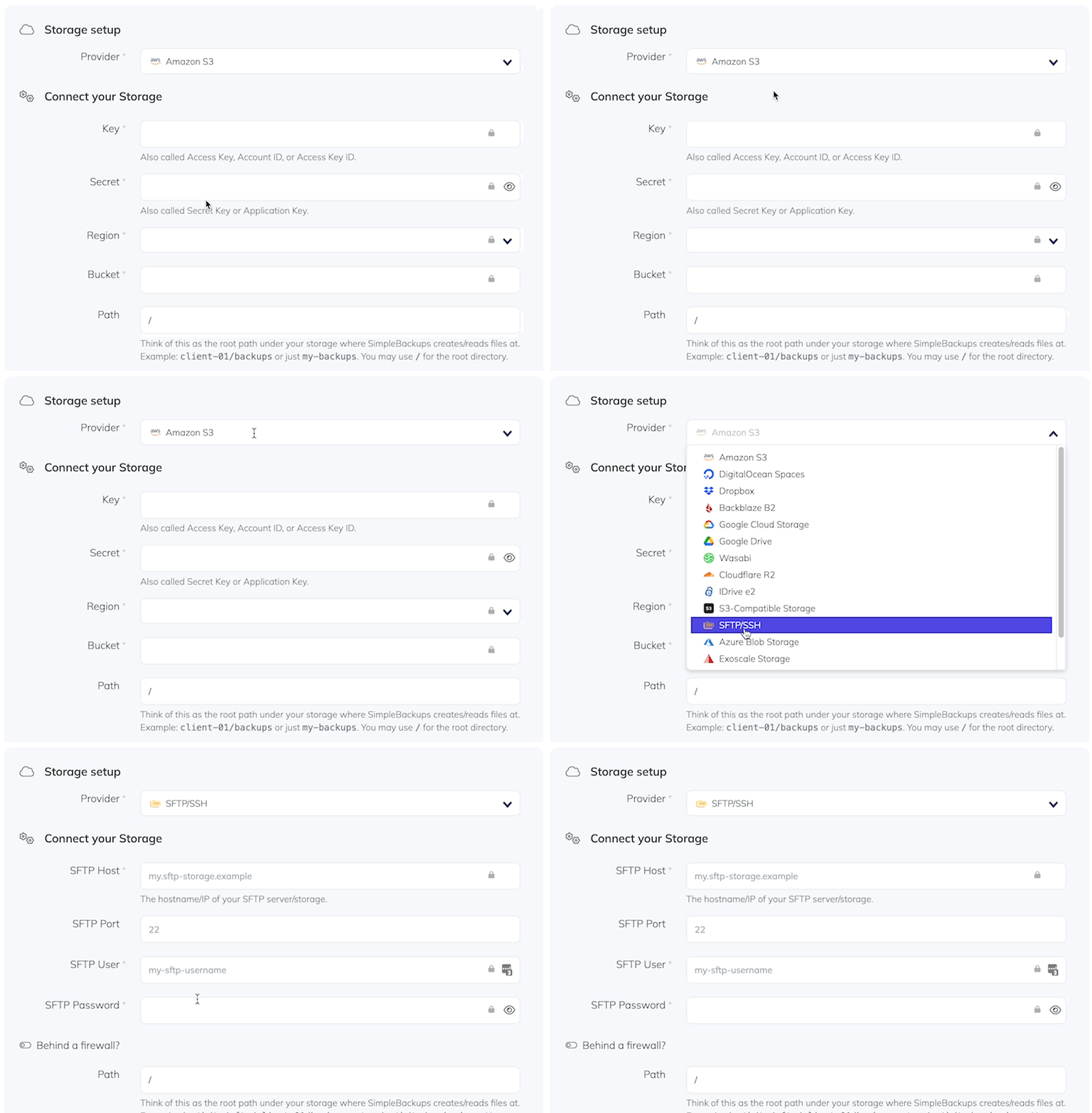
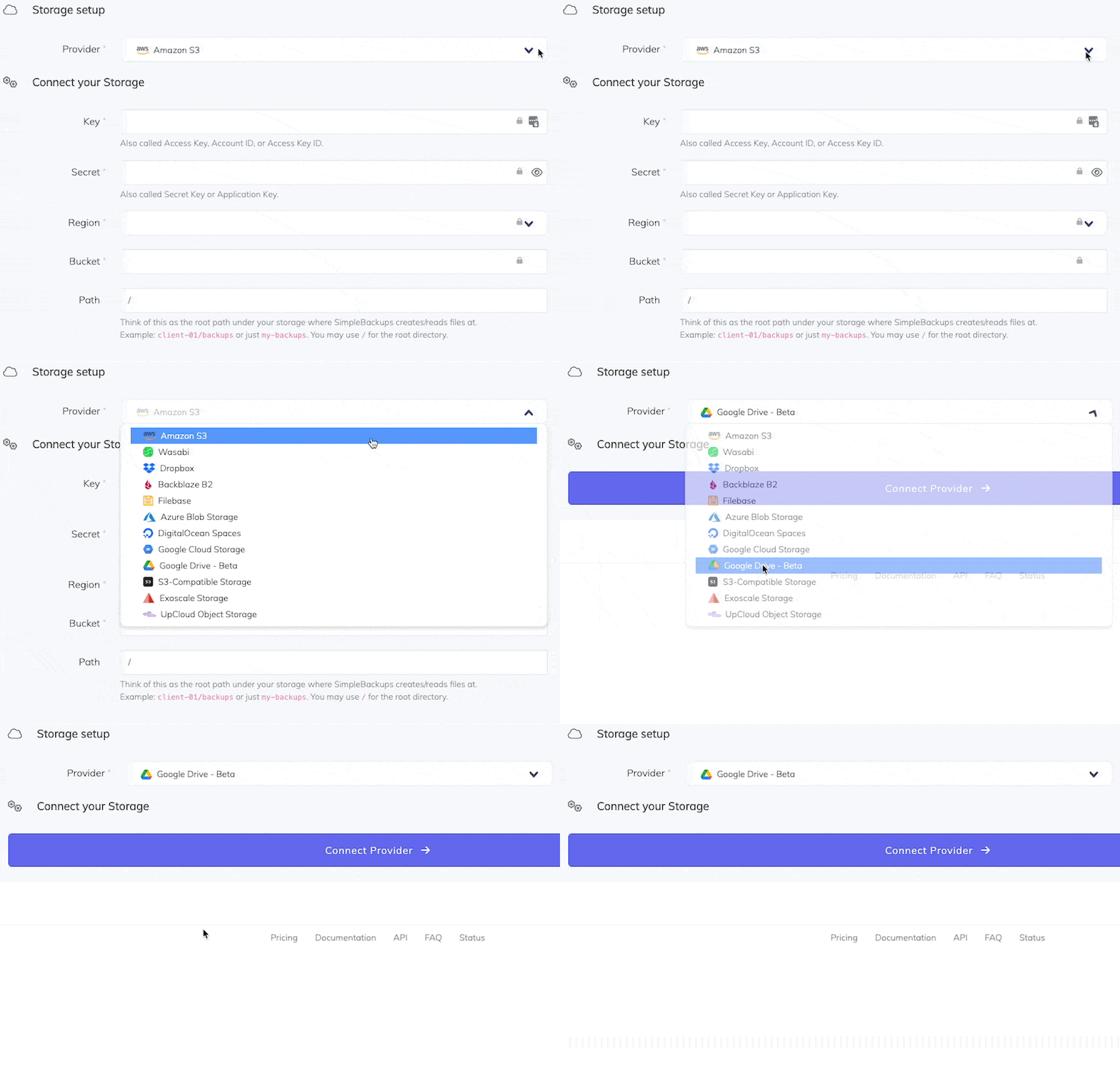
Also this month: SimpleBackups in Claude's Connector Directory, a simpler way to get started, and Sliplane object storage as a backup destination.
Backups & Reliability
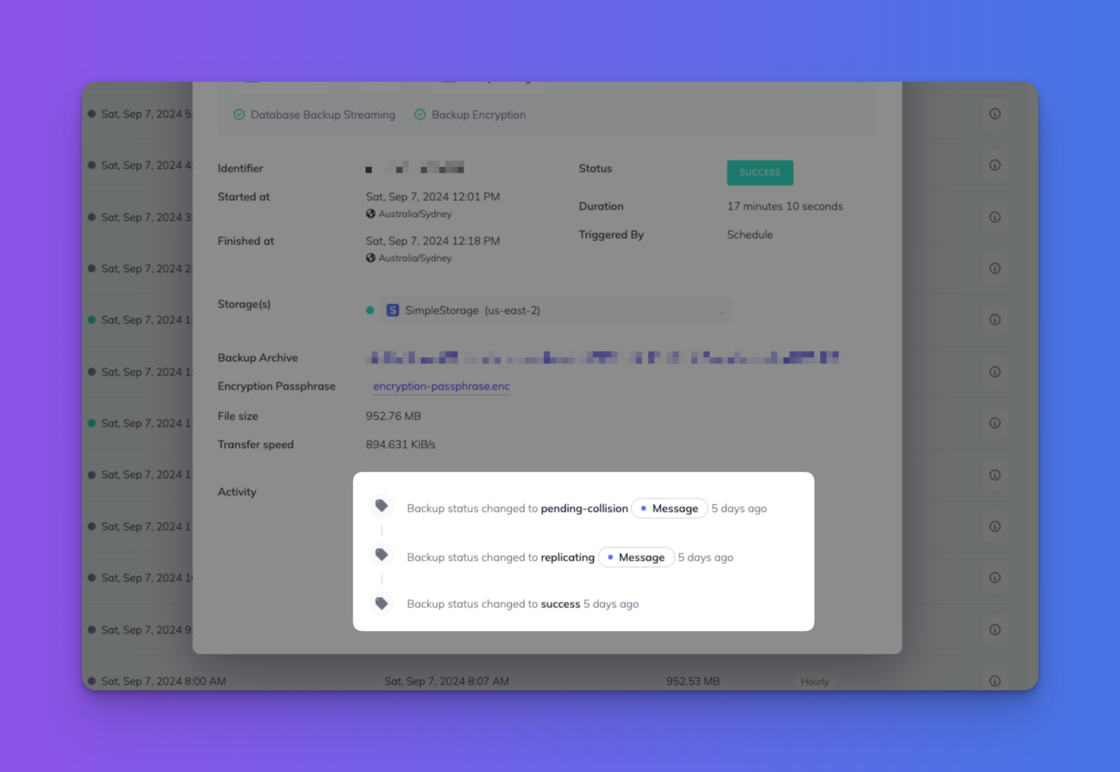
- Overlapping runs no longer cost you a backup. A scheduled run that starts while the previous one is still going now steps aside cleanly, and the running backup completes.
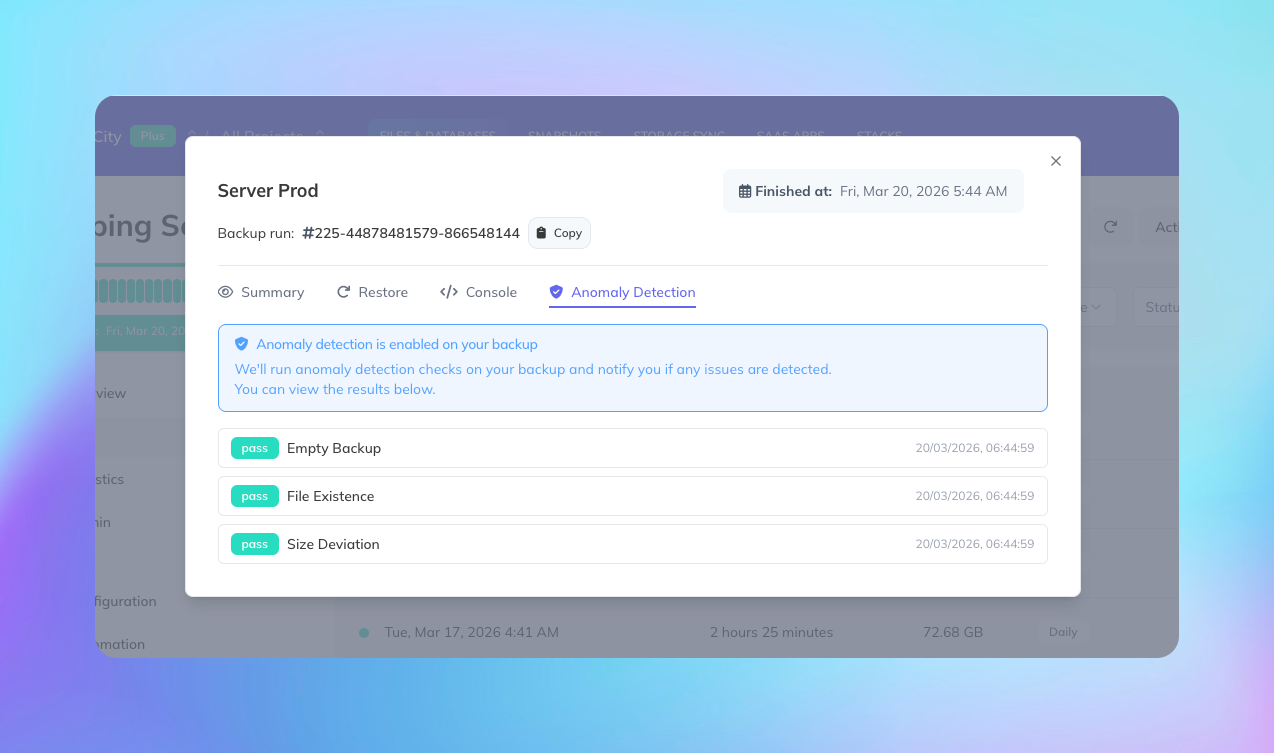
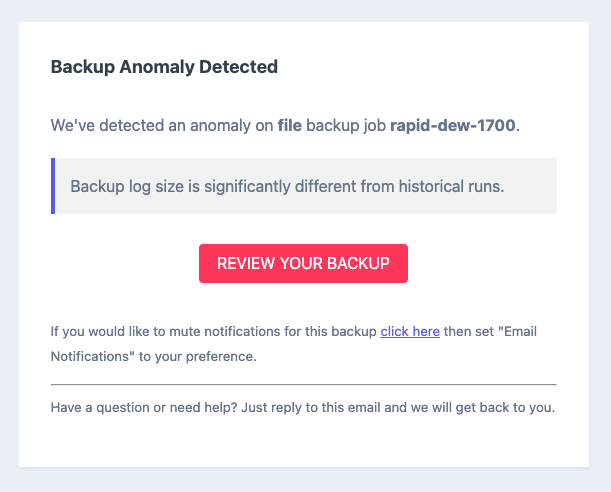
- Stronger anomaly detection. Anomaly and missed-backup monitoring is more precise, so every alert points at something worth a look.
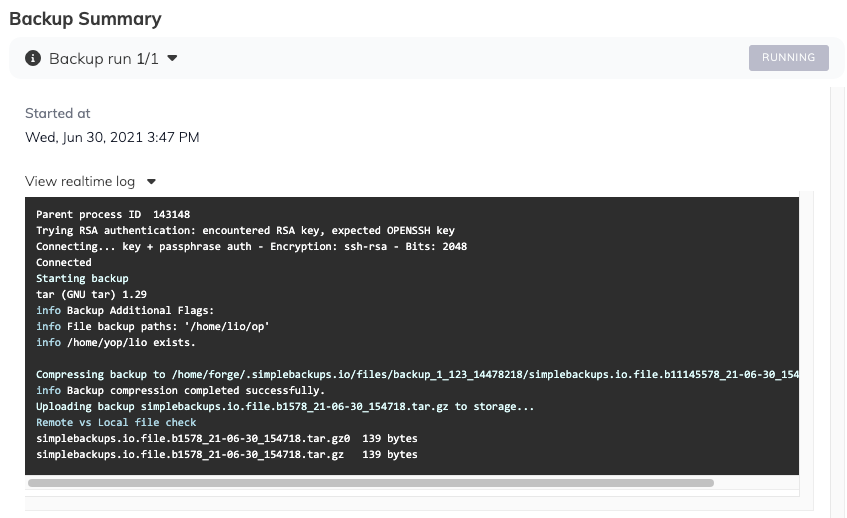
- Clearer errors. SSH failures now show the real reason, sync errors point at the right storage, and resource limits on our own workers no longer ask you to free up space.
Restores
- File backup restores. Restores now fail clearly when the target folder isn't writable, and you can restore without recreating the original folder path.
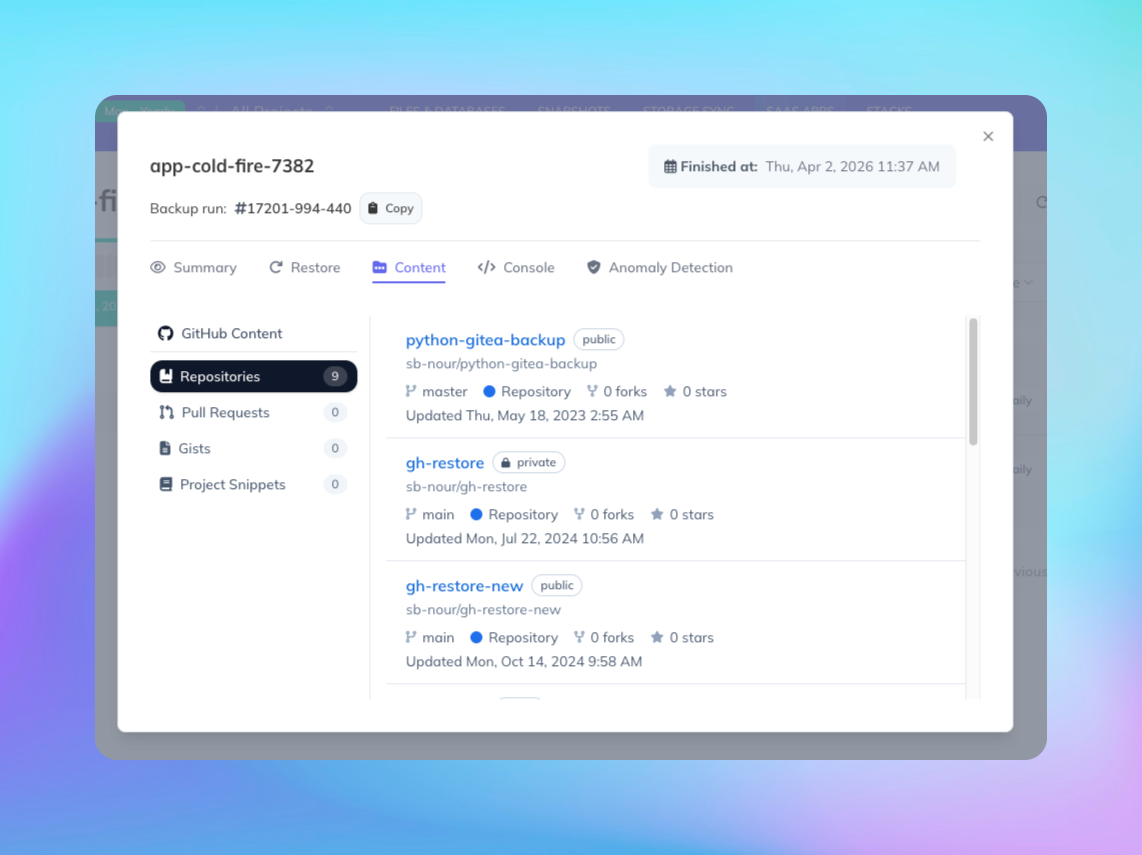
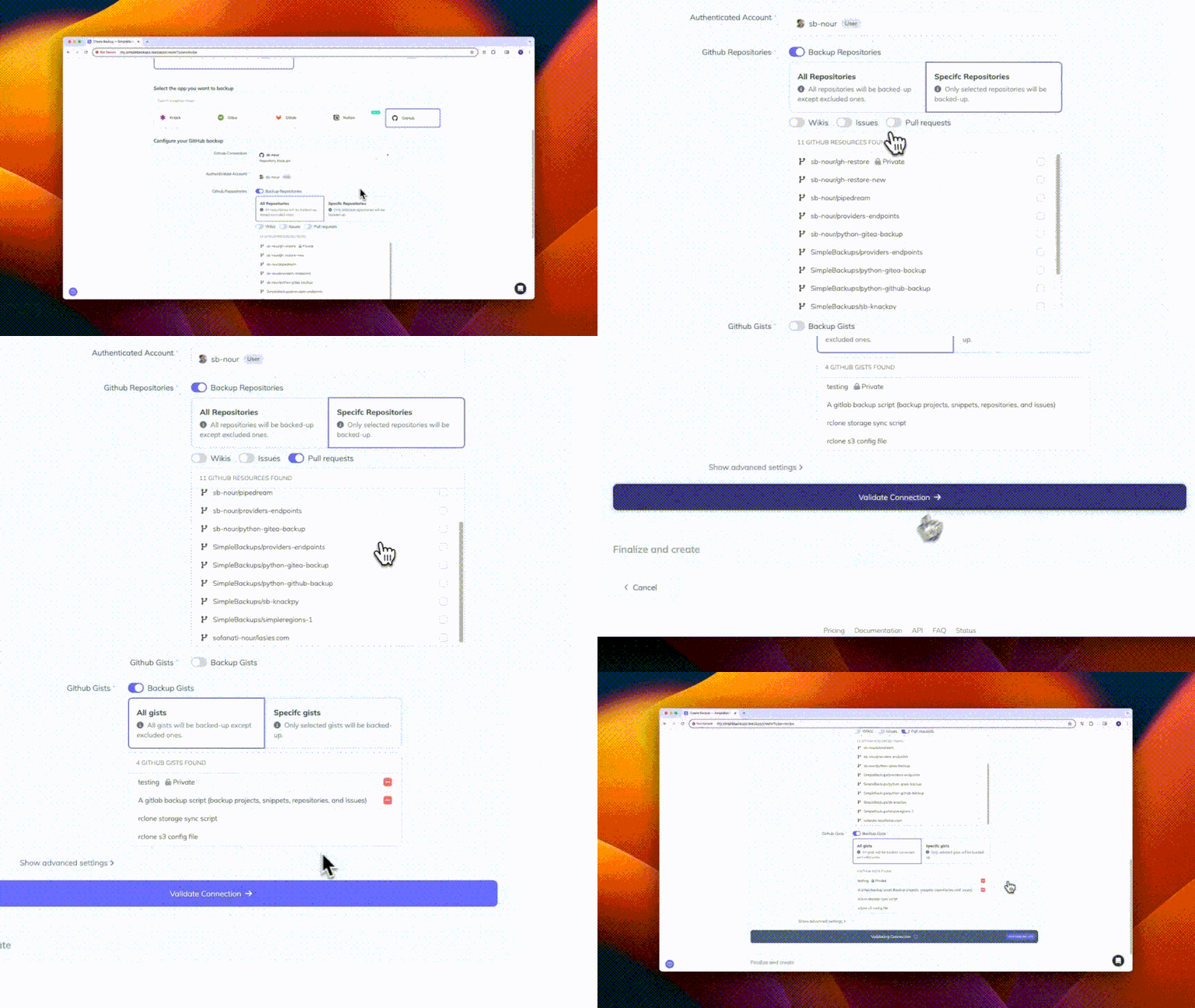
- MariaDB and GitHub restores. Resolved specific issues affecting some automated MariaDB restores and some GitHub repository restores.
Notion Backups
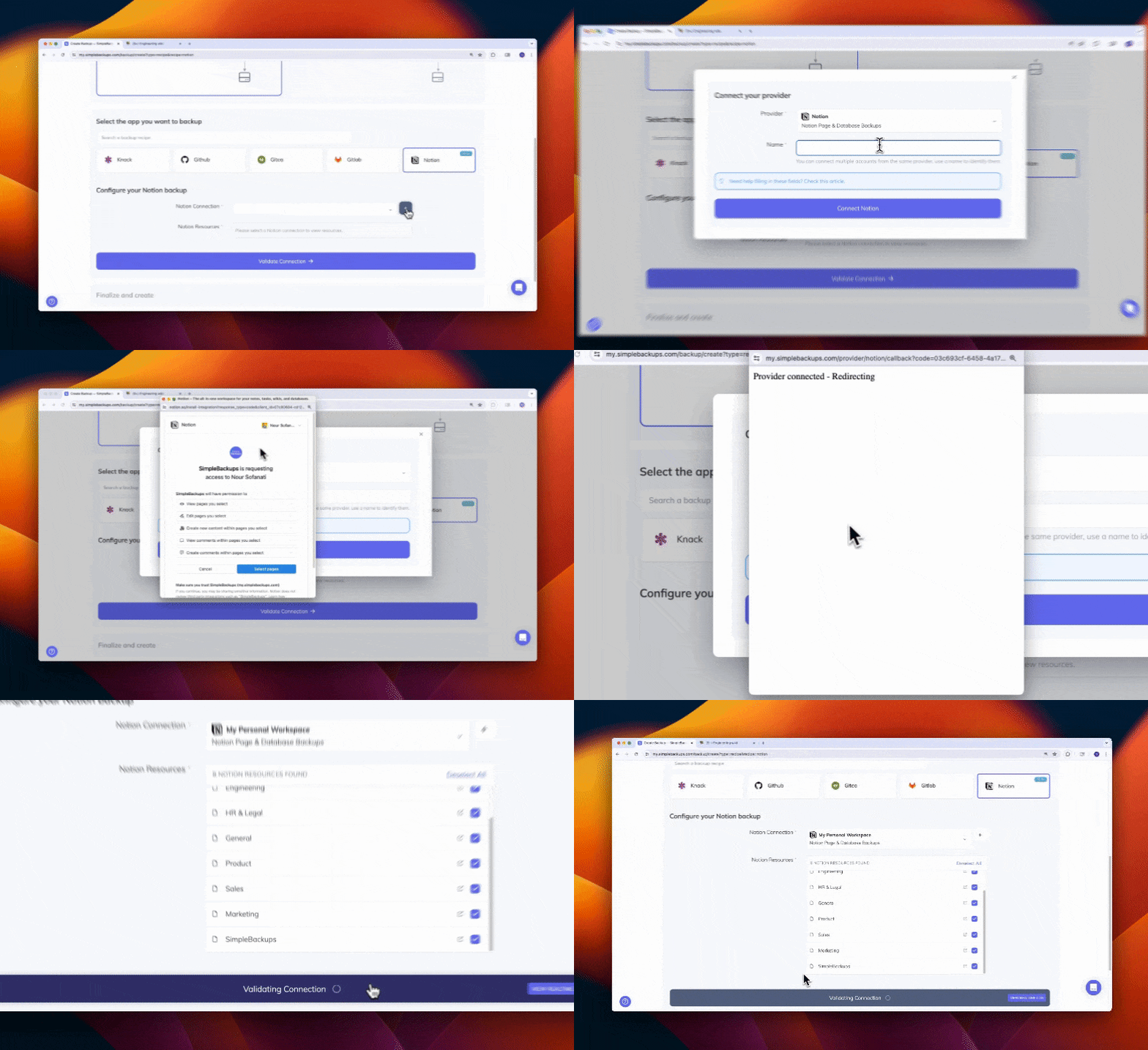
- Clearer backup status. Improved how failed Notion backups are displayed, so the status of every run is easier to read at a glance.
- Long backups don't block the next day. A Notion backup that runs long no longer prevents the following scheduled runs.
Supabase
- Improved Supabase to Supabase syncs. Storage syncs between two Supabase projects are more reliable.
- No more false disconnect emails. Supabase connections stay connected, and you only hear from us when one actually needs attention.
- Lighter, clearer Stack Discovery. Discovery checks your buckets far less often, reports when a scan times out instead of spinning, and remembers manually assigned resources.
Storage & Sync
- Syncs on very large buckets. Warming up a sync with tens of millions of objects no longer blocks the job.
- Smoother storage management. Storage settings save reliably, reconnecting a storage is easier, and connection status is more accurate.
- Download links for large backups. The download-link API now works for backups split into multiple files.
Interface & Infrastructure
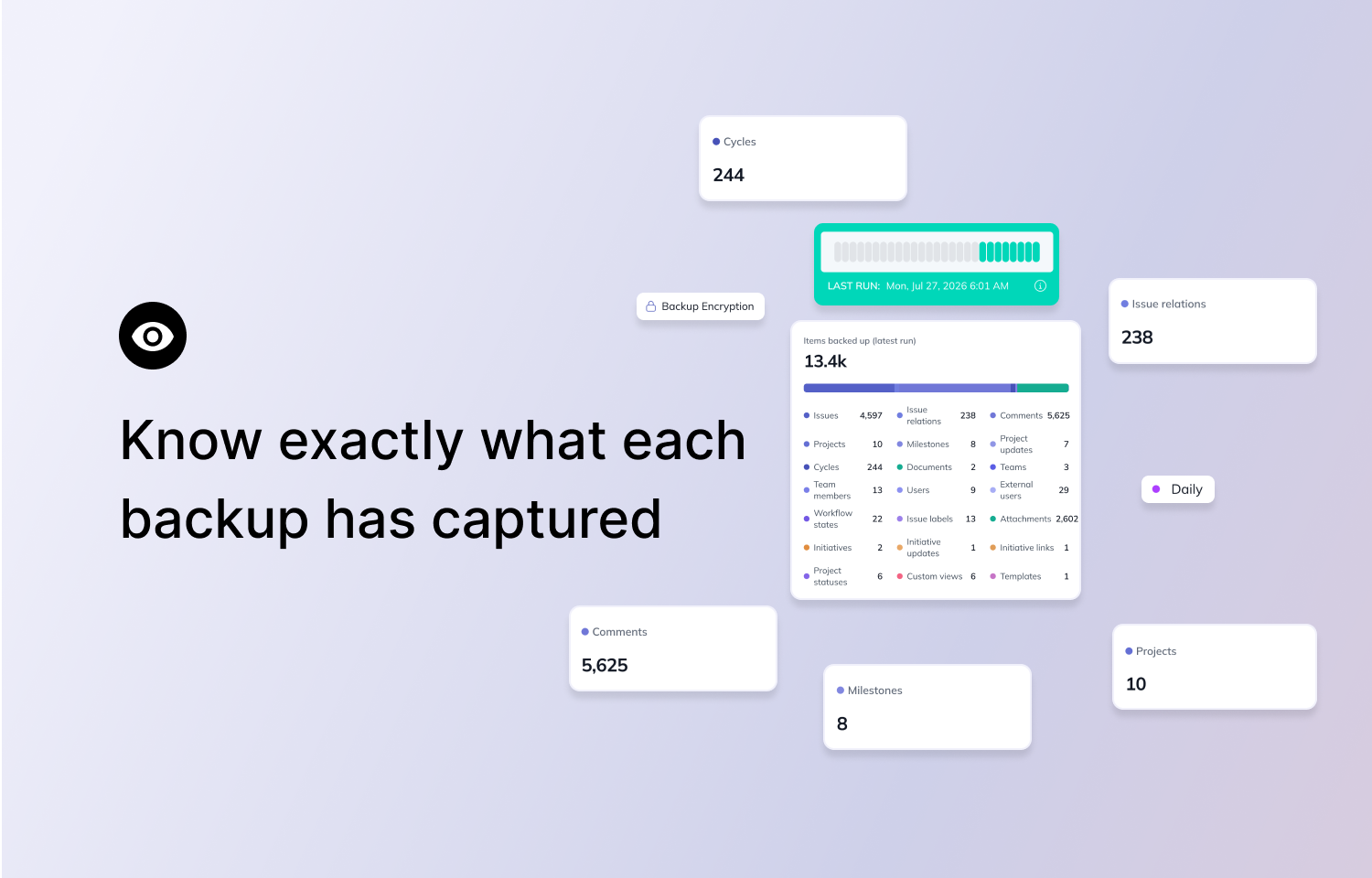
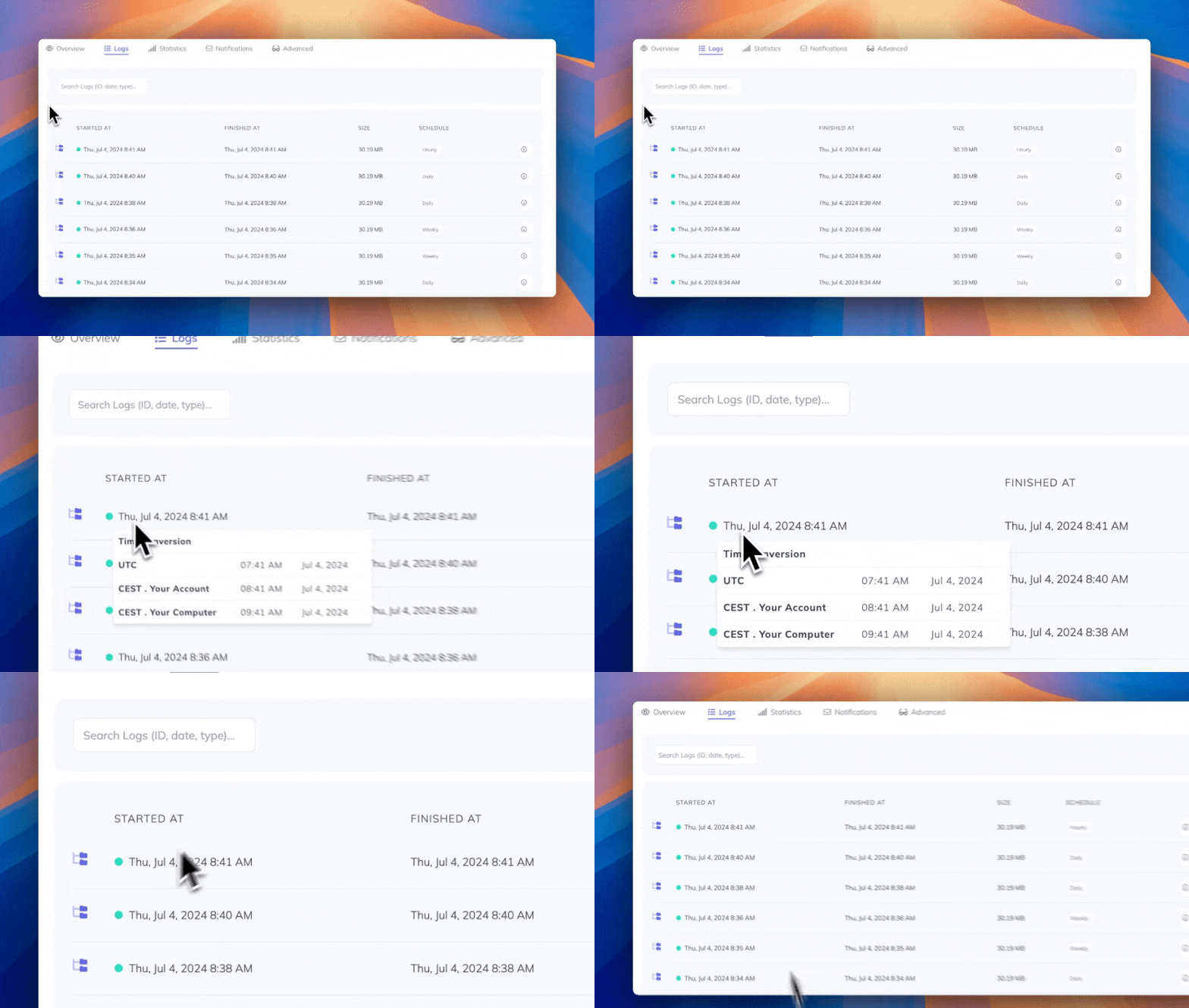
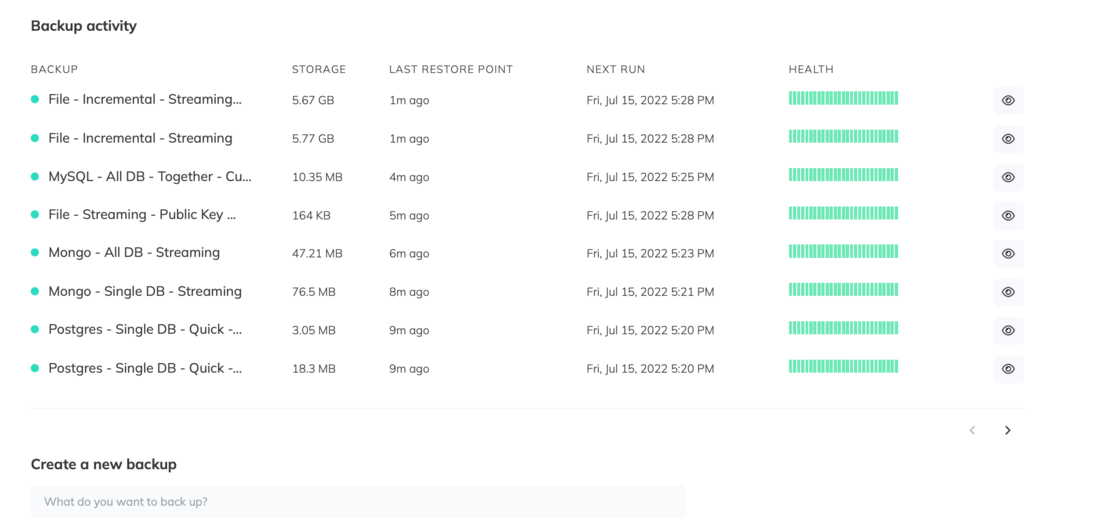
- A health map that shows every run. Skipped, retrying and running attempts now appear on the health map, and every result is dated.
- Regional infrastructure. Live dashboard updates now run on infrastructure in your team's region, with the EU as the default.
Billing
- Card payments with 3D Secure. Your plan unlocks as soon as the payment is confirmed.
- Clearer add-on pricing. Add-ons now show their real total price.
- Invoices and VAT. Invoice downloads work again, and Swiss VAT IDs are accepted.