

At SimpleBackups, our mission has always been to make disaster recovery simple and delightful for developers and teams. We know that many of you rely on the Microsoft ecosystem for your daily productivity, which is why we are excited to announce that Microsoft OneDrive is now a fully supported storage destination.
A Quick Word About OneDrive
If you're in the Microsoft ecosystem, OneDrive probably needs no introduction. It's Microsoft's cloud storage solution, deeply integrated into Microsoft 365, Windows, and used by millions of businesses and individuals worldwide.
What makes OneDrive particularly interesting for backups is its widespread adoption in enterprise environments. Many of our users already have OneDrive storage bundled with their Microsoft 365 subscriptions—storage that's often underutilized. Now you can put that storage to work.
What This Means for You
Practically speaking, you can now:
✅ Store your backups directly on OneDrive Whether you're backing up databases, files, or entire servers, you can now use your existing OneDrive storage as a backup destination. Great for teams already invested in the Microsoft ecosystem.
✅ Use OneDrive as part of your backup strategy OneDrive integrates seamlessly with our storage options. Set it as your primary destination or use it alongside other providers for redundancy.
✅ Backup your OneDrive data to any provider Already storing important files on OneDrive? You can now set up automated backups of your OneDrive storage to AWS S3, Google Cloud Storage, Backblaze, or any other provider in our catalog. Because even cloud storage deserves a backup.
✅ Migrate or replicate storage to/from OneDrive Moving between storage providers? Our migration tools make it straightforward to transfer data to or from OneDrive.
Setting it up in seconds
How to start using OneDrive in SimpleBackups? Couldn't be easier:
-
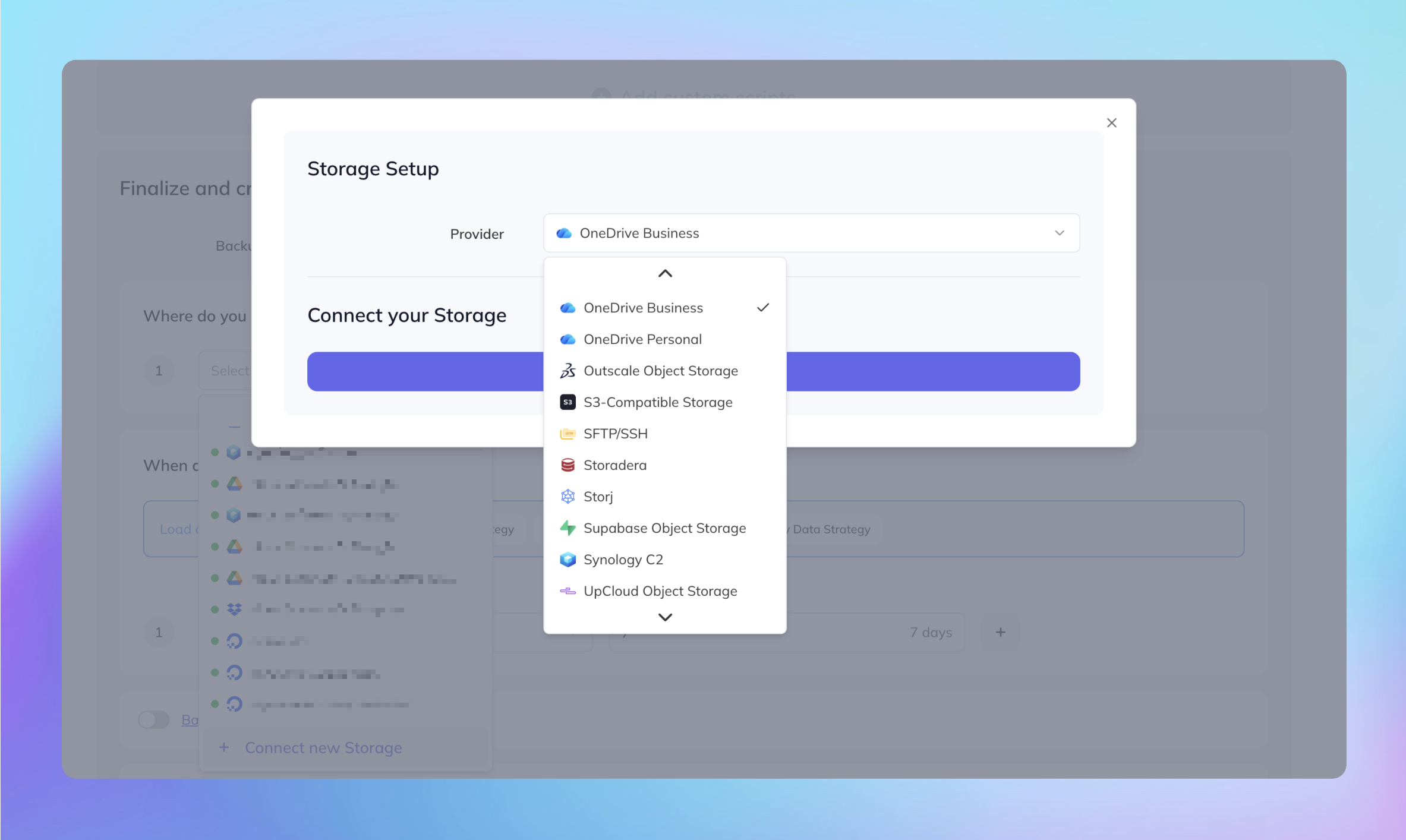
Connect: Navigate to the "Storage" section in your SimpleBackups dashboard.
-
Authorize: Select Microsoft OneDrive and follow the secure OAuth flow to link your account.
-
Deploy: Assign OneDrive as the destination for any of your existing or new backup jobs.
Perfect for Microsoft 365 Teams
This integration is especially useful if you're already paying for Microsoft 365. Most business plans include OneDrive storage that often goes unused. Instead of paying for additional storage elsewhere, you can leverage what you already have.
Our catalog of integrations keeps growing, and we're committed to supporting the providers you actually use—not just the trendy ones.
Thanks to everyone who requested this feature! As always, feel free to reach out to our team with any questions or feedback.