

You can now store your backups on Sliplane. Connect it once, pick it as the destination for any server, database or file backup, and your copies land on European infrastructure, operated from Berlin under European law.
We noticed a growing number of SimpleBackups customers running their apps on Sliplane, and we wanted a first-class integration rather than a generic S3 entry. We are also glad to partner with a European provider that is not a hyperscaler. Independent European infrastructure is something we want to see more of, and supporting it properly is part of how we help.
Who Sliplane is
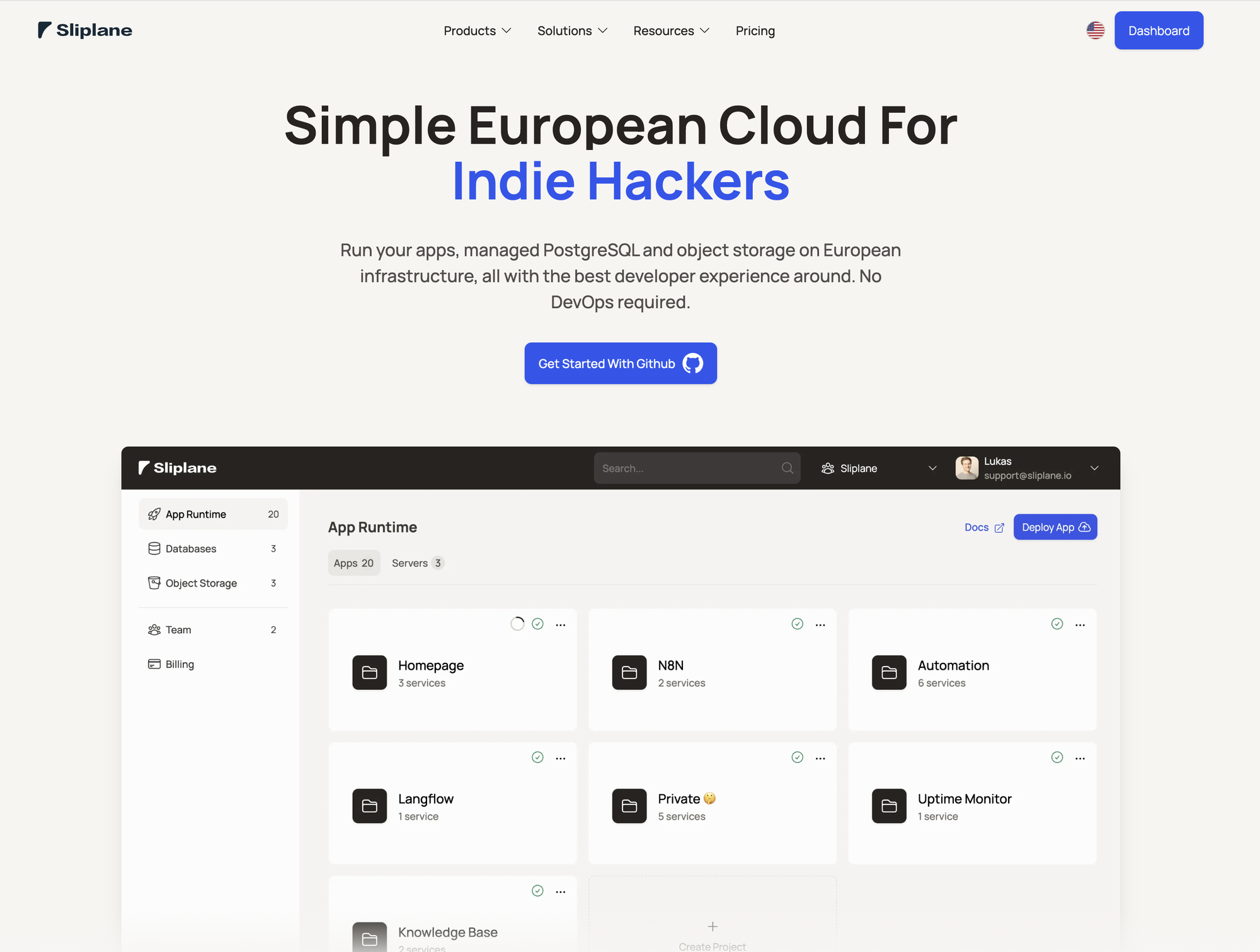
Sliplane calls itself "the simple European cloud for indie hackers". It was started by two freelance web developers, Lukas and Jonas, who spent more than ten years running hosting for clients before building the platform they wished they had. The company is headquartered in Berlin, Germany.
The product has three parts:
- App runtime. Push a container from git and it runs. No YAML, no cluster to manage.
- Managed PostgreSQL. A database you don't have to patch.
- Object storage. S3-compatible buckets, which is the piece we have integrated.
The pitch is "no DevOps required", and that is also why we like it as a backup target.
Why a European destination matters for backups
A backup is a copy of everything sensitive you hold: customer records, credentials, sometimes health or financial data. Where that copy lives is a compliance question, not just a technical one.
If you run on Hetzner, Scaleway, or a European Kubernetes provider, sending backups to a bucket in Virginia undoes part of the work you did choosing a European host. Sliplane's German region keeps the whole chain on the same side of the Atlantic, and Sliplane makes a DPA available on request from your dashboard, so the paperwork side is covered too.
We have offered European regions from the large providers for years. What was missing was an independent European company you could point at, with a team you can email and a legal entity in Berlin. That is the gap this integration fills.
What you get
Sliplane's object storage is built for exactly the kind of workload a backup tool generates: large objects, written once, read rarely. The figures below are from Sliplane's object storage page as of today.
| Sliplane object storage | |
|---|---|
| Regions | Germany, US East (same price) |
| Pricing | First 1 GB free, then €5 per 250 GB per month |
| Egress fees | None |
| Per-request charges | None |
| Max object size | 50 TiB |
| Buckets per team | Up to 100 |
| Versioning and object locking | Supported |
Two of those rows matter more than the others.
Sliplane bills on average storage held over the month, in 250 GB blocks. Thirty daily copies of a 10 GB database is one block. Your retention policy has a cost you can work out on a napkin.
No egress fees. Most providers charge you to download. That cost shows up on the worst possible day, when you are restoring a 200 GB database at 3am and the bill is the last thing you want to think about. On Sliplane, a restore costs nothing extra, and so does a restore test. We push every customer to run restore tests, and a destination that makes them free removes the usual excuse.
Object locking. Backups are the first thing ransomware goes after. A locked object cannot be deleted or overwritten until the lock expires, even by someone holding your access key. Enable it on the bucket, and your retention window becomes something an attacker cannot shorten.
Setting it up
The whole thing takes about five minutes.
In Sliplane:
- Open Object Storage in your dashboard and create a bucket. Pick the Germany region if data residency is the reason you are here.
- Create an access key for that bucket. Sliplane scopes each key to exactly one bucket with read and write access, which is the right shape for a backup credential: if it leaks, only that bucket is exposed.
- Copy the endpoint URL shown in the dashboard, along with the key and secret.
In SimpleBackups:
- Go to Storage and click Connect a new storage.
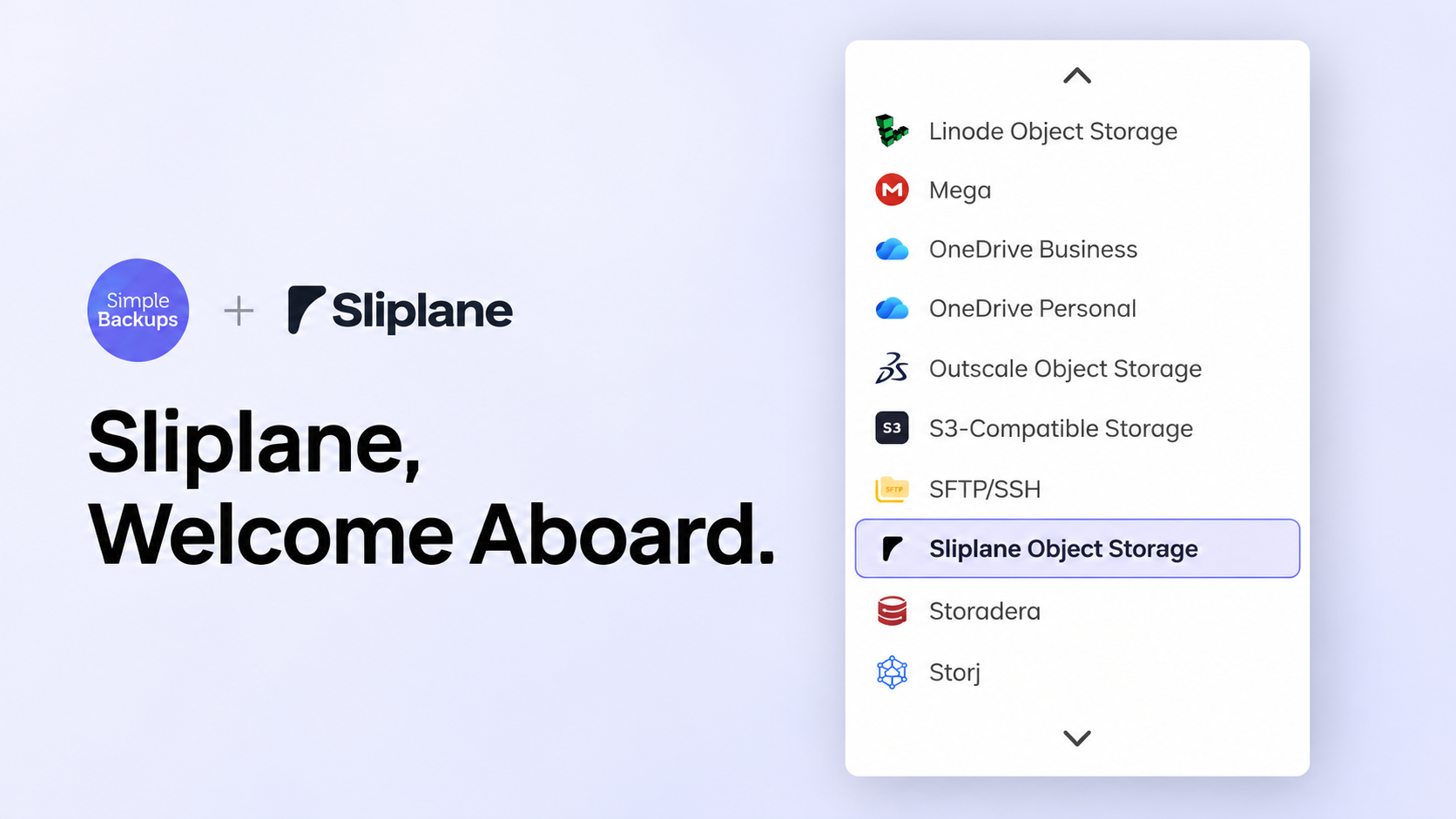
- Choose Sliplane Object Storage from the provider list, then paste the endpoint, bucket name, access key and secret.
- Save. We validate the connection before accepting it, so a typo shows up here rather than on your first backup run.
From then on, Sliplane appears as a destination in every backup you create or edit. Point an existing PostgreSQL, MySQL, MongoDB, Redis, or file backup at it, or use storage replication to mirror a bucket you already have somewhere else into Sliplane.
Already running on Sliplane? Back up the other way too
This integration works in both directions. Sliplane is not only a place to put backups. If your app already lives there, we can protect what you keep on Sliplane as well.
Your Sliplane managed PostgreSQL. Sliplane's database service is standard PostgreSQL, which we have supported for years. Add it as a PostgreSQL backup with the connection details from your Sliplane dashboard, set a schedule, and pick where the dumps go. That can be your own Sliplane bucket, so everything stays in Germany, or any of the other destinations we support, if you want the copy held by a different company.
Your Sliplane object storage. Files you keep in a Sliplane bucket, such as uploads, exports or generated assets, can be synced to another provider with storage replication. Point the replication at your Sliplane bucket as the source and choose any other storage as the target. It runs on a schedule and copies what changed.
The setup we expect to see most: a Sliplane PostgreSQL backup landing in a Sliplane bucket for fast restores, plus a replication of that bucket to a second provider for the copy that lives somewhere else.
Where it fits in a backup plan
The rule we care about most is simple: keep at least one copy of your backups outside the place where your source data is hosted. A backup sitting next to production shares its failure modes, from a billing lockout to a region outage to a compromised account.
If your production runs elsewhere, Sliplane is a good destination for that outside copy, and a good second copy if you already back up to a hyperscaler and want one that is not under US jurisdiction. If your production runs on Sliplane, do not make its object storage your only destination. Add a second storage and send every backup to both. It is one extra click per backup.
Sliplane is live for every SimpleBackups account today. See the details on backing up to Sliplane, or connect it from your dashboard and tell us how it goes.
FAQ
Is Sliplane object storage S3-compatible?
Yes. Sliplane exposes the standard S3 API, so it works with the AWS CLI, the AWS SDKs and any client that accepts a custom endpoint. In SimpleBackups you connect it the same way as any S3-compatible destination, using the endpoint shown in your Sliplane dashboard.
Where is Sliplane data stored?
Sliplane offers object storage in Germany and in US East, at the same price in both regions. The company is headquartered in Berlin and operates under European law, which is why we recommend the German region for teams with EU data residency requirements.
Does Sliplane charge for downloading my backups?
No. Sliplane has no egress fees and no per-request charges. Storage is billed on the average volume held during the month, in 250 GB blocks, with the first GB free.
Can SimpleBackups back up a Sliplane managed PostgreSQL database?
Yes. Sliplane's database service is standard PostgreSQL, so you add it to SimpleBackups like any other PostgreSQL server using the connection details from your Sliplane dashboard. The dumps can go to your own Sliplane bucket or to any other supported storage provider.
Can I back up to Sliplane and to a second provider at the same time?
Yes. Every SimpleBackups backup can be sent to more than one storage, so you can keep one copy on Sliplane in Germany and another with a different provider or in a different region.