
We rebuilt the path from sign-up to first successful backup. Fewer steps, fewer decisions, and no guessing about what happens next.
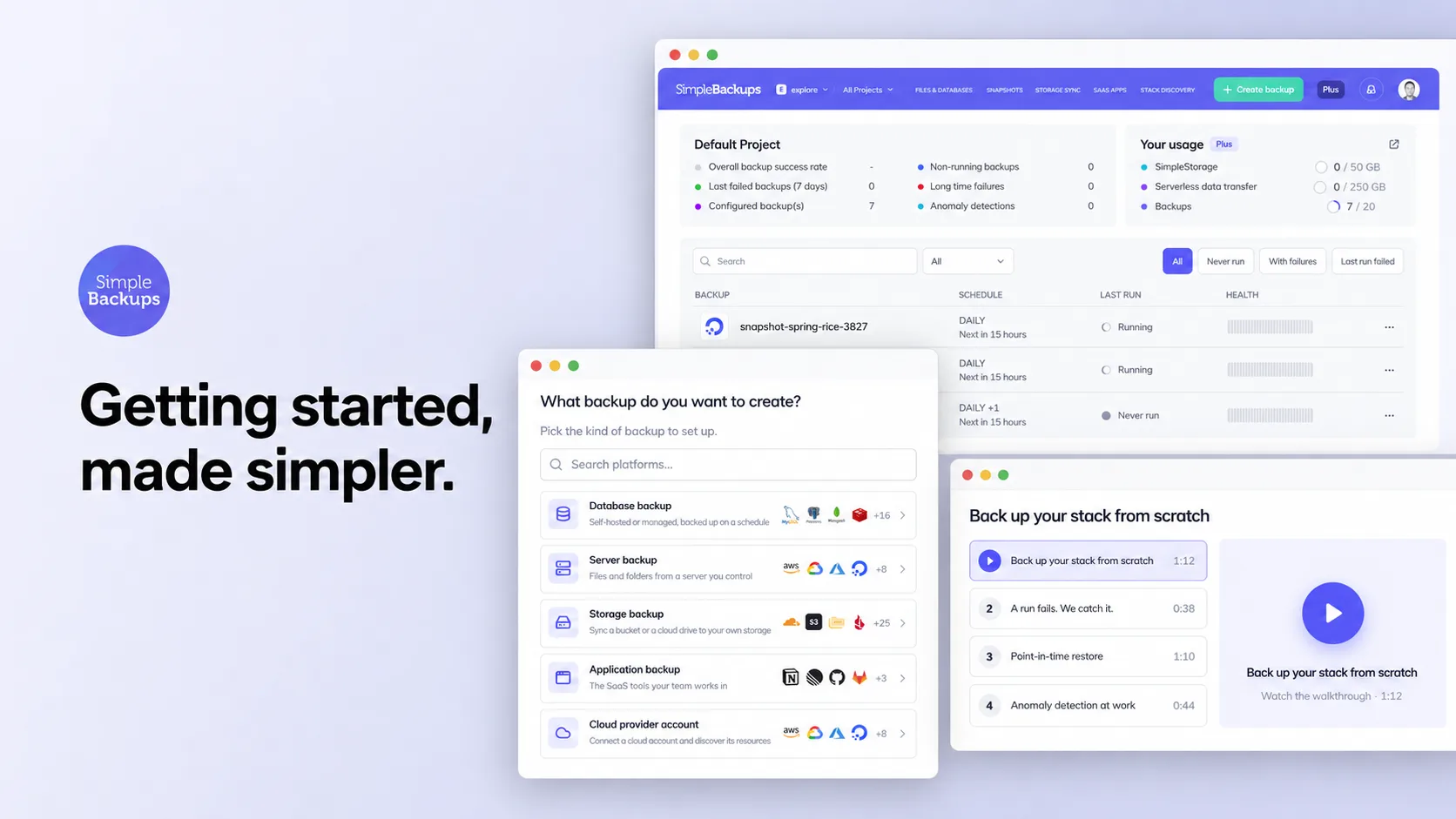
A shorter road to your first backup
Sign-up now asks only for what we need to set up your workspace. Tell us what you want to protect and where you run it, and we shape the workspace around that: the right backup types up front, the right providers listed first.
From there, creating a backup is one guided flow. Pick a database, server, storage, application or cloud account, connect it, and go. Cloud connections now use OAuth wherever the provider supports it, so connecting an account is a sign-in rather than a paste of credentials.
Sensible defaults, ready to run
- Schedules come prefilled. Every new backup starts with a schedule that fits its type. Keep it or adjust it, but you no longer start from a blank field.
- Storage is ready on day one. SimpleStorage is included in every workspace, so your first backup has somewhere to go without setting up a bucket first. Bring your own S3, R2, B2 or any of the other destinations whenever you want.
- You always know when the next run is. The creation screen states plainly when the backup will run, and the backup list shows the next run for every backup at a glance.
- Create and run in one step. Save a backup and start its first run immediately, instead of waiting for the schedule to come around.
Explore: the dashboard that answers your questions
The new Explore dashboard is your home in SimpleBackups. It shows the health of every backup, your usage against your plan, and short walkthroughs for the things people ask us most: backing up a stack from scratch, what happens when a run fails, point-in-time restore, and anomaly detection at work.
Everything above is live for every account, new and existing. Sign in and open Explore to see it.