

Most PostgreSQL backup tools get judged on the wrong thing. The feature lists look interchangeable, because underneath, nearly all of them are calling pg_dump or copying the data directory. What separates them is the operational layer: whether anything tells you the backup broke, whether the copy ever leaves the database host, and whether anyone has proved it restores.
This article compares five options on those terms. We run PostgreSQL backups every day and SimpleBackups is one of the five, so the fairest thing we can do is say plainly where each tool is the wrong choice, ours included.
Two categories, and why mixing them produces bad decisions
Most arguments about PostgreSQL backup tools come from comparing two things that do different jobs.
Logical backup tools work from pg_dump. They produce a portable export of a database's objects and data, which is what you want for migrations, selective restores, and databases small enough to dump inside a maintenance window. What they cannot do is point-in-time recovery, because PITR requires the write-ahead log and pg_dump does not capture it.
Physical backup tools copy the data directory and archive the WAL. That buys incremental backups and true PITR, at the cost of a system you install, configure and maintain yourself.
A quick way to tell which category a tool belongs to: ask whether it can restore to 14:07 yesterday. If the answer is "we keep a dump from 02:00," it is a logical tool, whatever the marketing page says about incrementals.
Pick the category from your recovery point objective first. If losing the last few minutes of writes is unacceptable, you are in the physical category and the comparison narrows sharply. If a nightly dump is acceptable and the real problem is that nobody notices when the nightly dump stops running, you are in the logical category, and the question becomes who operates it.
What actually separates PostgreSQL backup tools
Failure alerting. A cron job that stops running sends nothing. This is the most common failure we see in support, and it stays invisible until someone needs a restore. Ask what a tool does when a backup fails, not what it does when one succeeds.
Restore verification. "The backup ran" and "the backup restores" are different tests, and most tools answer only the first. A tool that never reads a backup back cannot tell you the file is truncated.
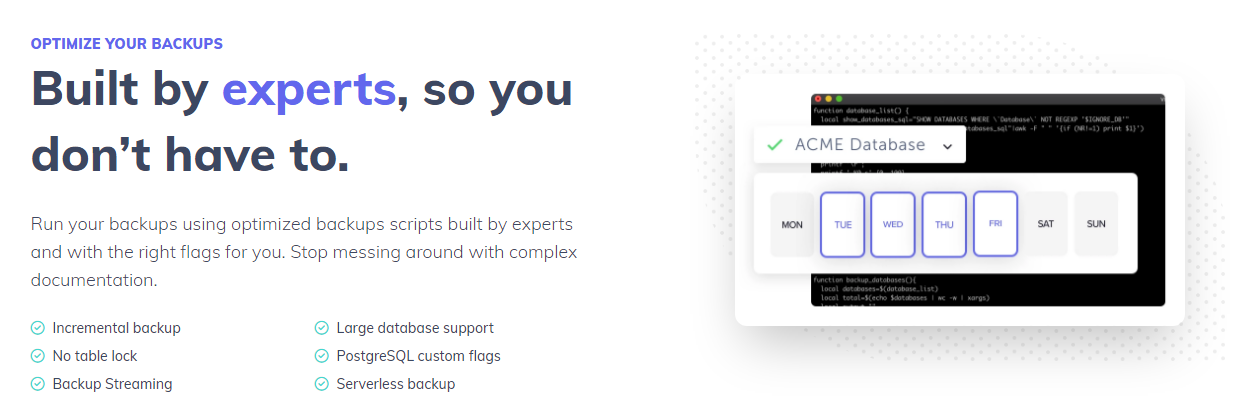
Incremental support. Only the physical tools do genuine incremental backups against PostgreSQL. A logical tool advertising "incremental" is usually deduplicating or compressing at the storage layer, which is useful, but it is not the same thing.
Off-site storage and key ownership. A dump sitting on the database host is not a backup, and a dump in the same cloud account as production does not survive that account being suspended. Ask where the copy lands and who holds the encryption keys.
Audit evidence. ISO 27001 and SOC 2 reviewers ask for documented procedures, retention logs and encryption evidence. A shell script produces none of it.
The five tools
SimpleBackups
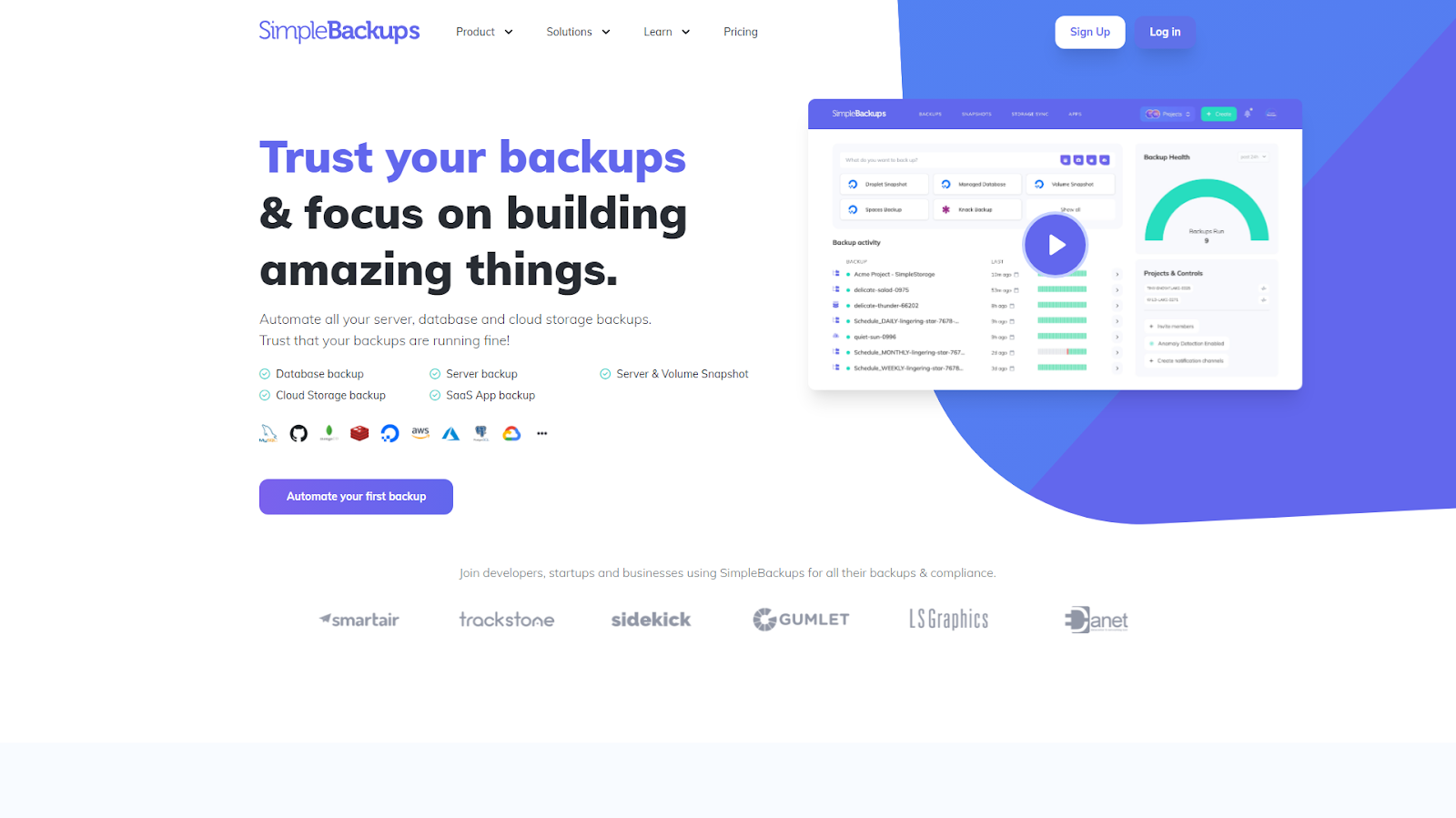
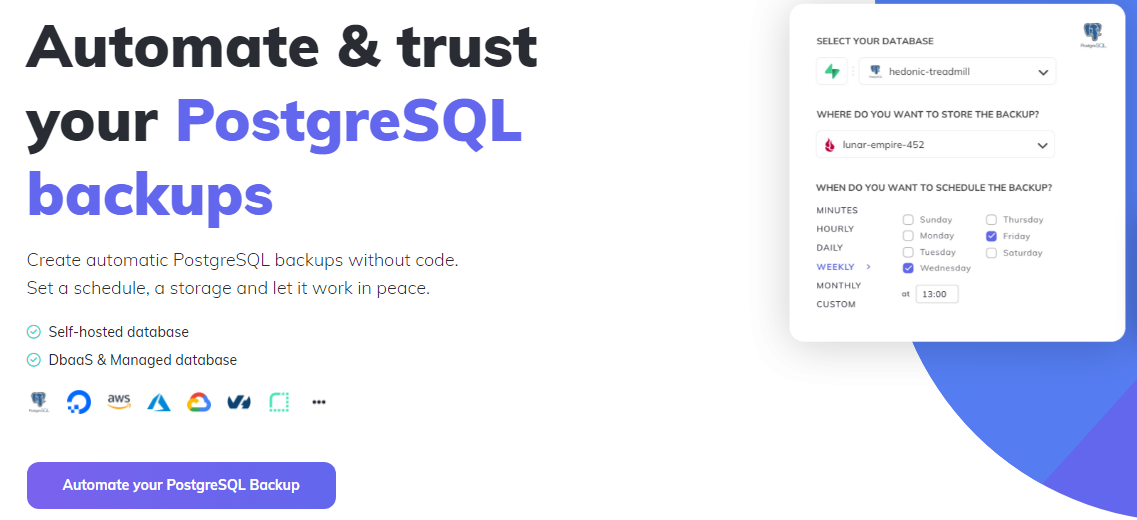
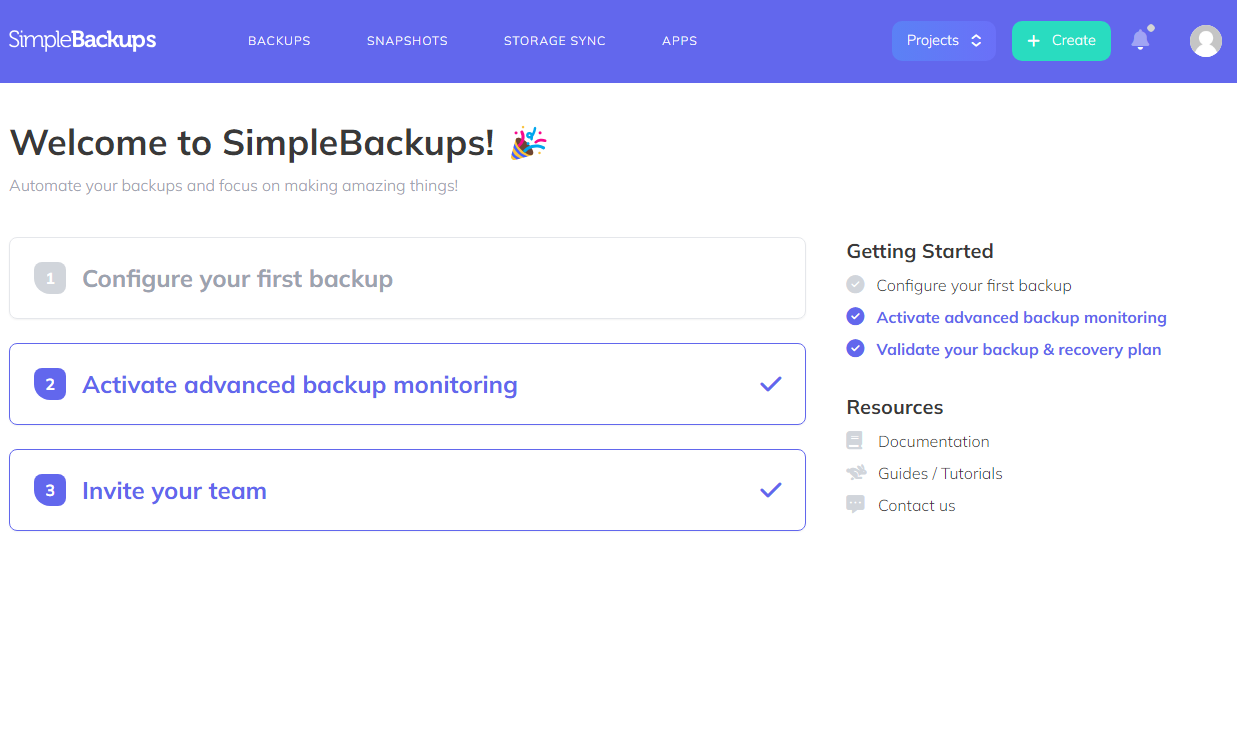
SimpleBackups is a managed service in the logical category. You connect a database and a storage destination, set a schedule, and the operational layer is the product rather than something you assemble: scheduling, failure alerts, retention enforcement, and one control plane covering PostgreSQL, MySQL, MongoDB, Redis, servers and SaaS apps rather than a separate script per engine.
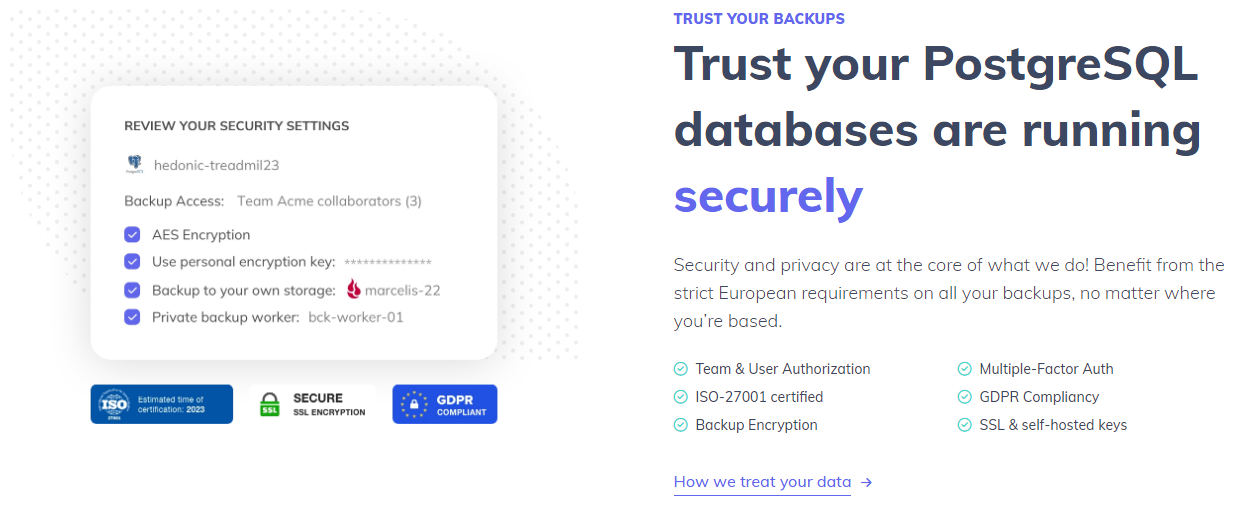
Backup data flows from your server straight to your storage, encrypted with AES-256 and optionally with a key you hold, so the backup content does not pass through us. Destinations include AWS S3, Backblaze B2, Wasabi, DigitalOcean Spaces, Azure Blob Storage, Google Cloud Storage and Dropbox, plus your own server over SFTP. Restores run from the dashboard, the CLI or the REST API.
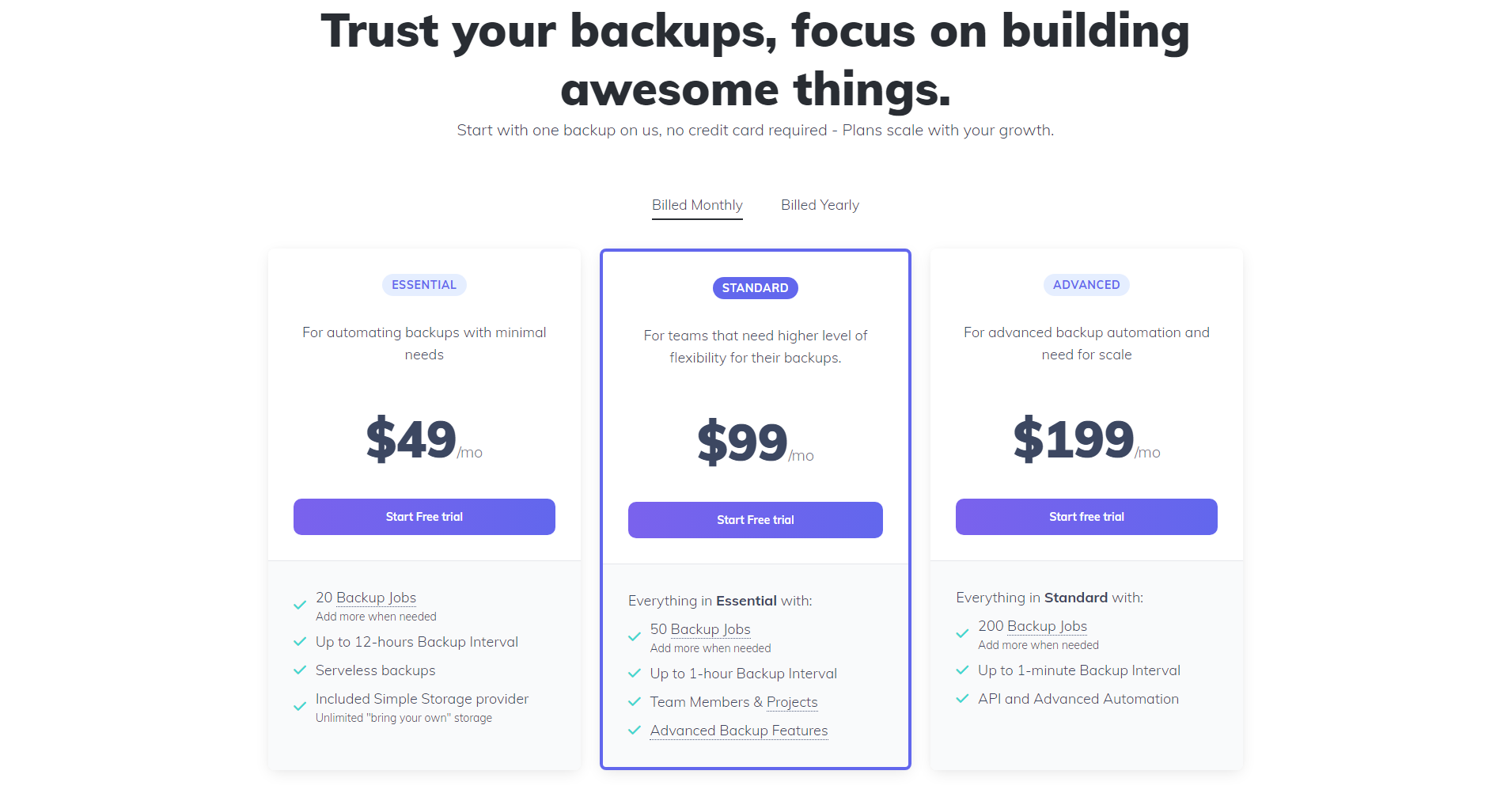
Pricing starts with a 7-day trial that does not ask for a card, then fixed monthly plans that vary by billing frequency and plan type.
Where it fits: the failure is operational. Backups run but nobody is alerted, nothing leaves the host, and no one has tested a restore.
Where it is the wrong choice: you need point-in-time recovery on a large self-hosted cluster. SimpleBackups uses logical backups, so PITR is not something it can offer. pgBackRest or WAL-G are the right tool for that, and we would rather say so than sell you the wrong layer.
Ottomatik
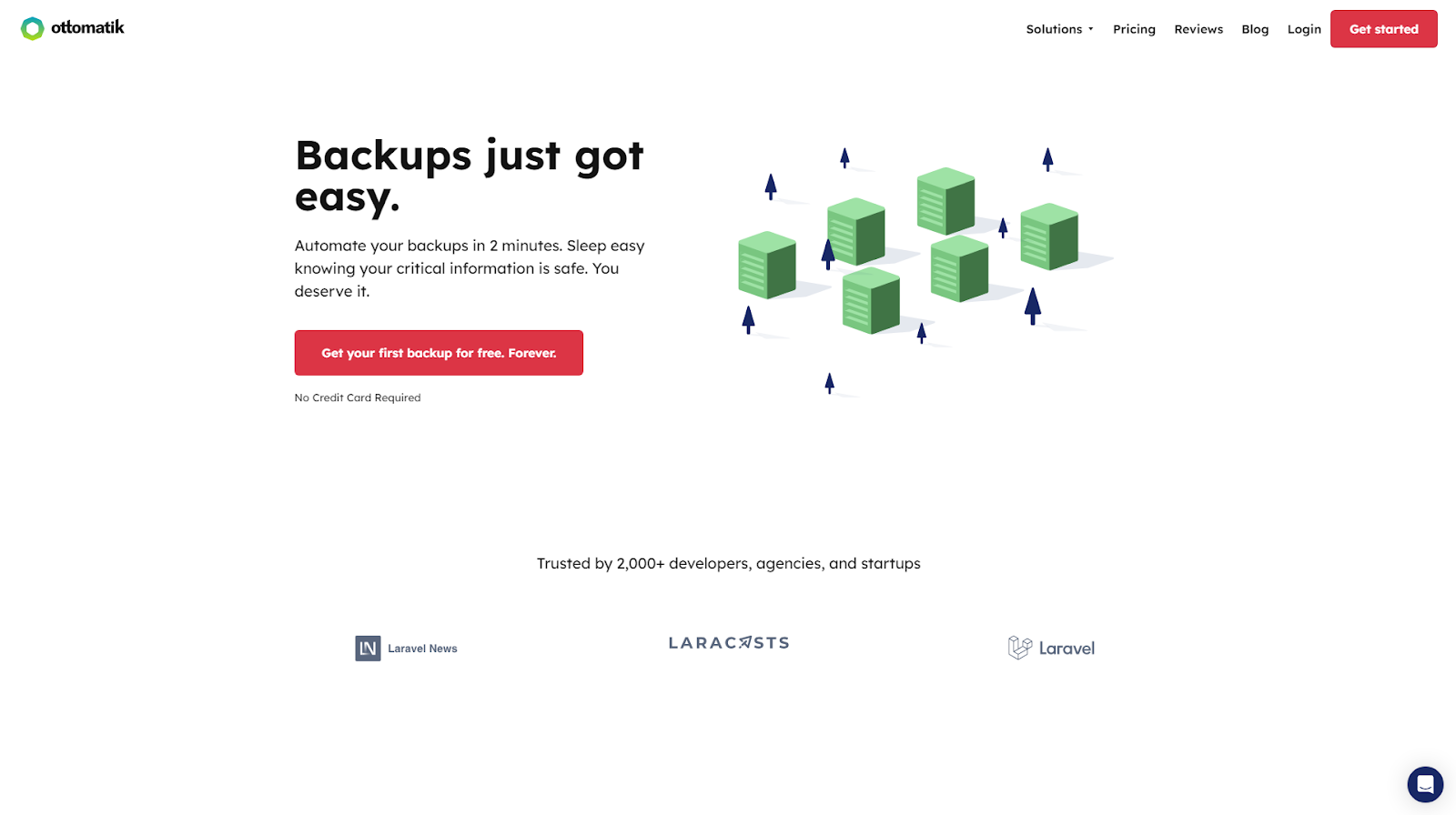
Ottomatik is another managed, cloud-based option for PostgreSQL, covering both on-premise and cloud-hosted instances. It schedules dumps, stores them in cloud storage including Amazon S3 and Google Cloud Storage, applies retention policies and encrypts with AES-256. Setup runs through a dashboard rather than a config file.

Where it fits: the same operational gap, with a preference for its interface or pricing shape.
Where it is the wrong choice: large data volumes on the lower-priced plans, where included storage runs out quickly, and Windows environments, which it does not cover with an agent.
SnapShooter
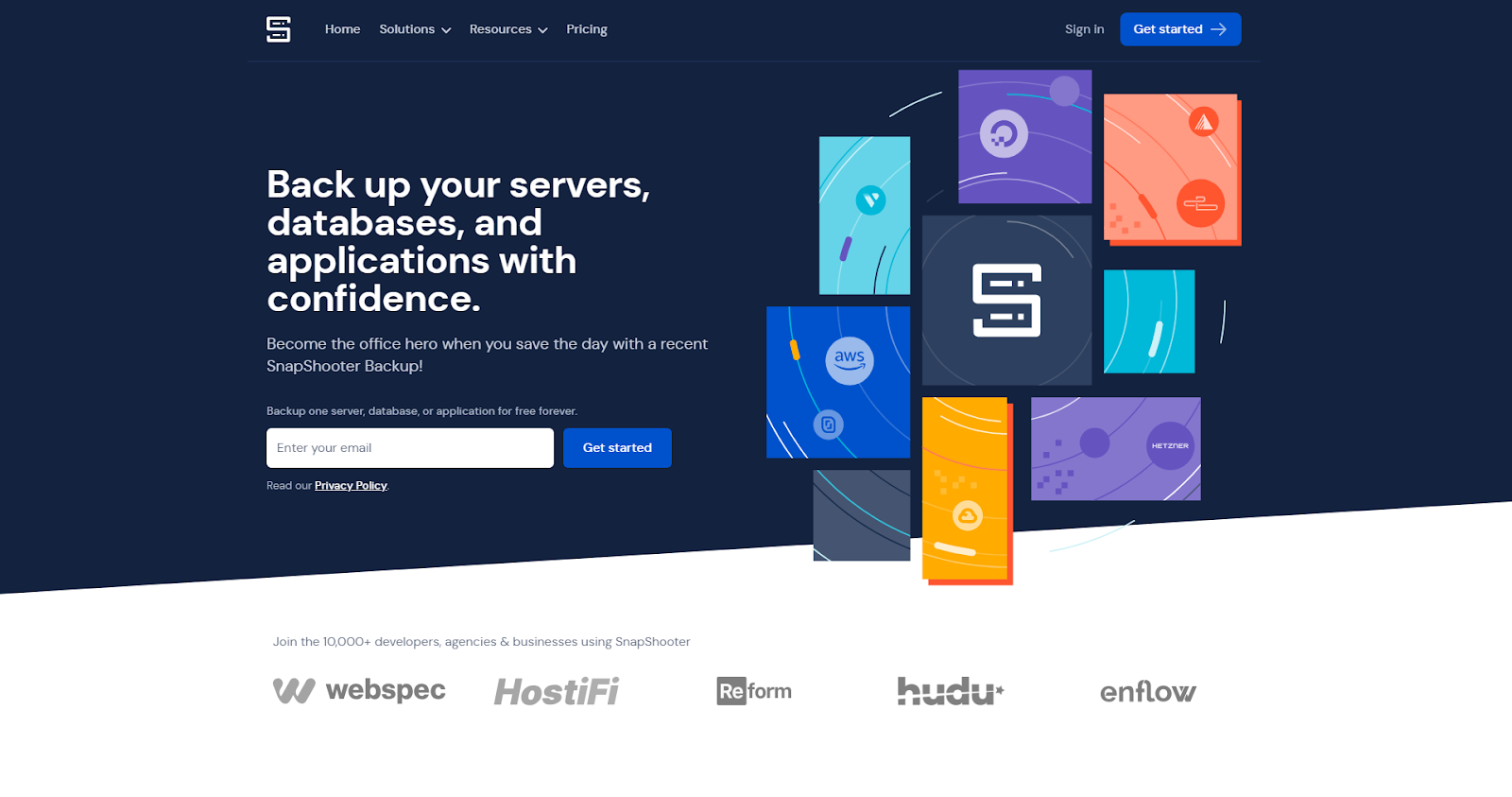
SnapShooter combines database dumps with provider-level snapshots, and its strongest suit is on DigitalOcean, where it can schedule both Droplet snapshots and PostgreSQL dumps from one place. It uses pg_dump underneath and supports frequent schedules.
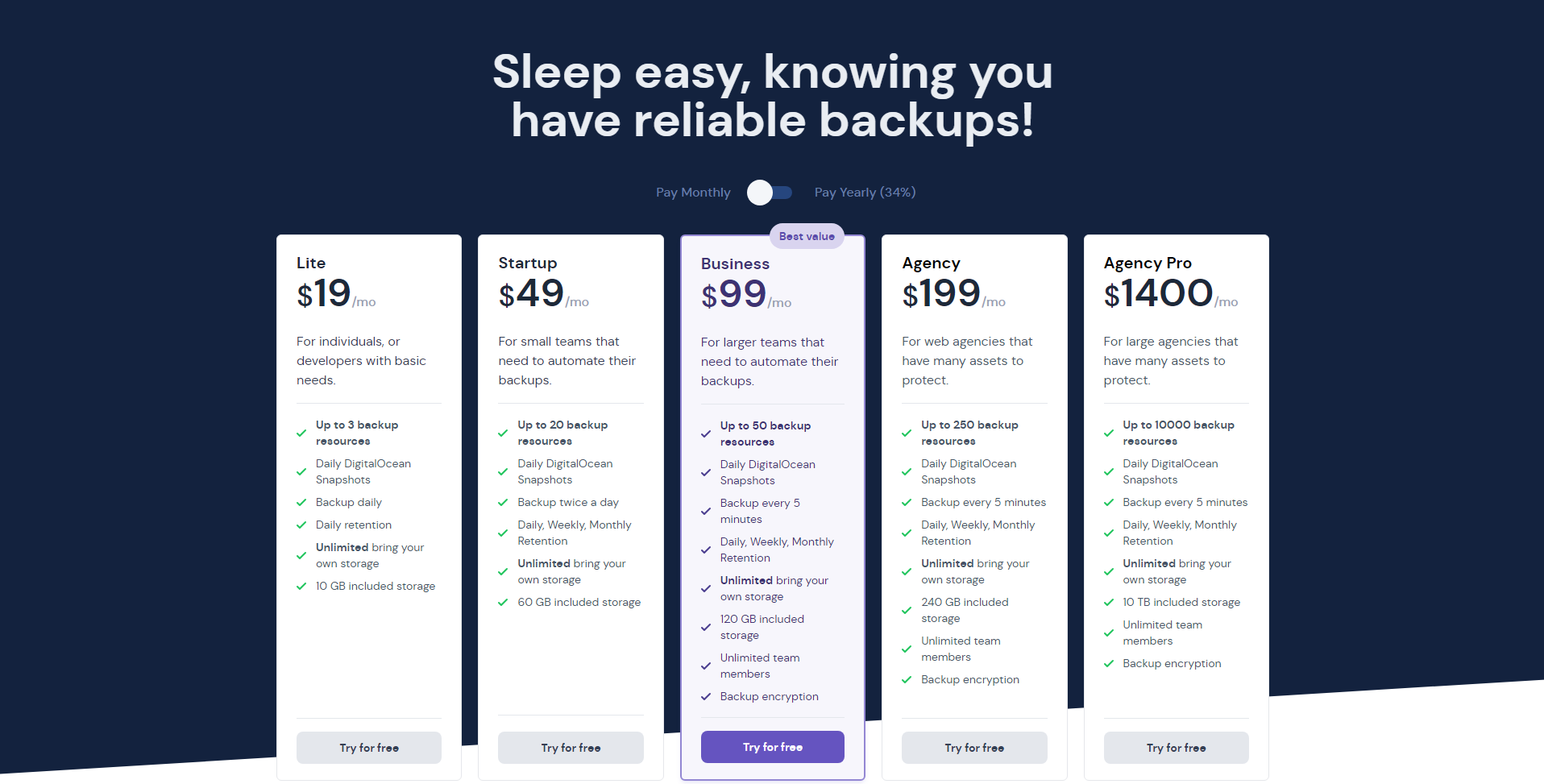
Where it fits: you are on DigitalOcean and want the database dump and the server snapshot managed together.
Where it is the wrong choice: you need the same coverage across several providers, or you need the compliance evidence a larger environment asks for.
Google Cloud Backup and DR
Google Cloud Backup and DR manages backups for Cloud SQL and Compute Engine workloads, applying retention policies and storing backups separately from the instance they protect. If your PostgreSQL runs on Cloud SQL, it is the native option and it is well integrated.
Where it fits: PostgreSQL on Google Cloud, with a team already operating inside that console.
Where it is the wrong choice: anything outside Google Cloud, since it does not cover AWS or Azure workloads. It also keeps the backup inside the same provider account as the database, which is exactly the dependency an off-site copy is meant to remove. Usage-based pricing makes the monthly cost harder to predict than a fixed plan.
Percona Distribution for PostgreSQL
Percona Distribution for PostgreSQL bundles PostgreSQL with pgBackRest, an open-source physical backup and recovery tool. This is the physical category: incremental backups, WAL archiving, point-in-time recovery, parallel restore, and repositories that can live on S3 or S3-compatible storage.
Where it fits: large self-hosted clusters where PITR is a requirement and you have the engineering capacity to operate a backup system.
Where it is the wrong choice: small teams without that capacity. pgBackRest ships no scheduler, so cron or systemd timers still trigger it, and alerting, retention reporting and audit evidence are yours to build. It also has no Windows support.
Choosing between them
| Situation | Better fit |
|---|---|
| Backups run but nothing alerts you, and nothing leaves the host | SimpleBackups, Ottomatik or SnapShooter |
| PITR required on a large self-hosted cluster | Percona / pgBackRest, or Barman or WAL-G |
| Everything runs on Cloud SQL and stays there | Google Cloud Backup and DR |
| Several engines and providers, one view of backup status | SimpleBackups |
| ISO 27001 or SOC 2 audit needing documented procedures | SimpleBackups |
The honest summary is that the tool matters less than the layer you are missing. Teams that pick a physical tool to solve an alerting problem end up with an unmonitored physical backup system, which is worse than what they started with.
Whichever you land on, two things are worth reading before you commit. Beyond pg_dump and cron sets out what a DIY script leaves uncovered, which is the gap most of these tools exist to fill. And if you would rather build it yourself first, the ultimate PostgreSQL backup script and the pg_dump and pg_restore guide give you the working version.
If the gap you found is the operational one, SimpleBackups runs automated PostgreSQL backups on a schedule, with alerts when a run fails and storage you own.
FAQ
What is the difference between a PostgreSQL backup tool and pg_dump?
pg_dump is a backup primitive: it produces one dump when you run it. A backup tool is the layer around it that schedules the dump, alerts you when it fails, ships it off the database host, enforces retention and gives you a restore path. Most teams already have pg_dump. What they lack is that layer.
Which PostgreSQL backup tools support point-in-time recovery?
Point-in-time recovery needs physical backups and WAL archiving, which means pgBackRest, Barman or WAL-G. Tools built on logical dumps cannot offer PITR, because pg_dump does not capture the write-ahead log. If your recovery point objective is measured in seconds, that narrows the choice for you.
Do I still need a backup tool if my cloud provider backs up my database?
Usually yes. Provider backups live in the provider account, so account suspension, a billing dispute or a migration off the platform takes the backup with the database. An independent copy on storage you control is the gap a backup tool closes.
What should I evaluate before choosing a PostgreSQL backup tool?
Whether it alerts you when a run fails, whether it verifies a restore rather than only reporting success, where the copy physically lands, who holds the encryption keys, and what evidence it produces for an audit. Feature lists rarely differ much. Those five answers do.
Are open-source PostgreSQL backup tools good enough for production?
pgBackRest, Barman and WAL-G are production-grade and run some very large clusters. The cost is operational. You install, configure, monitor and upgrade them yourself, and none of them ships a scheduler, so cron or systemd timers are still how they get triggered.
This article is part of The complete guide to PostgreSQL backup, an honest, practical reference from the team that backs up PostgreSQL every day.