
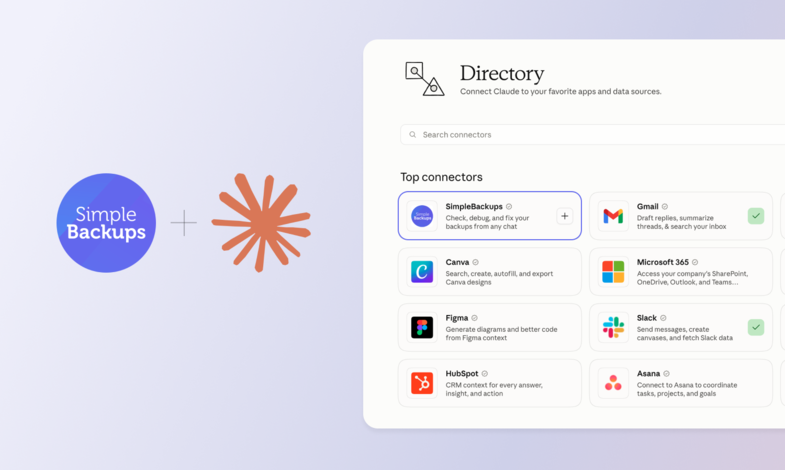
The SimpleBackups MCP server is now listed in Claude's official Connector Directory. Adding it to Claude takes one click, with nothing to configure.
One click from Claude
Open the SimpleBackups connector, add it, and approve the sign-in. That covers claude.ai and Claude Desktop. There is no API key to paste.
Once it is connected, ask Claude what failed overnight, read the error behind a failed run, or trigger a backup before a deploy. Write actions still ask for your confirmation.
More MCP clients
- Composio support. Composio and similar MCP platforms can now connect to SimpleBackups.
- Any other client. Cursor, Claude Code, Codex and other MCP clients connect with the server URL, using the same sign-in.
Read the full announcement, or follow the setup guide.