
We spent the past month on Supabase. The goal was simple: a backup of the whole project, and a restore that comes back working.
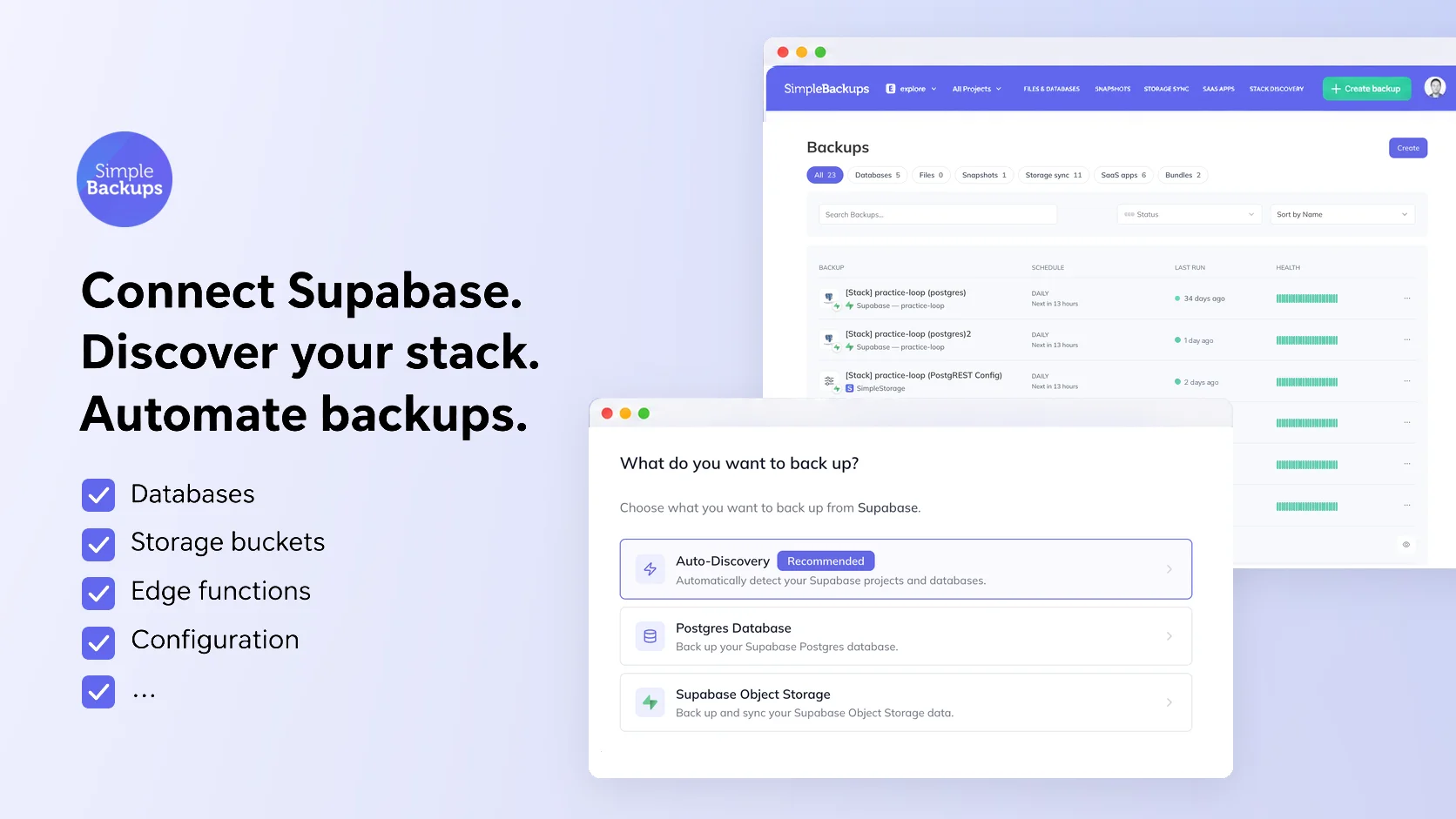
Connect once, see the whole project
- Auto-Discovery. Click Connect with Supabase, approve read-only access, and we scan every active project on the account: the Postgres database, every Storage bucket, Edge Functions, Auth and PostgREST config, and your secret names.
- One screen per project. Resources are grouped by project, and one screen sets up the full backup. Pick a schedule, a retention and a destination, then click Enable.
- Lands in the right project. New connections, discovered storages and the backups created from them now attach to the project you are working in.
More of your project in the backup
- Auth users. Postgres backups now include
auth.users, identities, MFA factors and SSO providers, plusstorage.bucketsandstorage.objectsmetadata. Sessions and refresh tokens are left out on purpose. - Permissions. You can keep
GRANTandREVOKEprivileges in the backup, so a restore brings back who can access what.
Restores that come back working
- Scheduled jobs. Your pg_cron jobs are scheduled again after a restore, paused jobs included.
- Data API access. Restored tables get their
anon,authenticatedandservice_rolegrants back, following Supabase's October 30 change. Row Level Security still applies. - Restore into plain Postgres. The restore creates the Supabase roles your backup references, so it no longer stops on the first RLS policy.
- Harder schemas. Partitioned tables, backups limited to a few schemas, cross-schema policies and PostGIS topology all restore cleanly.
Storage syncs that keep up
- Only what changed. Syncs on large buckets copy changed files instead of re-uploading unchanged ones.
- Empty buckets. A bucket with nothing in it yet no longer fails its sync.
- Clearer errors. When storage refuses a request, you see the real reason.
Improvements
- Stays connected. A brief hiccup on Supabase's side no longer sends a disconnect email.
- Password changes. A backup stops at the first failed login, so an old password no longer triggers a temporary Supabase network ban.
If you already back up Supabase with us, all of this is live on your account. Run Discover Resources on your Supabase stack to pick up anything new. Read the full write-up, or see SimpleBackups for Supabase.