

A Supabase backup can restore every table you own and still leave you with an app nobody can sign in to.
We saw it in support. A customer ran a restore test, and three foreign keys failed because the rows they pointed at in auth.users were not in the backup. The backup had done what it was told. It just wasn't a backup of the app.
That gap set the agenda for the last two months. Supabase Backups v2 is the result: a different way to set up, a fuller backup, and a restore that comes back working. Here is everything that changed.
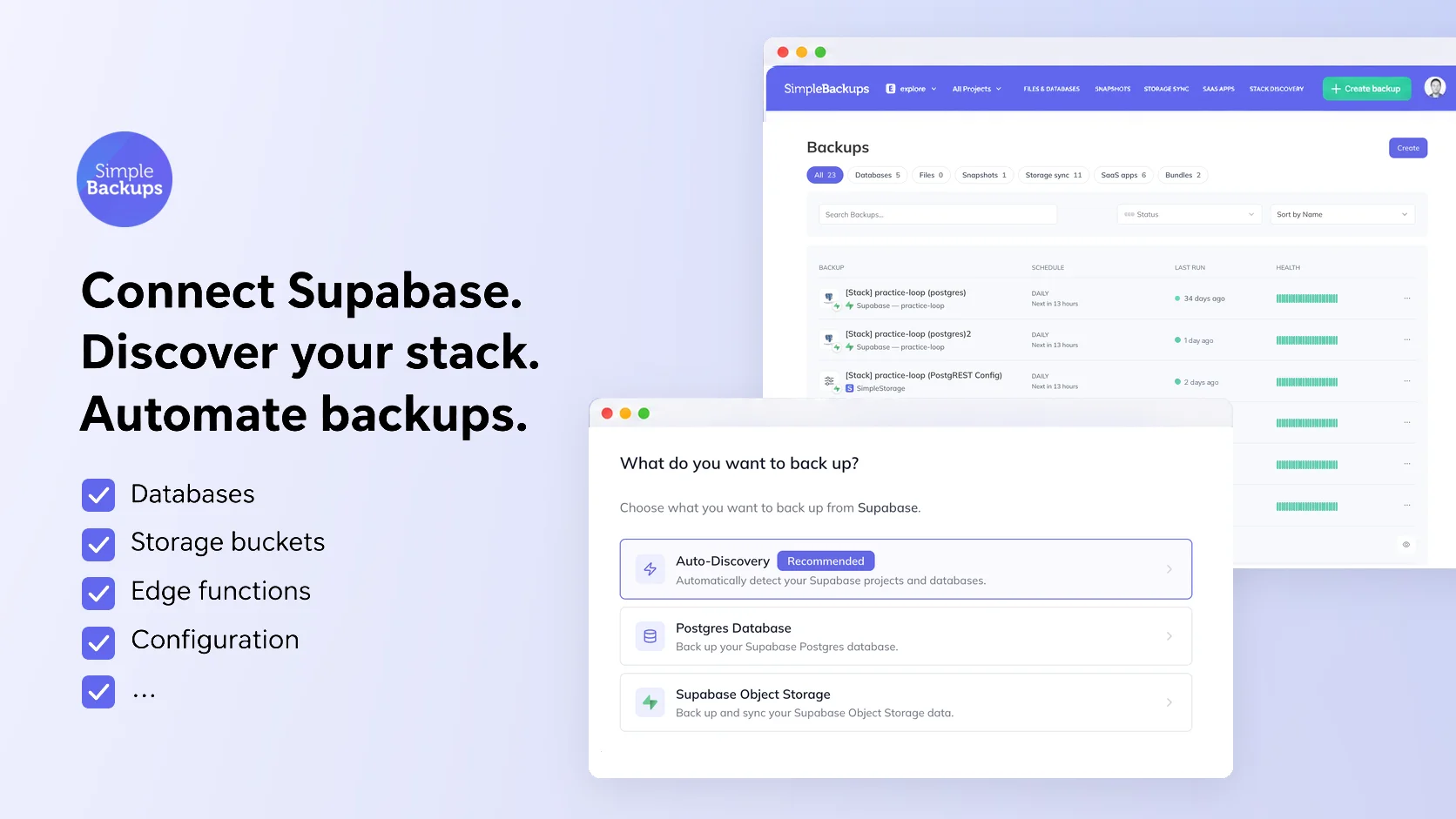
Connect once, and see the whole project
Setting up used to mean adding a database here, a bucket there, and remembering what you missed. Now you click Connect with Supabase, approve read-only access, and we scan every active project on the account.
Auto-Discovery is the first option when you create a Supabase backup. It finds:
- The Postgres database of every project
- Every Storage bucket
- Edge Functions, backed up together as one archive
- Auth config (email templates, OAuth providers, JWT settings) and PostgREST config, exported as JSON
- Secret names, as a reference. Supabase masks the values, so no tool can read them
Resources are now grouped per project, and one screen sets up the full backup for a project. Pick a schedule, a retention, and a destination, then click Enable. New accounts start with SimpleStorage, so the first backup has somewhere to go before you create a bucket. You can bring your own S3, R2 or B2 whenever you like.
If your team works in Projects, new connections, discovered storages and the backups created from them now land in the project you are working in. You no longer have to move them by hand.
Your auth users are in the backup
This is the change behind the opening story.
Postgres backups now capture the parts of the auth and storage schemas that hold your data:
auth.users,auth.identities, MFA factors, and SSO and SAML providersstorage.bucketsandstorage.objects, the metadata for your files
We leave out sessions, refresh tokens and audit log entries on purpose. They expire anyway, and restoring stale sessions is worse than restoring none.
One honest limit: Vault secrets are not in the backup yet. Capturing them means putting plaintext secrets in a dump file, and we want a dedicated, opt-in way to handle that instead. It's in progress.
You can also choose to keep GRANT and REVOKE privileges in the backup, so a restore brings back who can access what along with the data.
Restores that come back working
A restore that "succeeds" and then fails in your app is worse than one that fails loudly. Most of the work this cycle went here, because Supabase projects carry more than tables.
Scheduled jobs. Supabase does not let anyone insert rows into cron.job directly. Restores used to drop your pg_cron jobs to get through. Now we read them from the backup and schedule each one again after the restore, paused jobs included.
The Data API. On October 30, Supabase stopped granting API roles on new tables automatically. A restore re-creates every table, so a restored project answered every request with:
42501 permission denied
The restore now grants anon, authenticated and service_role on the restored tables, matching what Supabase used to do. Row Level Security still applies, so nothing becomes more open than it was.
Two more cases that used to roll a restore back:
- Plain Postgres targets. Restoring outside Supabase stopped with
role "authenticated" does not exist, since almost every project has an RLS policy that names it. The restore now creates the roles your backup references first. - Harder schemas. Restores over an existing project now handle partitioned tables, backups limited to a few schemas, and policies in other schemas that depend on restored functions. Projects using PostGIS topology restore too.
Restore runs from a single command today. Bringing it into the dashboard is next.
Storage syncs that keep up
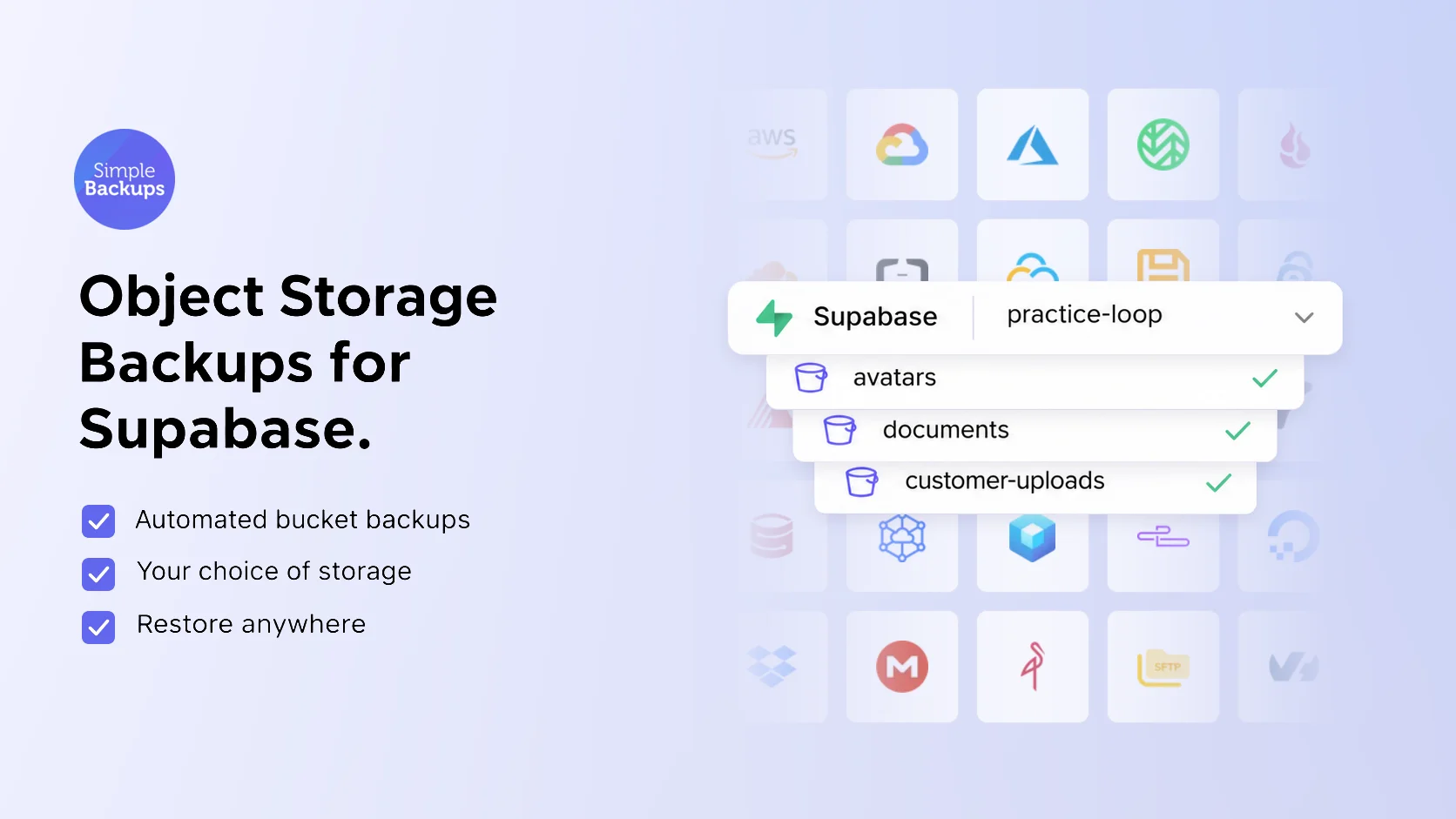
Storage buckets are backed up as a sync to the destination you choose. Large buckets exposed the weak spots, so we fixed them:
- Unchanged files stay put. One customer's sync was copying around 500 GiB of unchanged files every day. It now copies only what changed.
- Empty buckets don't fail. A bucket with nothing in it yet no longer fails every run, so you don't have to pause it until it fills up.
- Real errors. When storage refuses a request, you see the actual reason instead of a generic code. Supabase to Supabase syncs are more reliable too.
Fewer false alarms, clearer real ones
Stack Discovery checks your buckets far less often than it did. If a scan times out, it says so instead of showing a spinner for two hours. It also remembers resources you assigned by hand.
Supabase connections stay connected. You stop getting disconnect emails for a connection that is fine.
We also fixed one we caused. When you change your database password, the next backups still try the old one, and Supabase temporarily bans an IP after a couple of failed logins in a row. A backup now stops at the first failed login. If a ban happens anyway, the failure screen tells you, and our docs show how to clear it from the Supabase dashboard.
Ask your assistant instead of opening the dashboard
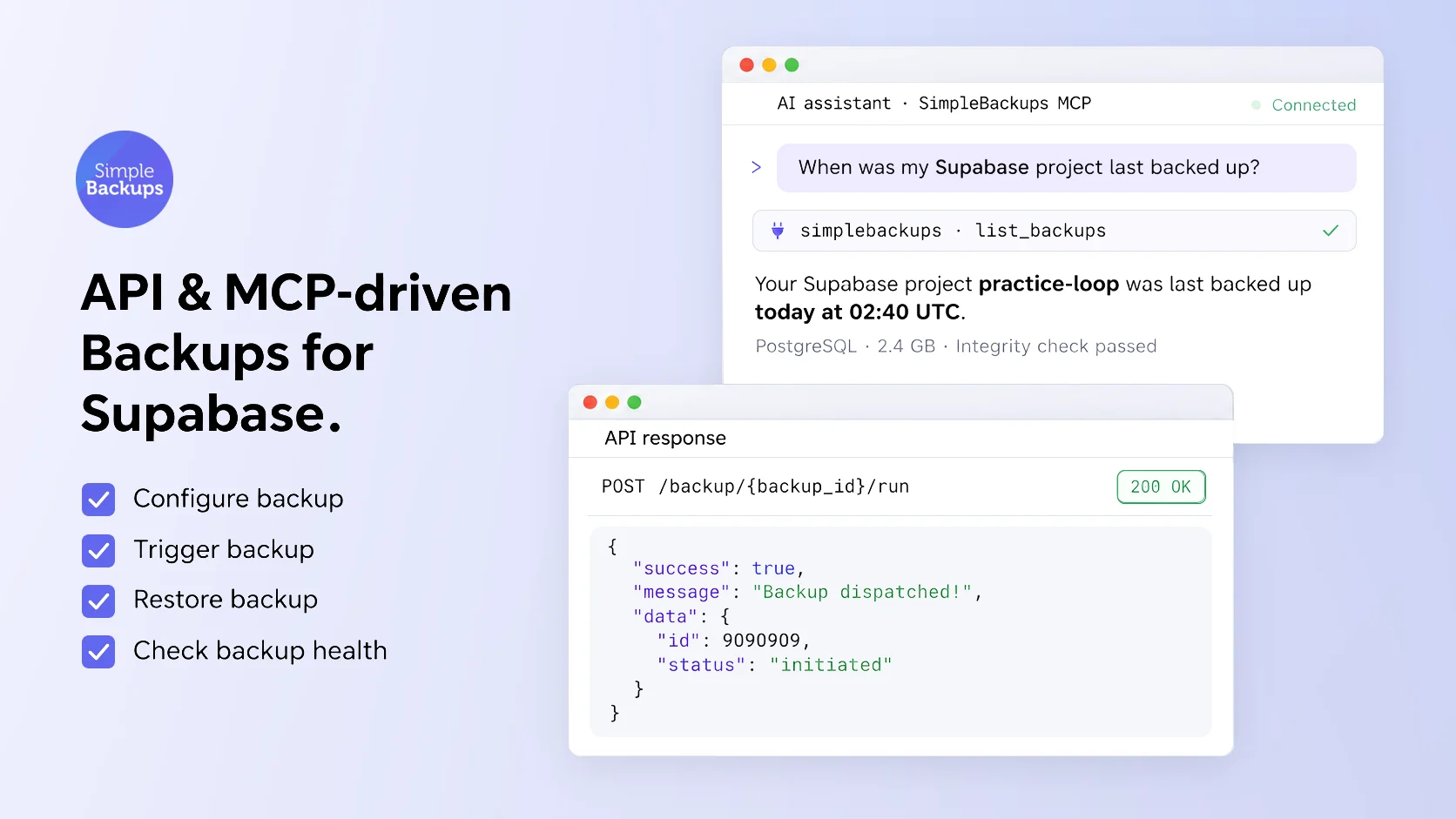
Every Supabase backup is also available through our API and MCP server. Ask Claude when your project was last backed up, trigger a run before a migration, or check backup health, without leaving the editor.
Live on every account
If you already back up Supabase with us, all of the above is live on your account. Run Discover Resources again on your Supabase stack to pick up anything new. If you don't yet, SimpleBackups for Supabase covers the parts of a project that native backups leave behind, on storage you own.
FAQ
What does SimpleBackups back up from a Supabase project?
The Postgres database, every Storage bucket, Edge Functions, the Auth and PostgREST configuration, and the names of your project secrets. Supabase masks secret values, so no tool can export them. Vault secrets are not included today.
Do I need to give SimpleBackups my Supabase service keys?
No. You connect with Supabase through OAuth and approve read-only access. The only credential you still enter is the database password for the Postgres backup, because Supabase does not expose it through its API.
Will my restored tables work with supabase-js after Supabase's October 30 change?
Yes. Since October 30, Supabase no longer grants the anon, authenticated and service_role roles on new tables automatically. Our restore now adds those grants back on restored tables, so the Data API can reach them as soon as the restore finishes. Row Level Security still applies.
Can I restore a Supabase backup into plain Postgres?
Yes. Supabase's API roles do not exist outside Supabase, which used to make most restores into plain Postgres fail on the first RLS policy. The restore now creates the roles your backup references before it loads the data.