Schedule backups of your entire Notion workspaces and data.
Preview your data at any point in time and restore it back into Notion.



Welcome to Northwind Labs HQ, the single home for our teams and docs.
 lunar-empire-452

Connect your Notion workspace and automatically safeguard all your data: no scripts, no bucket, no ticket.
Connect Notion Cloudflare R2
 Northwind Labs · Recovery
Back up your Notion account. Stay compliant and safeguard your data.
Notion-Acme-Workspace3,645 pages
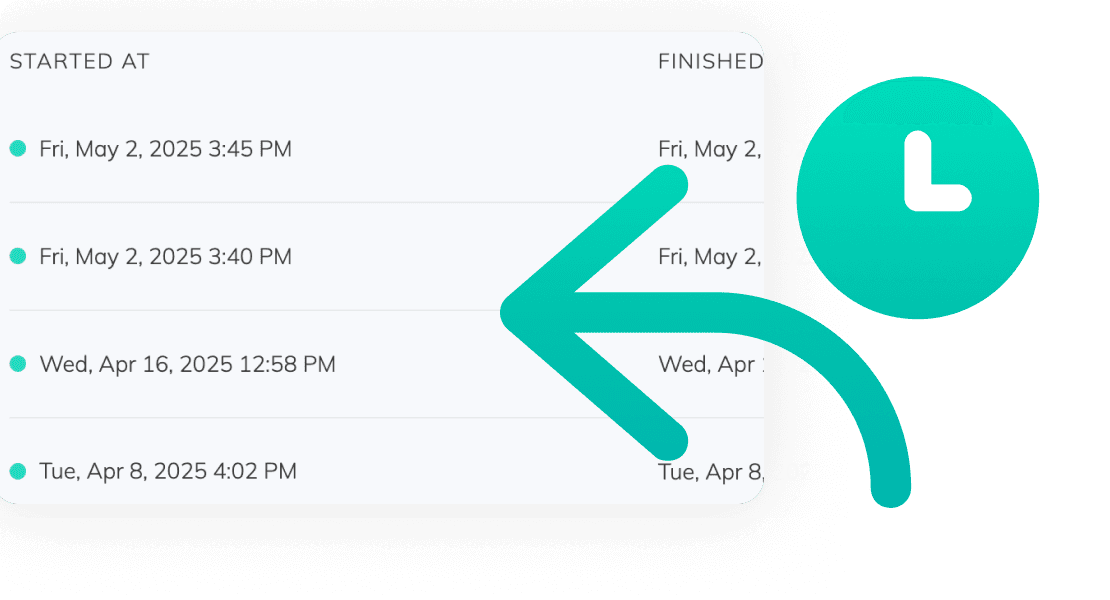

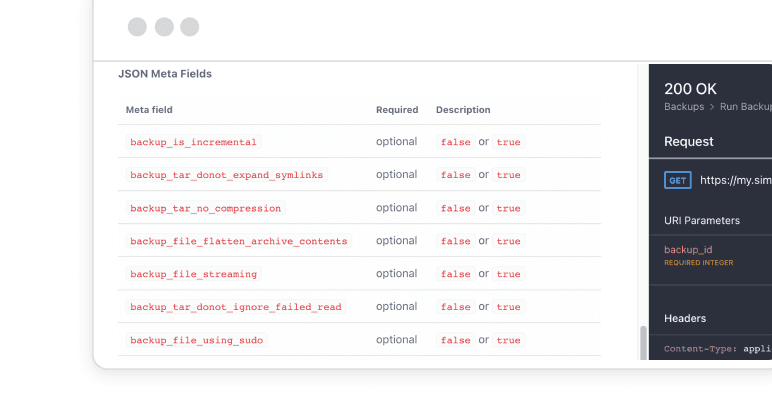
Storage you control, schedules you set, and an API for everything else.
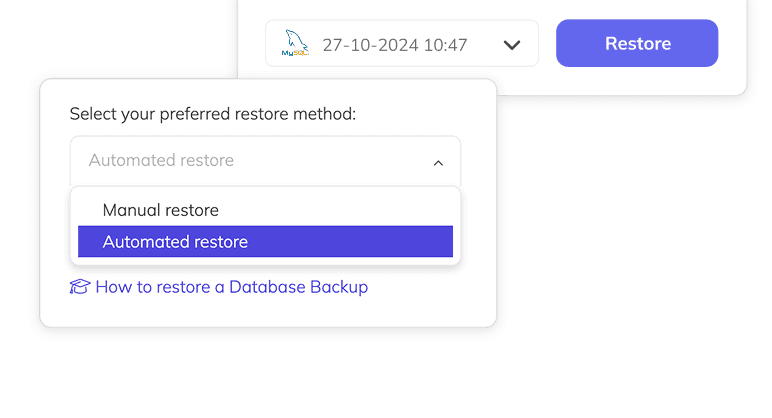
We tested every Notion backup tool we could get access to. The ones that restore at all leave you with your content, not a working workspace. Ours comes back with its structure intact, ready to pick up where you left off.
With SimpleBackups
With everything else
Notion holds SOC 2 Type II and ISO 27001, and those cover Notion's platform: the servers, the uptime, the security of the service. They do not cover an admin who cleared the wrong teamspace, and they were never meant to.
Legal and Compliance
Your auditor does not ask whether Notion is certified. They ask for your retention schedule, an independent copy you control, and the date you last tested a restore. Those three answers are yours to produce.
Ransomware and Account Takeover
Even Notion can be hit by account takeovers or ransomware-style data loss, and your data is not available locally.
Human error and outages
Pages get deleted, databases get wiped, workspaces get cleared. Without a backup, that data is gone.
Start with how to back up a Notion workspace, then get started with the guides below.
Watch our video tutorials
Use the free Basic plan and add the Notion addon for one workspace. Get fully automated Notion backup with a simple plan.

With over 3000 users served, here's what they say about SimpleBackups
Fast and efficient support. Backs up Notion like a breeze. Thanks!

Rasmus K.
Componental
SimpleBackups resolved an issue with our Notion backup and remained committed to fixing it, keeping us in the loop all the way. Thank you very much!

iP IT
iPify
We deal with a number of third party providers and this support team are consistently faster than anyone else - from acknowledgment to fix.

Peter
Sprint Education
Awesome support! This is the most important thing any company can offer. Got in contact with a real human in minutes that solved my issue. Keep up the good work!

Joao Pedro Lobo Miranda
Satsails
I love the customer service at SimpleBackups. It is really helpful and does a lot of investigation for solving really specific problems.

Josip Nedic
epgmbh
Issue needed development on SimpleBackups side and the team delivered in record time. For someone who has worked with tech and dev teams, I believe you did a great job within the time frame, bearing in mind I'm still not a paying customer.

Francisco Lucas
Didn't find yours? Talk to an engineer
A Notion backup service is a tool that automatically saves copies of your Notion workspaces at regular intervals.
This ensures that you have secure and up-to-date backups of your data, which can be restored in case of accidental deletion, data corruption, or any other issues that might cause data loss.
Everything Notion exposes through its API: pages, databases, blocks, and database properties, including formulas, relations, rollups, and unique IDs. Files and attachments, comments, and the people directory are captured as well when you enable them on the backup. The one category Notion withholds from every integration is interactive AI blocks, such as a live AI summary.
Coverage follows access. The archive contains exactly what has been shared with the SimpleBackups integration, so a teamspace or page nobody shared with it is not in the backup.
The full list of what we capture, and of what a restore can and cannot put back, lives in our Notion backup documentation. It is worth reading before you need it rather than during a recovery.
Your backups are stored in the storage provider you choose — your own S3 bucket, SFTP server, Backblaze B2, Cloudflare R2, Hetzner Storage Box, or SimpleStorage (our managed storage). We never store your Notion data on our servers.
As long as you decide. Retention is the number of runs we keep in your storage before the oldest one rotates out, and you set it per backup. Keep a handful of recent restore points, or keep a year of them.
This is the part Notion's own recovery cannot offer. Trash and Page History run on fixed windows tied to your plan, 7 days on Free and up to 90 on Business and Enterprise, and they close whether or not you noticed. Because your runs live in storage you own, retention is a policy you choose rather than a deadline you inherit.
Yes. Notion maintains SOC 2 Type II, ISO 27001 and ISO 27017, and you can pull the current reports from the Notion Trust Center.
That covers Notion's platform, not your use of it. An auditor assessing your organisation asks a different set of questions: what your retention schedule is, where an independent copy of the workspace lives, who can reach it, and when you last proved a restore works. Notion's certificate answers none of those, because none of them are Notion's to answer. That is the half you own, and it is the half a backup gives you.
Deleting the data in Notion takes care of the live workspace, and the next scheduled run will not contain it. What stays behind is the runs already taken, because each one holds the workspace as it stood on the day it ran.
Those copies leave on the retention window you set for that backup, which is the number of runs kept before the oldest rotates out. If you need them gone sooner, the files sit in a storage provider you own rather than on our infrastructure, so you can remove a run from your own bucket directly. Where you have encrypted a backup with a key only you hold, nobody at SimpleBackups can open or alter that archive.
Whether a copy waiting to rotate satisfies the request is a question for your DPO or your counsel rather than for us. What we give you is the part they tend to ask for: the retention schedule you set, and a record of the runs it applied to.
Start with Notion, because that gate comes first. Notion supports HIPAA only on the Enterprise plan, and only once an admin accepts Notion's Business Associate Agreement and follows their HIPAA configuration guide. On Free, Plus or Business there is no BAA with Notion at all, so PHI does not belong in the workspace however it is backed up.
Once your workspace is in scope, backup is one of the controls you have to evidence: HIPAA's Security Rule asks for a data backup plan and a disaster recovery plan under §164.308(a)(7). We are ISO 27001 certified and can supply the certification and security review reports your assessor asks for, alongside the retention schedule and restore history for your own backups. A business associate agreement is not part of the standard subscription, so talk to us about the paperwork before you put a HIPAA-scope workspace on a schedule.
Pick the run you want from the SimpleBackups dashboard, choose a destination page in a connected workspace, and start the restore. We rebuild your content through the Notion API: pages, blocks, databases, and the relations between them are recreated one by one, rather than handed to you as files you re-import by hand.
Restore into a new, empty destination page so recovered content never mixes with what is live, and expect a full-workspace restore to run longer than the backup it came from.
Yes. A restore targets whatever destination page you point it at, in any workspace you have connected with write access, so you can recover into a fresh workspace, a sandbox, or a different Notion account entirely.
That is also the safe way to rehearse a recovery: restore into an empty page, check the result against what you expected, and leave production untouched.
Notion's built-in export is a manual download you have to remember to run, and what it gives you is files, not a workspace. Restoring from it means re-importing by hand and accepting that links, relations, and dynamic content arrive flattened. It also stops being practical at scale: very large workspaces often fail to export natively at all.
SimpleBackups runs on the schedule you set, stores each run off-platform in storage you own, keeps multiple restore points, and puts your content back into Notion through the API instead of handing you a folder.
We do not cap how much data you back up. On a very large workspace the practical constraint is run time rather than size: a full backup takes hours, and a restore takes longer than the backup that produced it.
If your workspace needs more than a standard run allows, talk to us. We raise run limits case by case, and a very large workspace can also be split into one backup per top-level section so each job finishes faster.
We do not use any propriety backup software - so if decide to leave SimpleBackups at any time, your backups are always there and accessible on your own storage. No need for SimpleBackups to retrieve them.
Give your whole team the visibility, control, and access they need to manage and restore backups with confidence.
No credit card required.