SimpleBackupsSimpleBackups

Store your backups on OneDrive

Store your server, database, storage and applications backups on OneDrive.

Overview

Easily connect your OneDrive account to SimpleBackups to securely store your backups.
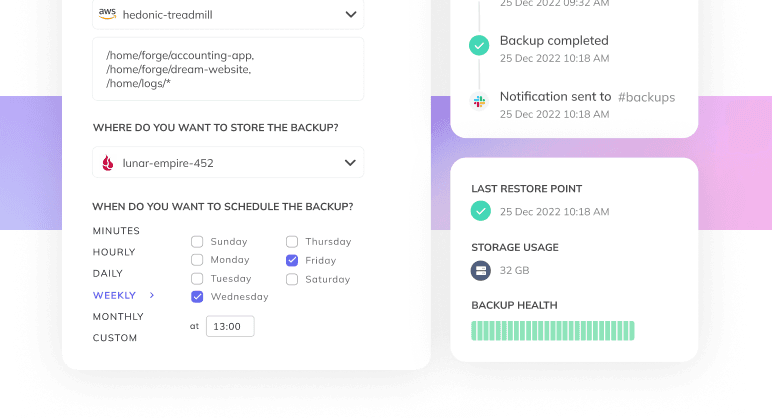
This integration allows you to automate the storage of your server, database, and application backups directly into your OneDrive account.

Key Benefits:

  • Seamless Integration: Connect your OneDrive account in just a few clicks.
  • Automated Backups: Schedule regular backups without manual intervention.
  • Secure Storage: Your backups are stored safely within your OneDrive account, ensuring easy access and recovery when needed.

Why Use OneDrive for Backup Storage?

OneDrive is a reliable cloud storage solution that offers:

  • Accessibility: Access your backups from anywhere, at any time.
  • Security: Benefit from OneDrive's robust security measures to protect your data.
  • Scalability: Easily scale your storage needs as your data grows.

By integrating OneDrive with SimpleBackups, you combine the ease of OneDrive's storage capabilities with the powerful automation features of SimpleBackups.

Backup-as-a-Service stored on your OneDrive account

Once your storage is connected, you can use it to store any of your backups:
Database Backup

Database backup

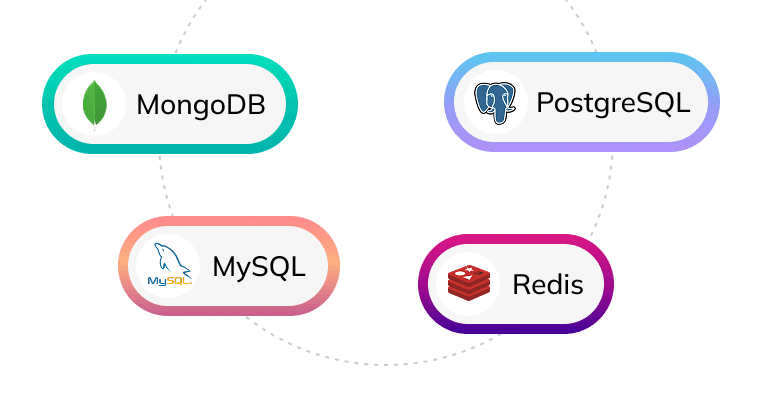
Backup any MySQL, PostgreSQL, MongoDB, Redis, self-hosted, or any database-as-a-service and store them on your OneDrive account.
Server Backup

Server & Folder backup

Connect your servers and automate backups of your file systems and store them on your OneDrive account.
Server Backup

Cloud Storage backup

Secure your data by scheduling and automating replication of your buckets and cloud storage to OneDrive.
Application backup

Application Backup

Backup your SaaS apps like Notion, GitHub, Knack, etc and store them on your OneDrive account.