
Appearance
Exoscale
How to back up Exoscale managed PostgreSQL databases via SimpleBackups.
Exoscale is a European cloud provider offering managed PostgreSQL databases. Connecting your Exoscale PostgreSQL to SimpleBackups requires configuring IP filtering, copying your connection credentials, and optionally supplying a CA certificate for TLS verification. This guide walks you through each step.
Connecting your database
Step 1: Configure IP filtering
- Log in to your Exoscale account and navigate to the databases section.
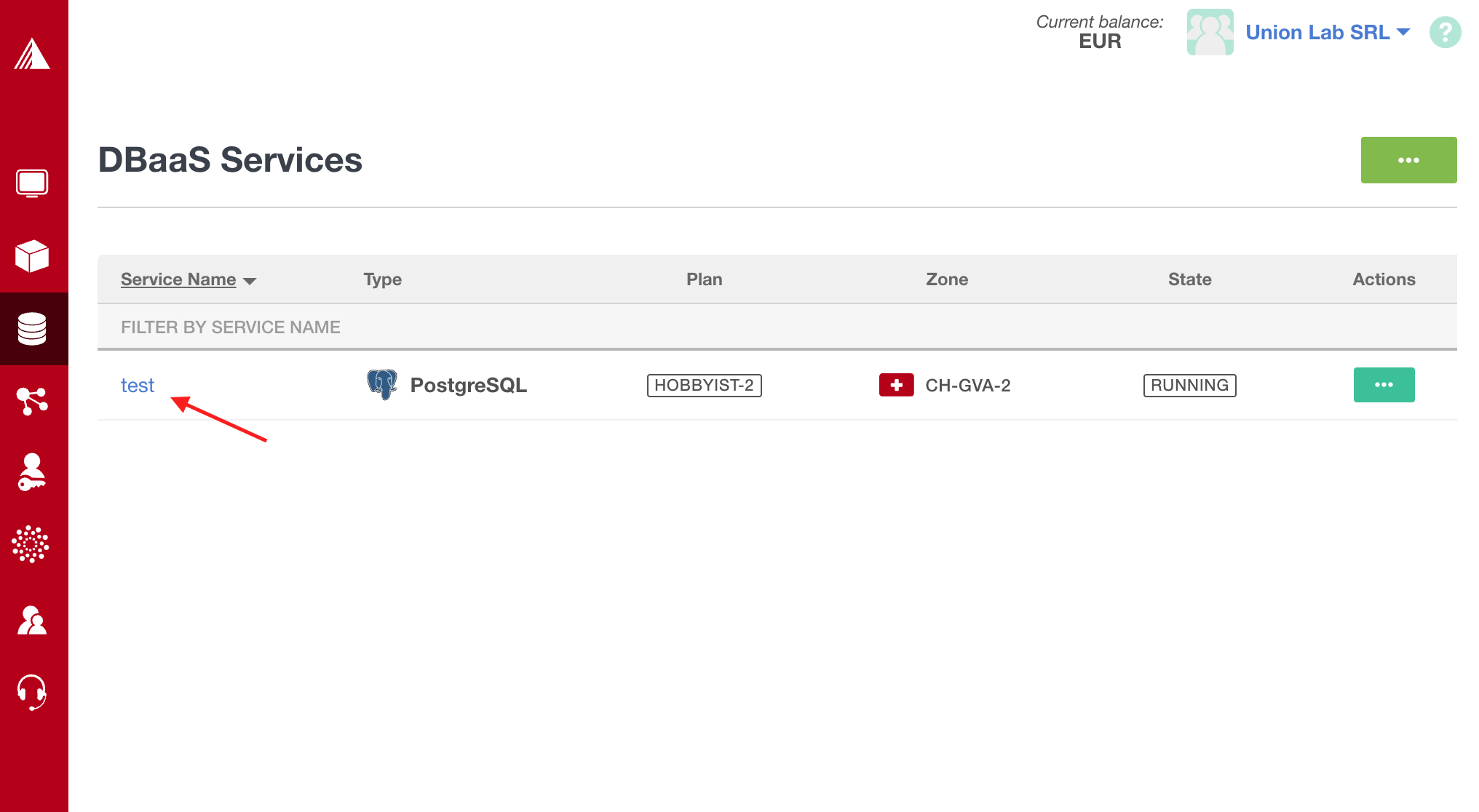
- Select the database you want to back up.
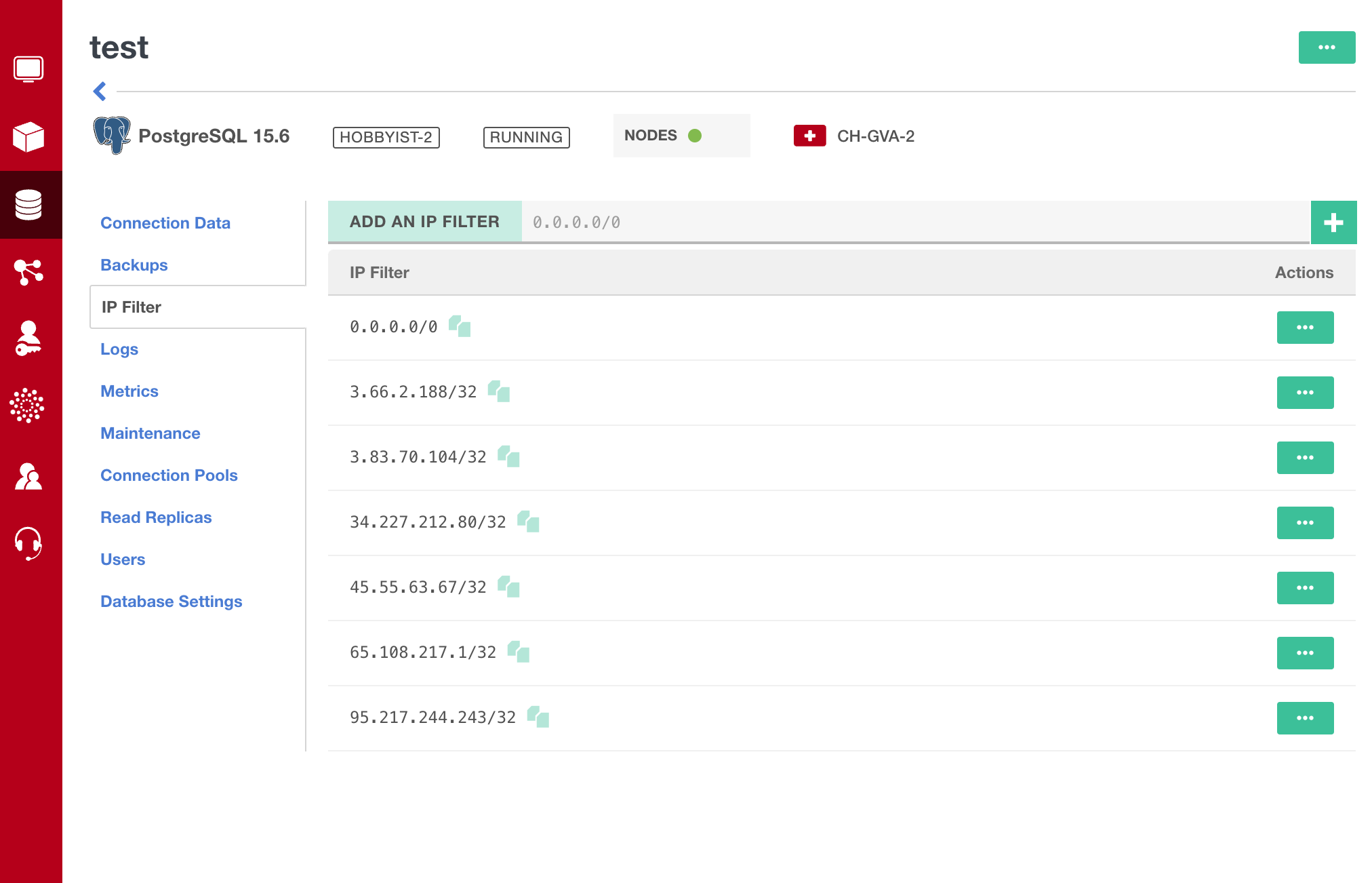
- Go to the IP Filter tab.
- Add the SimpleBackups IP addresses to the allowlist.
Step 2: Copy your connection credentials
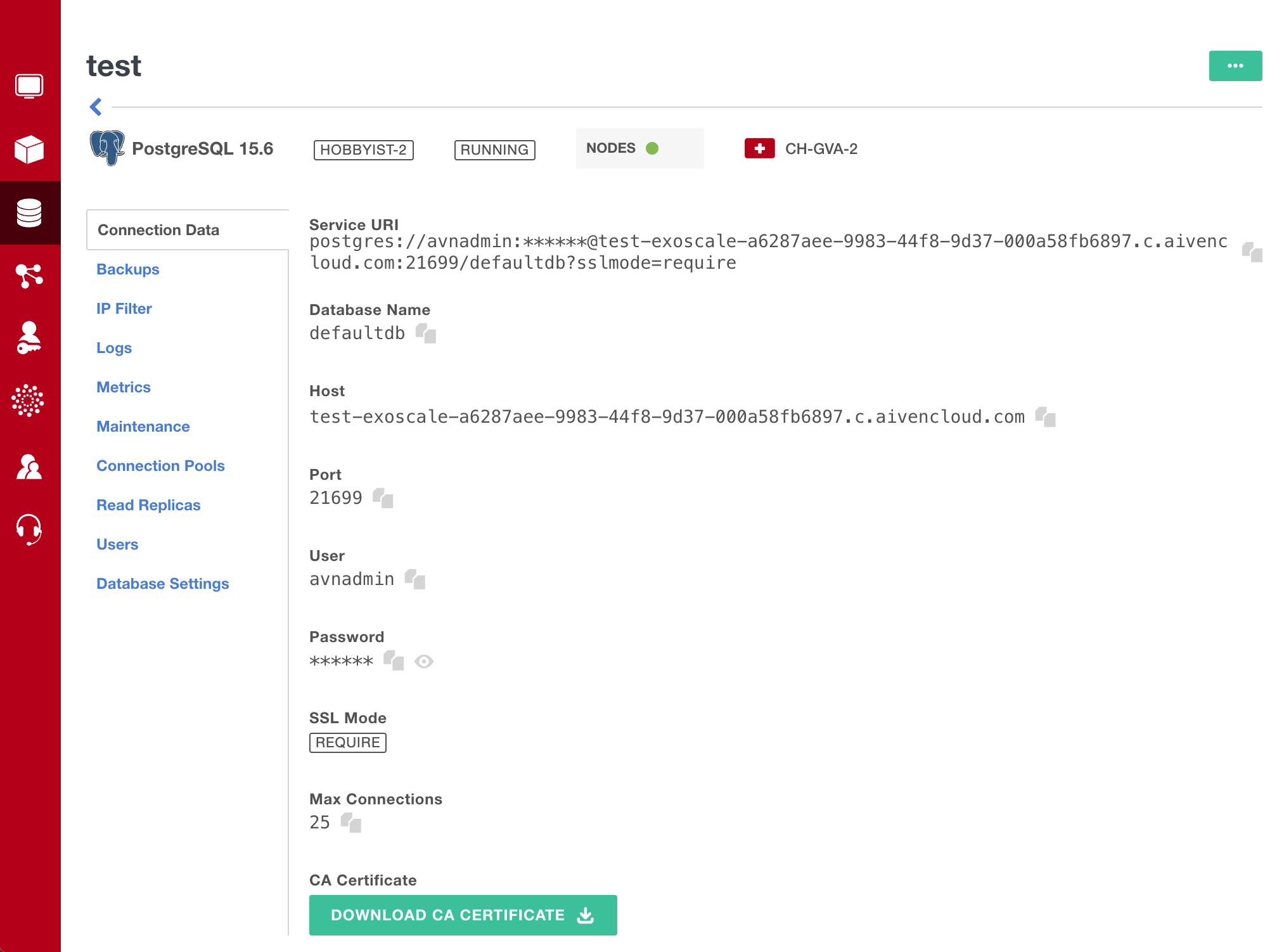
- Switch to the Connection Data tab.
- Copy the Service URI.
- Download the CA certificate.
Step 3: Set up a database backup in SimpleBackups
- Navigate to creating a new database backup and choose Serverless.
- Select PostgreSQL as the database type.
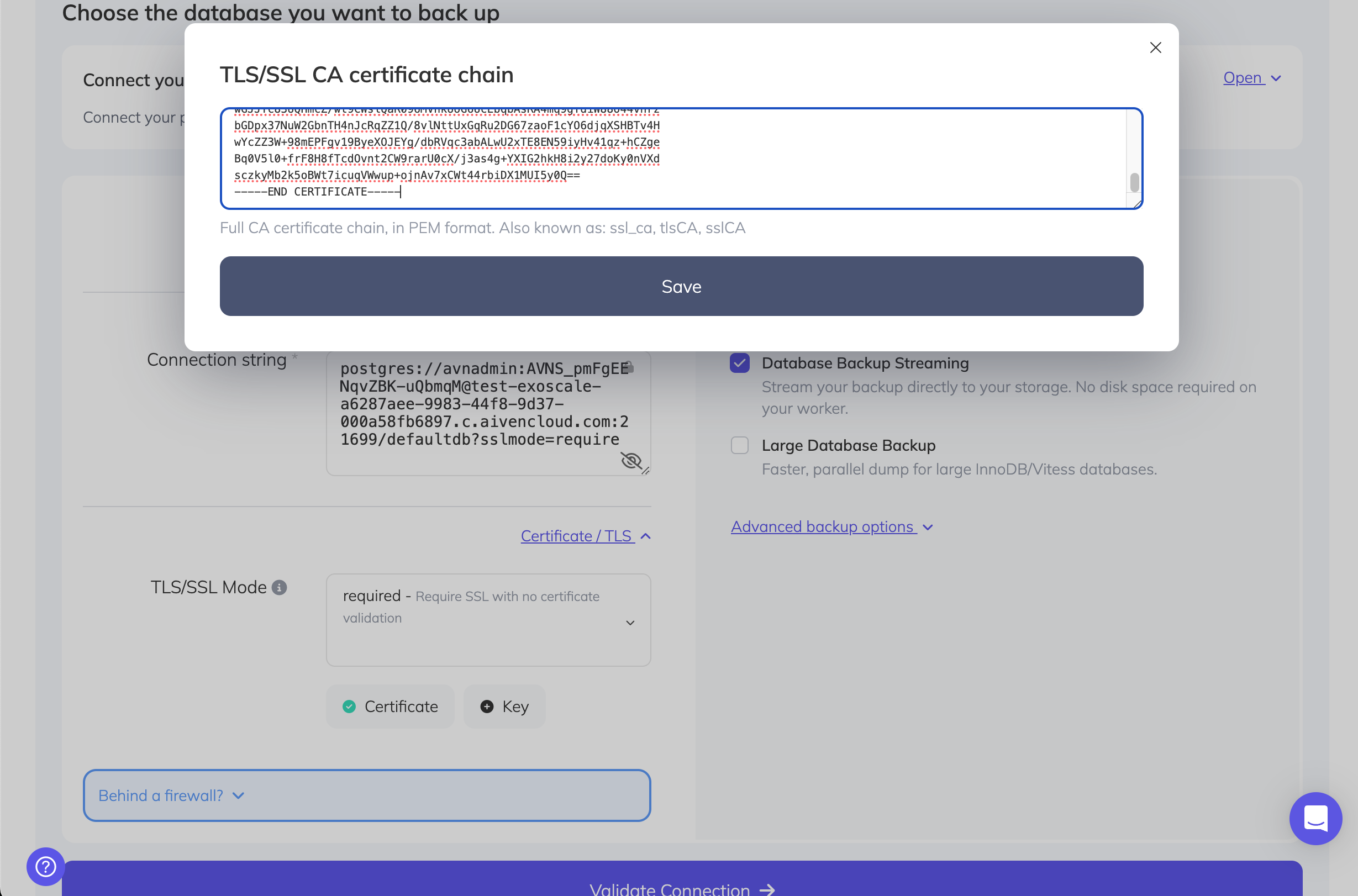
- Click Paste connection string and paste the Service URI.
- Under Certificate / TLS, select REQUIRED mode.
- Paste the CA certificate you downloaded into the designated field.
- Click Validate connection to confirm the settings are correct.
- Once validated, configure your schedule and activate the backup.
Restoring a backup
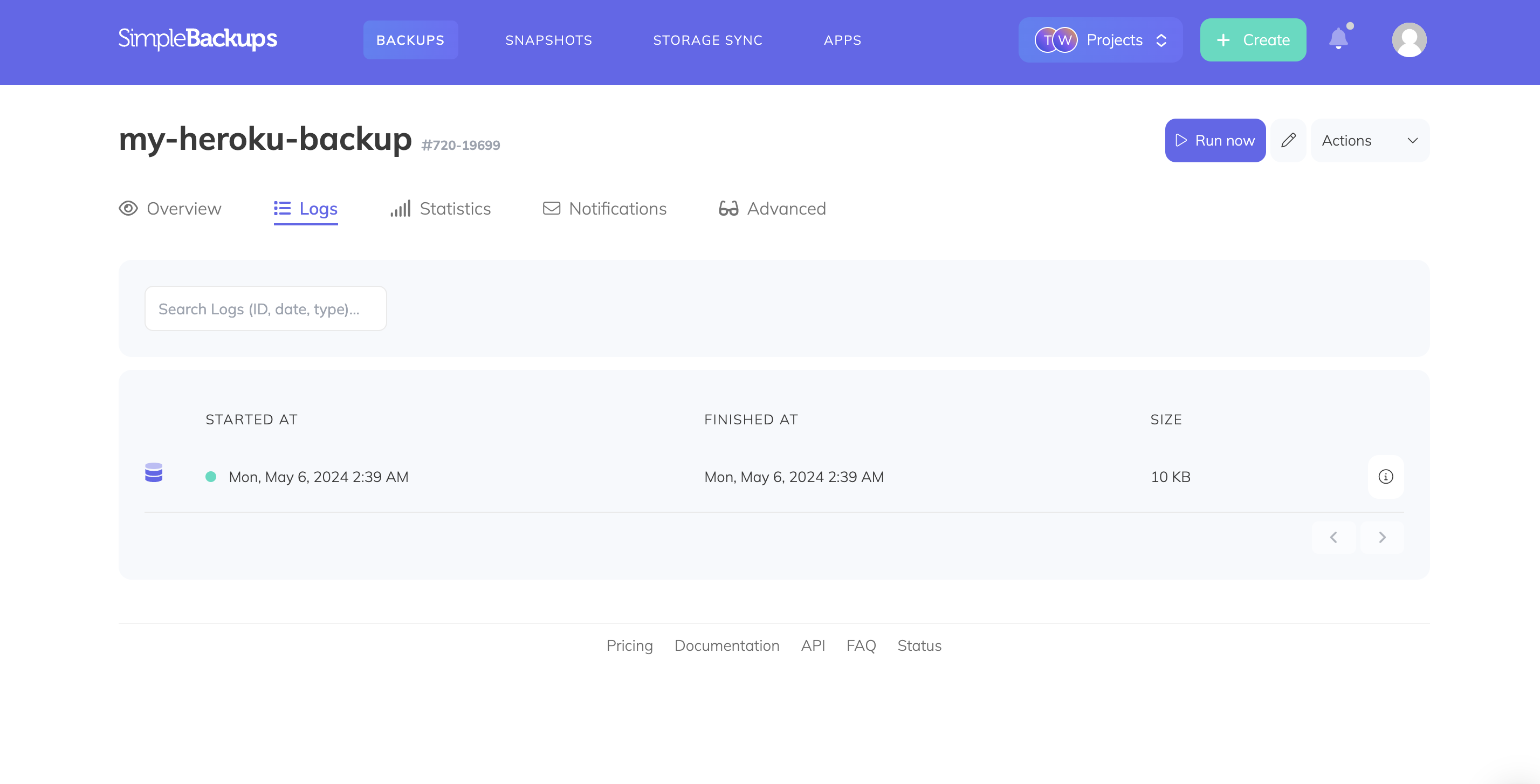
To restore a backup, navigate to your backup page and open the Logs tab. Click the detail icon on the backup you want to restore from, then open the Restore tab. Generate a download link and copy it.
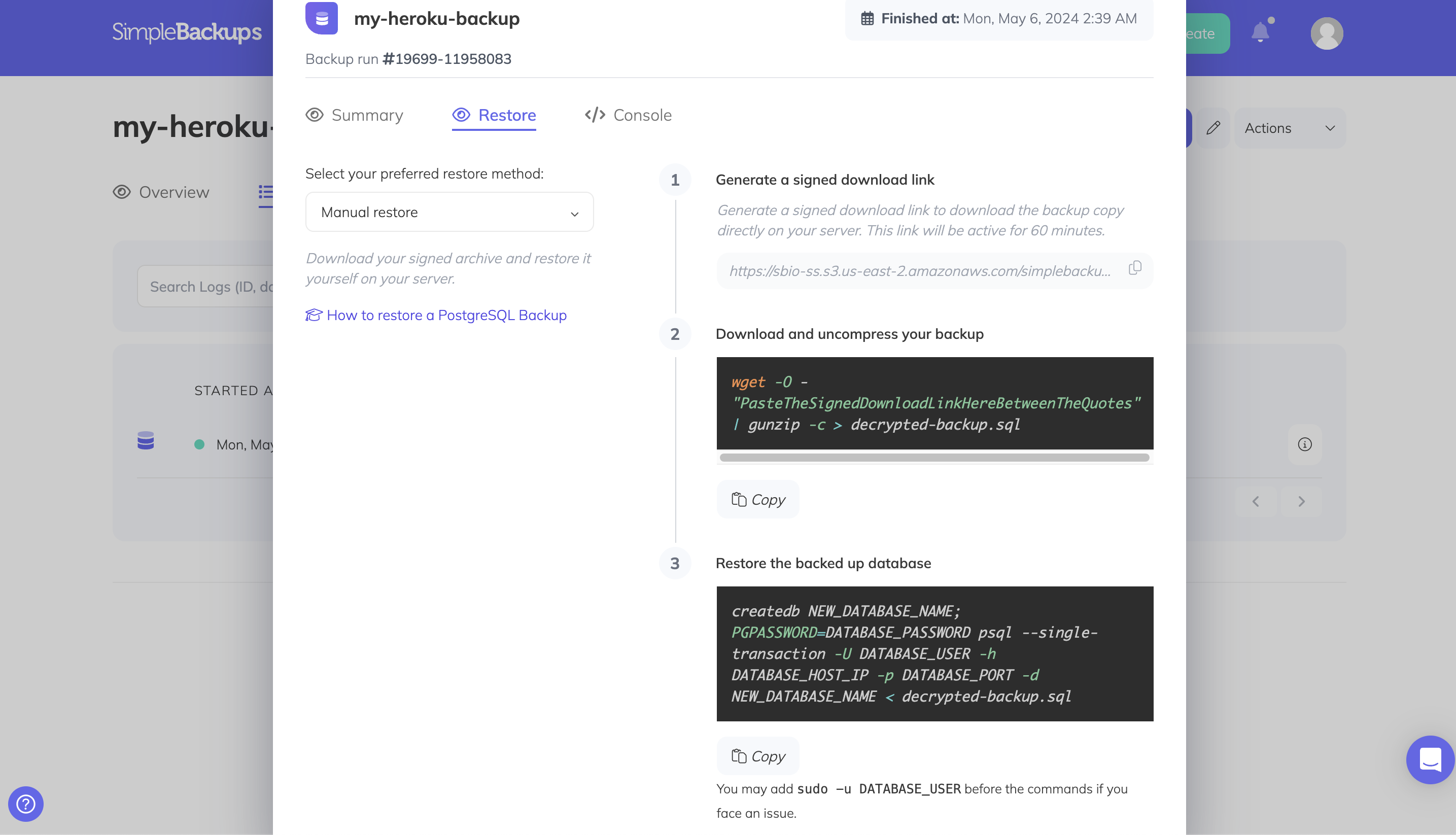
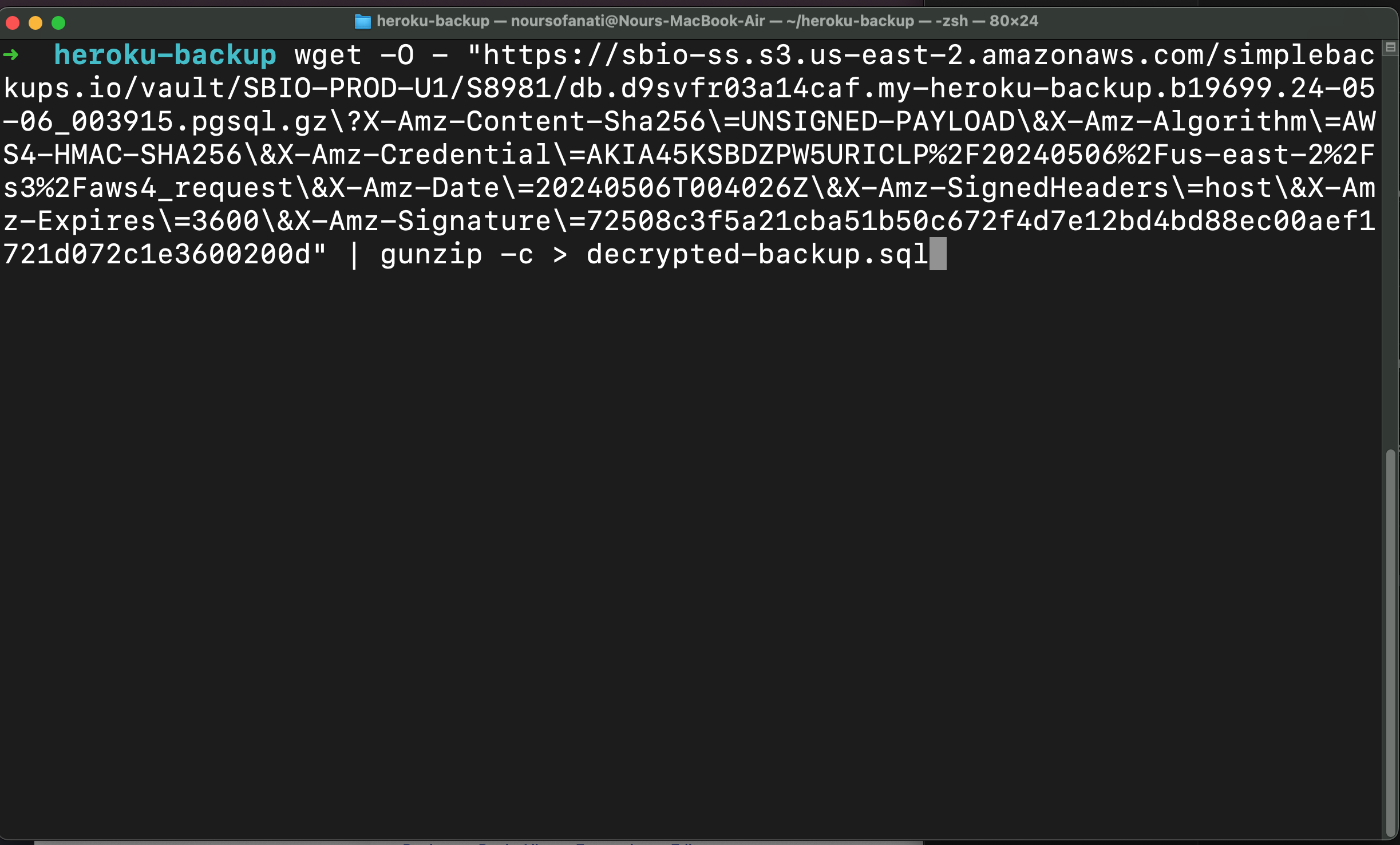
Run the following command to download and decompress your backup (replace the URL with your signed download link):
bash
wget -O - "<signed-download-url>" | gunzip -c > backup.pgsqlThen restore using pg_restore, replacing <your-database-uri> with your full database connection string:
bash
pg_restore -d "<your-database-uri>" ./backup.pgsql