Appearance
Account cancellation
Cancel your subscription, or delete your account entirely.
Cancelling a subscription and deleting an account are two separate actions. If you want to stop paying but keep your data and configuration, cancel the subscription. If you want to remove your account from SimpleBackups completely, you need to do both — in that order.
Cancel your subscription and keep your account
- Go to Settings → Subscription
- Scroll to the Danger Zone card
- Click Switch to Basic Plan (free) and confirm
Your paid subscription is cancelled immediately and your Team moves to the Basic (free) plan. Your account, backups, servers, and storages all stay in place.
Delete your account
You must cancel any active subscription before you can delete your account. The Delete my account button stays disabled while a subscription is active.
- Cancel your subscription first (see above)
- Go to Settings → Profile
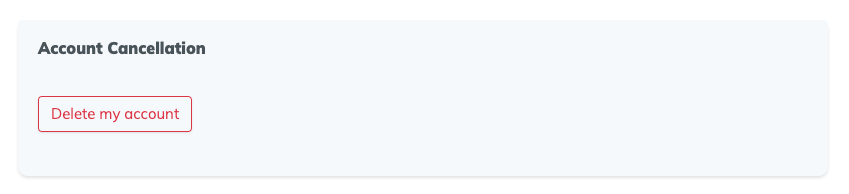
- Scroll to the account cancellation card and click Delete my account
- Fill in the confirmation form and confirm