Appearance
Exoscale
Automate Exoscale server snapshots on a custom schedule.
SimpleBackups connects to your Exoscale account through API credentials to create and manage server snapshots automatically. This guide walks you through generating Exoscale API keys and creating your first snapshot job.
Connect your Exoscale account to SimpleBackups
Generate Exoscale API credentials
- Log in to your Exoscale console
- Navigate to the API Keys section
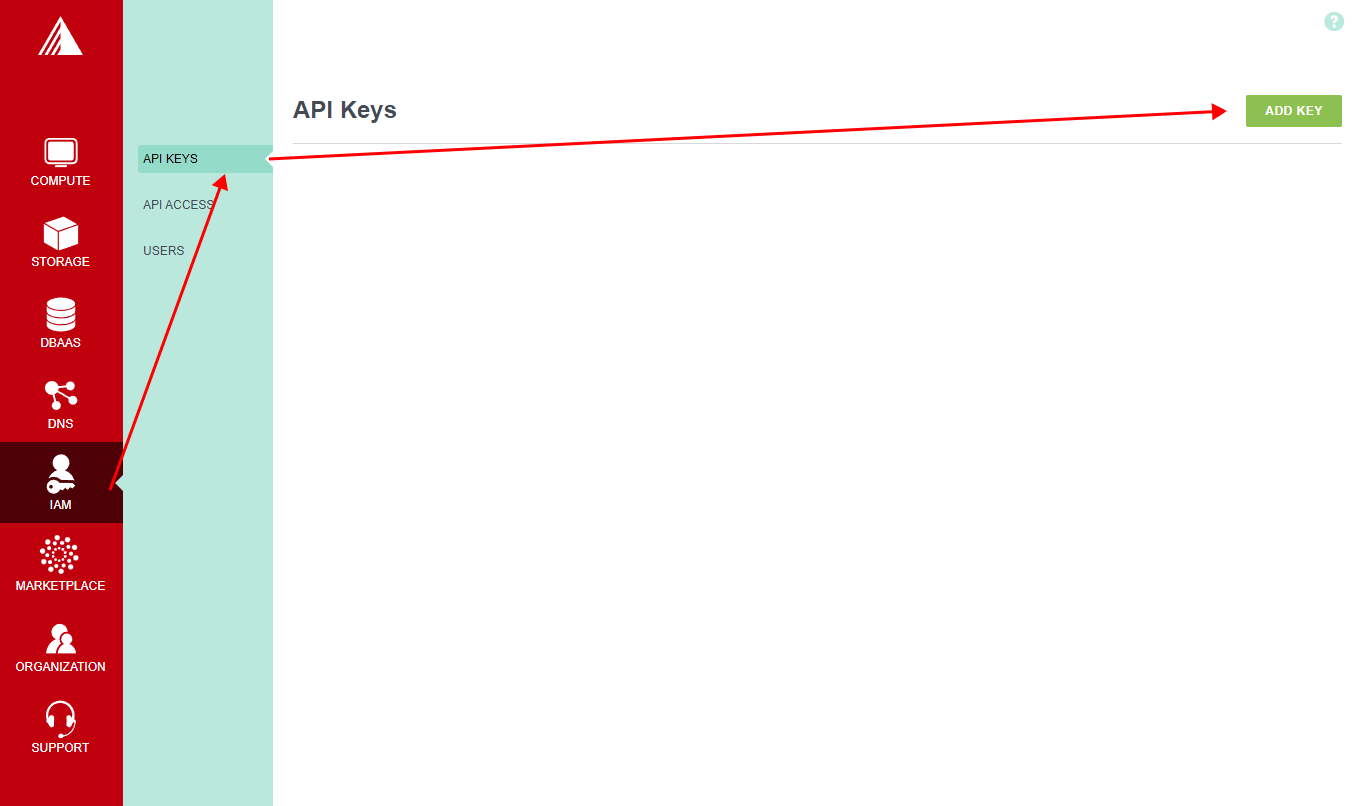
- Choose a name for the key
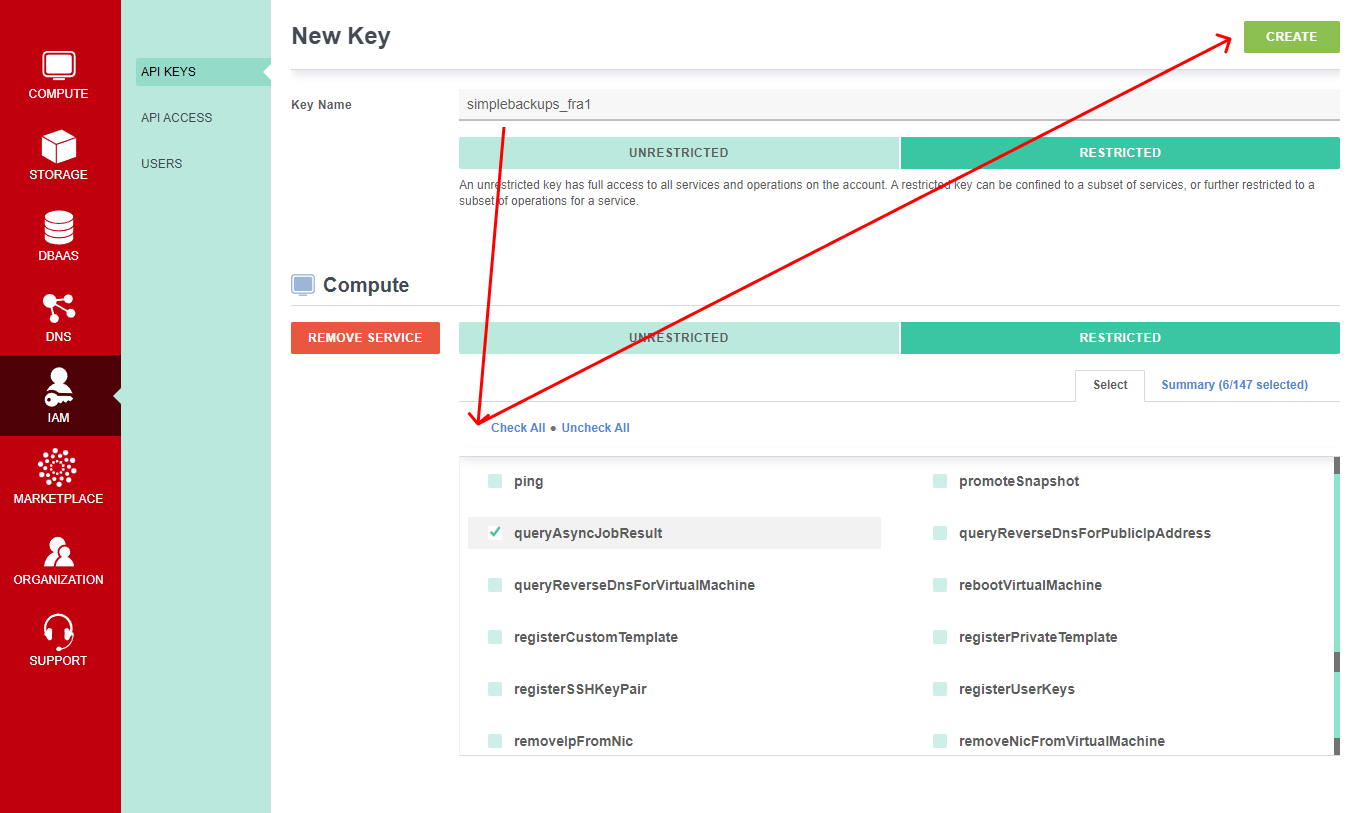
Exoscale offers two types of API keys: Unrestricted and Restricted. If you choose Unrestricted, no additional permission configuration is needed.
If you choose Restricted, add the Compute service and grant the following operation permissions:
createSnapshotlistAsyncJobslistVolumesdeleteSnapshotlistSnapshotsqueryAsyncJobResult
Click Create.
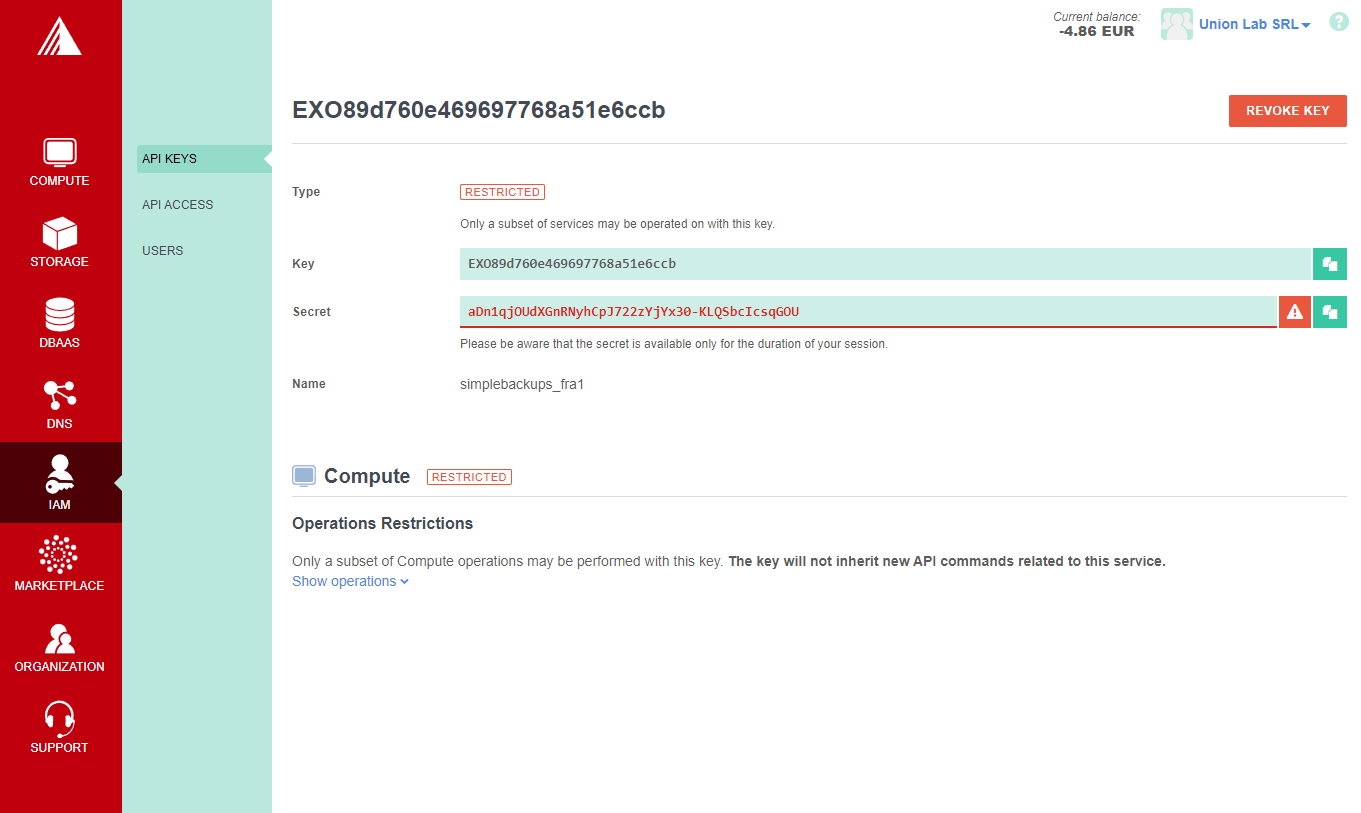
Add Exoscale as a provider in SimpleBackups
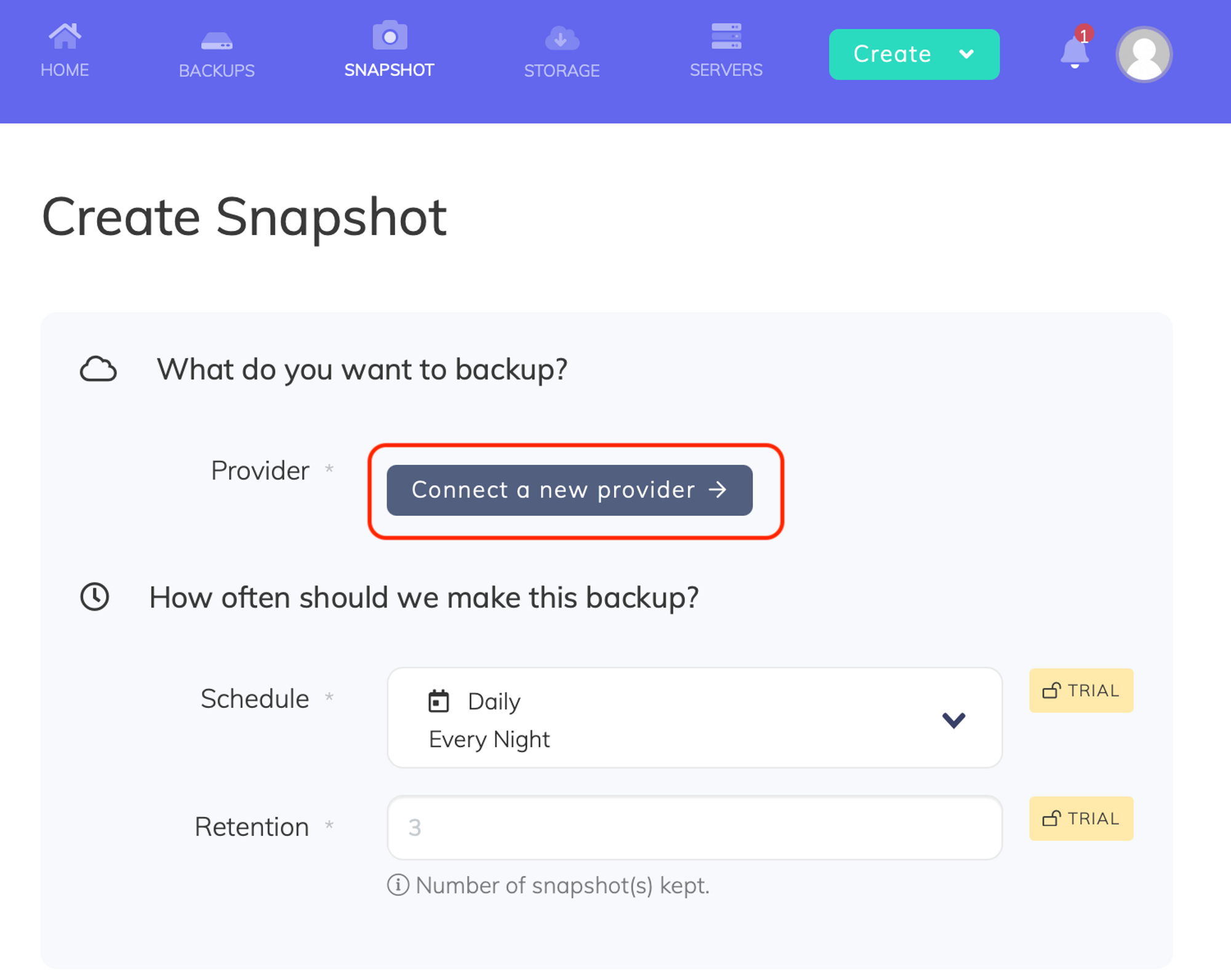
- Go to the Snapshots/Create page and click Connect a new provider
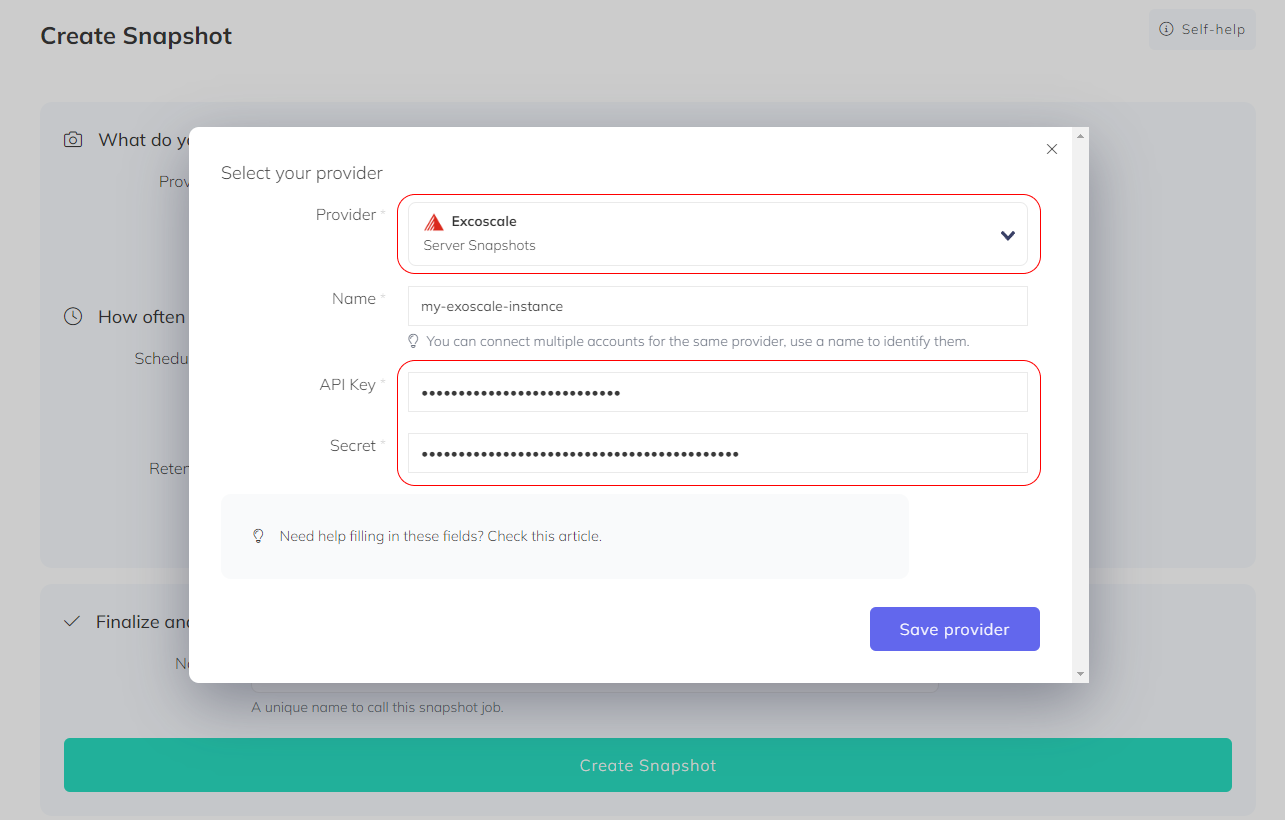
- Select Exoscale from the Provider dropdown, enter a name, paste your API key and secret, and click Save Provider
Create a snapshot backup job
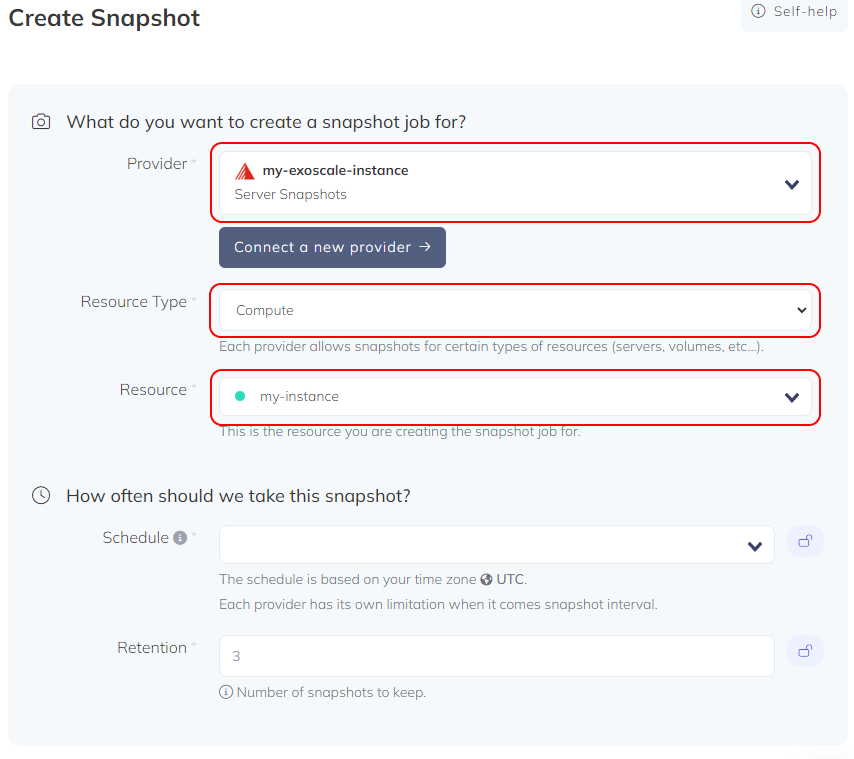
- Account: Choose your connected Exoscale account
- Resource: Select the server you want to snapshot from the Resource Type dropdown. The Resource dropdown lists all available Exoscale resources.
- Retention: Set the number of snapshots to keep. Older snapshots beyond this number are automatically rotated.
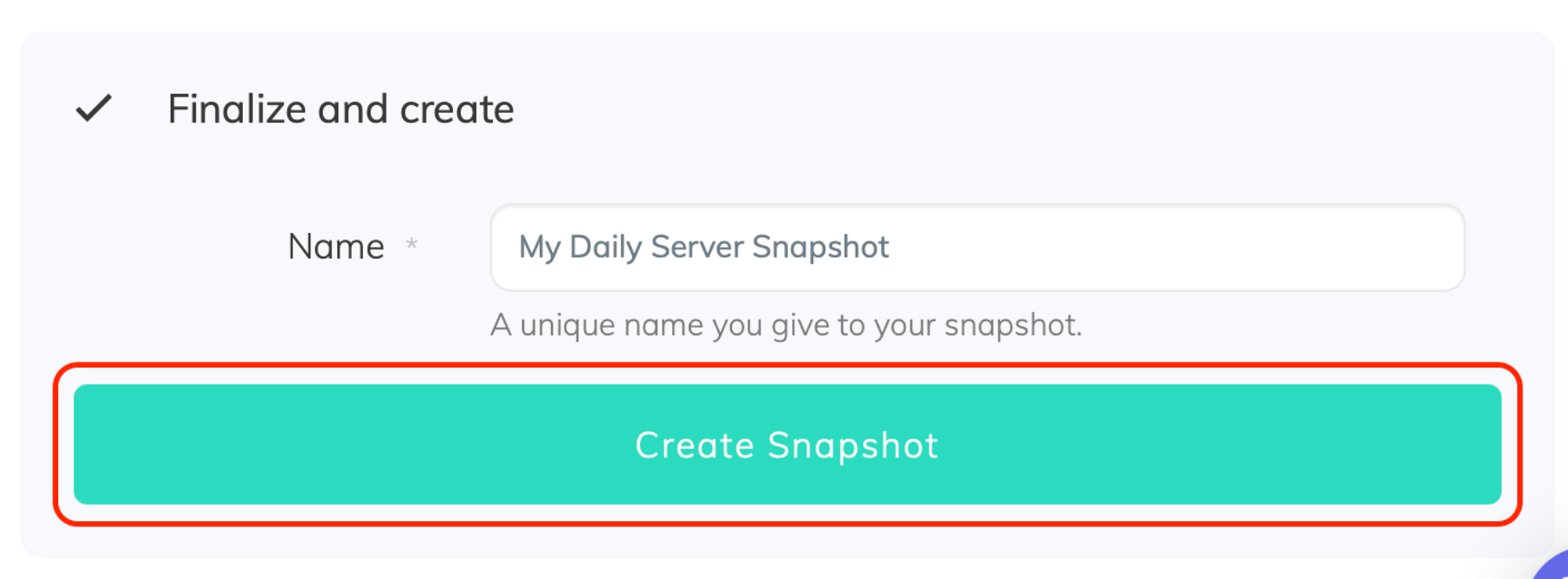
- Name and save: Give your snapshot job a descriptive name and click Create Snapshot