
Appearance
Vultr
Automate Vultr server and volume snapshots on a custom schedule.
SimpleBackups connects to your Vultr account through an API key to create and manage snapshots automatically. This guide walks you through generating a Vultr API key and linking your account to SimpleBackups.
Generate Vultr API credentials
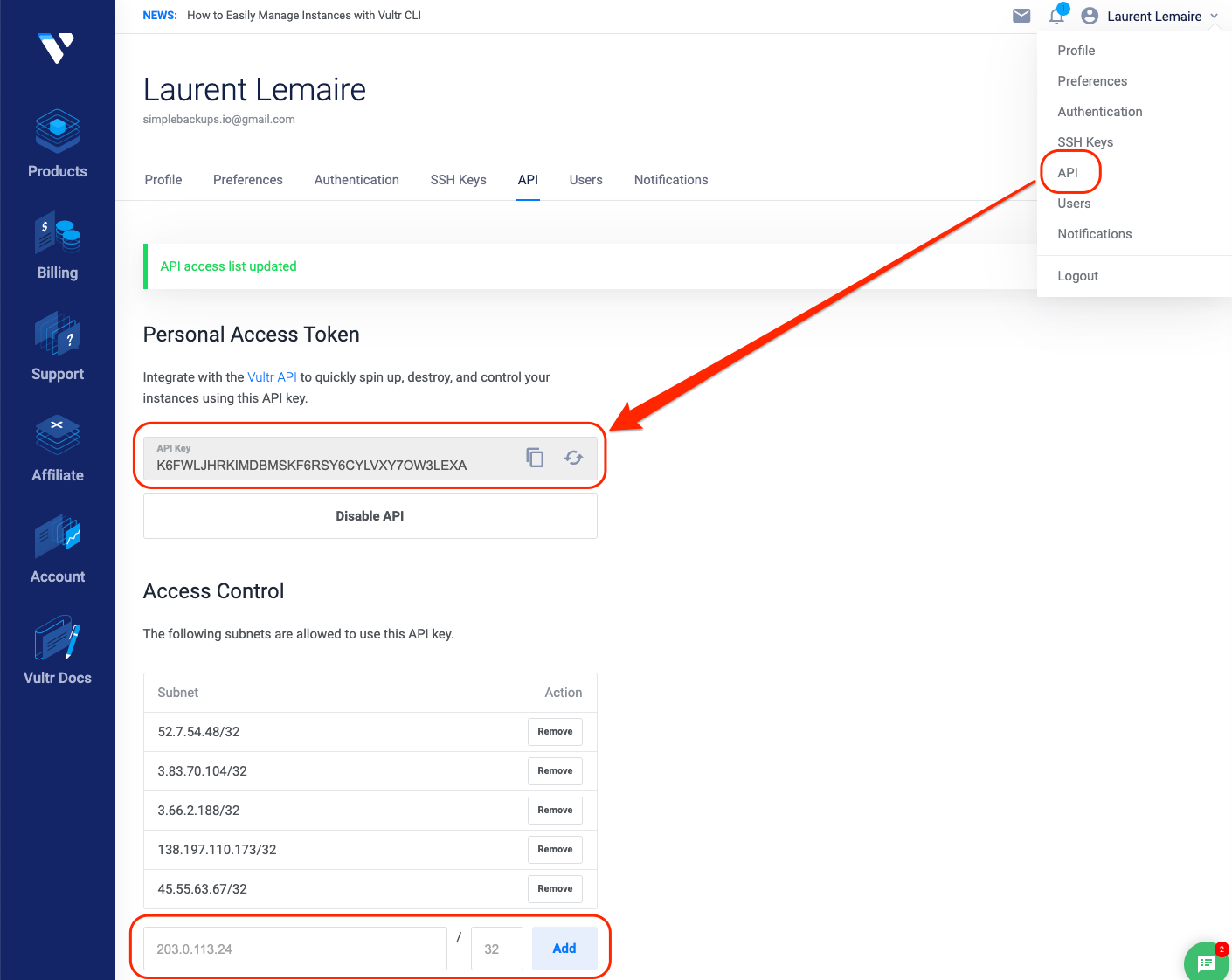
- Go to your Vultr API settings
- Click API
- Whitelist SimpleBackups IP addresses or allow access from all IPv4
- Click Copy API Key to Clipboard
Connect Vultr to SimpleBackups
- Go to the Snapshots/Create page and click Connect a new provider
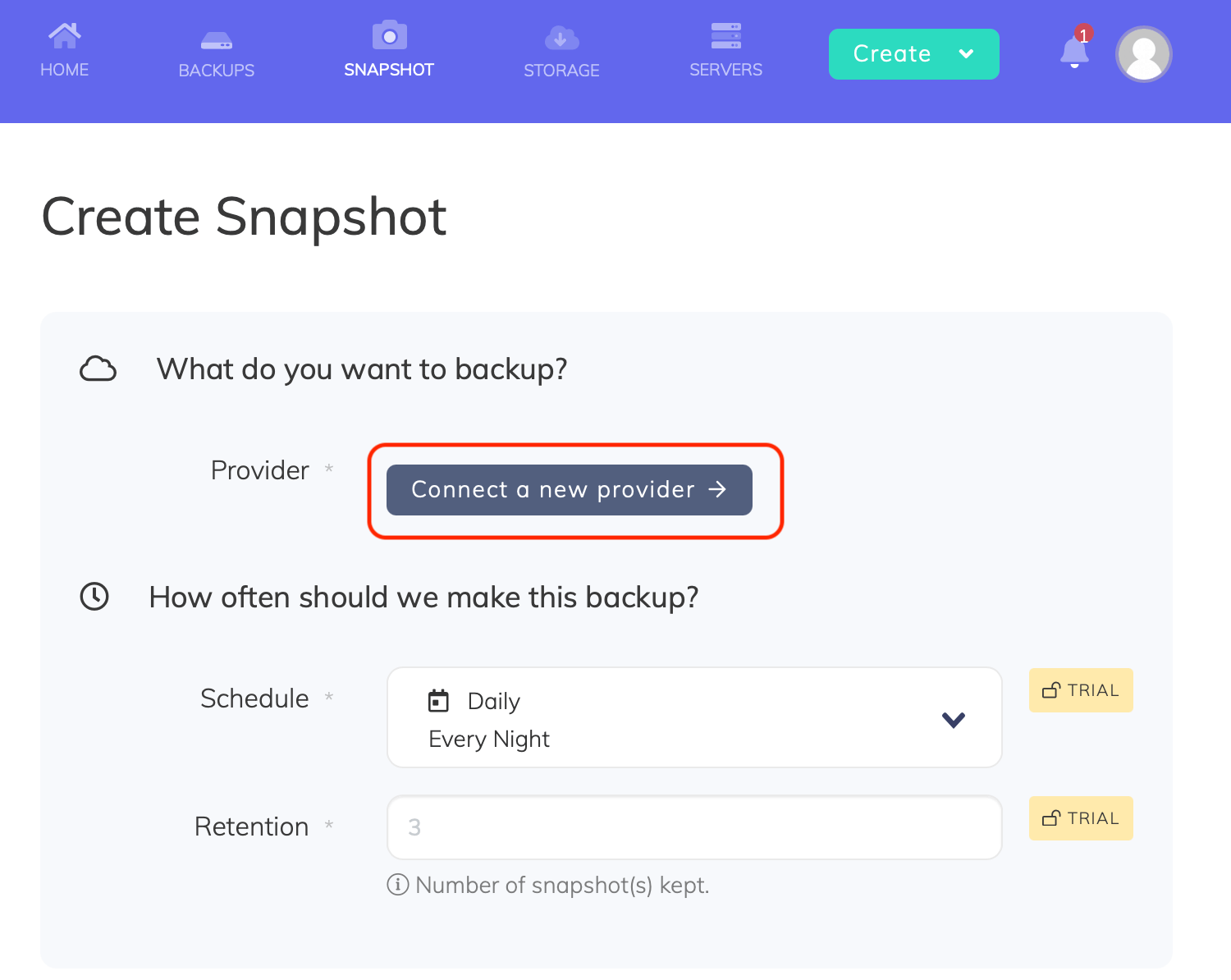
- Select Vultr from the Provider dropdown, enter a name for the connection, paste the API key, and click Save provider