Appearance
FAQ
Common questions about storage replication, metadata, and file integrity.
Storage backups replicate your cloud storage buckets to a separate provider. This page covers the most frequently asked questions about how replication works, what gets copied, and how to troubleshoot common issues.
Can I back up a whole S3 bucket or another cloud storage?
To back up an entire bucket, use Storage Replication. This feature synchronizes your bucket to another bucket on a different provider, on a schedule you define.
Storage replication creates a 1-to-1 mirror of your bucket at each scheduled run. It is not an archive-based backup — no snapshots or versioned copies are stored.
How can I validate that my files have proper integrity?
By default, SimpleBackups checks each file's integrity on transfer. If the checksums do not match, you receive a corrupted on transfer error.
What should I set as the source path?
The path field is optional when setting up a storage source.
- Leave it empty to copy all files from the root of the source storage.
- Set a path (e.g.,
backups) to copy only that specific folder.
Will SimpleBackups write any data to the source storage?
No. SimpleBackups only reads from the source storage. It never writes any data back to it.
How do I preserve S3 or DigitalOcean Spaces metadata on files?
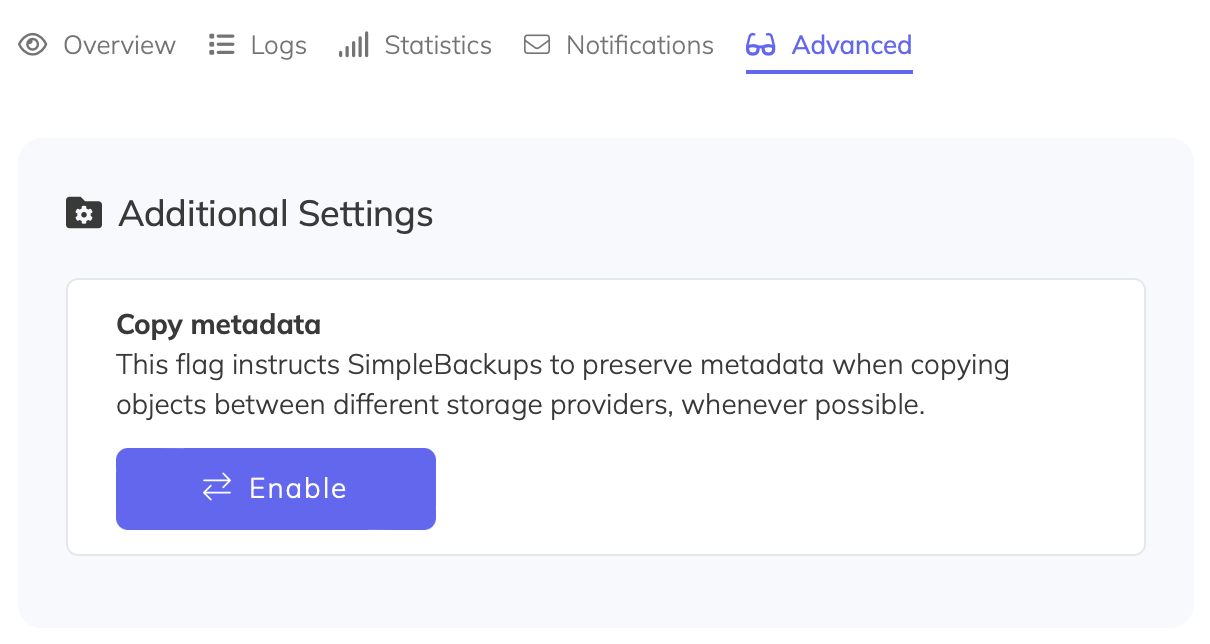
If you are syncing data between buckets and want to preserve metadata on each file, enable the Copy metadata option. Open your cloud sync job, click Advanced, then under Additional Settings enable Copy metadata.
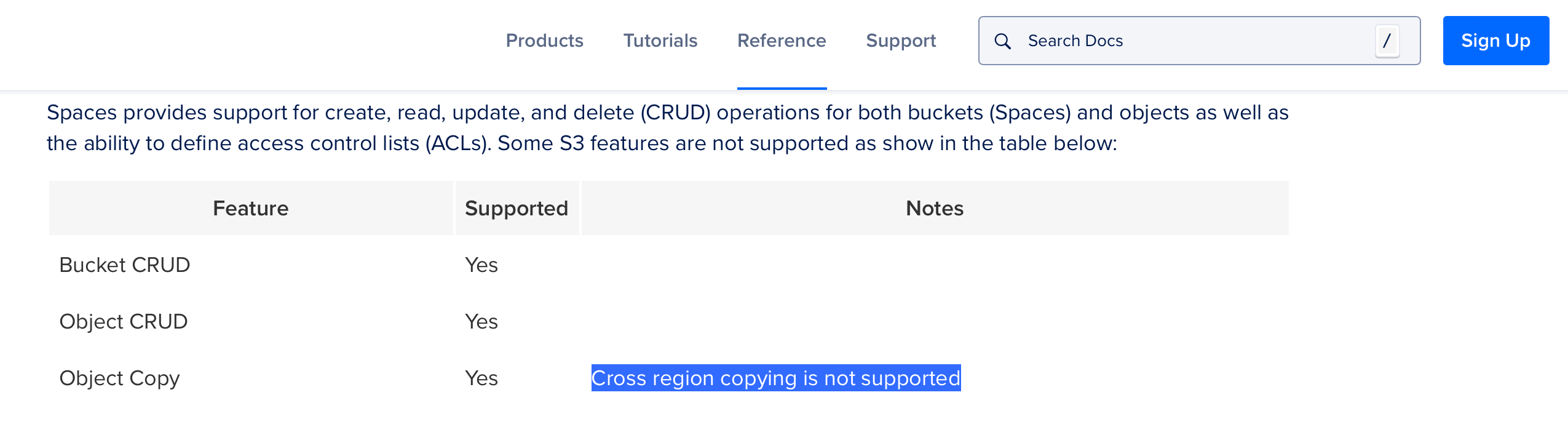
For DigitalOcean Spaces, metadata is preserved by default only when a server-side copy is made. DigitalOcean supports server-side copy only between buckets within the same region. If you are syncing between different regions, metadata is not preserved.