
Appearance
Restore a Redis backup
Replace a running Redis instance's data with a backup RDB snapshot.
SimpleBackups stores Redis backups as compressed .rdb files. Restoring requires stopping Redis, replacing the data file, and restarting. If AOF (Append Only File) persistence is enabled, you must disable it before restoring to prevent Redis from replaying the log over your restored snapshot.
Download the backup file
- Go to your backup page and open the Logs tab. Click the (i) icon next to the backup run you want to restore.
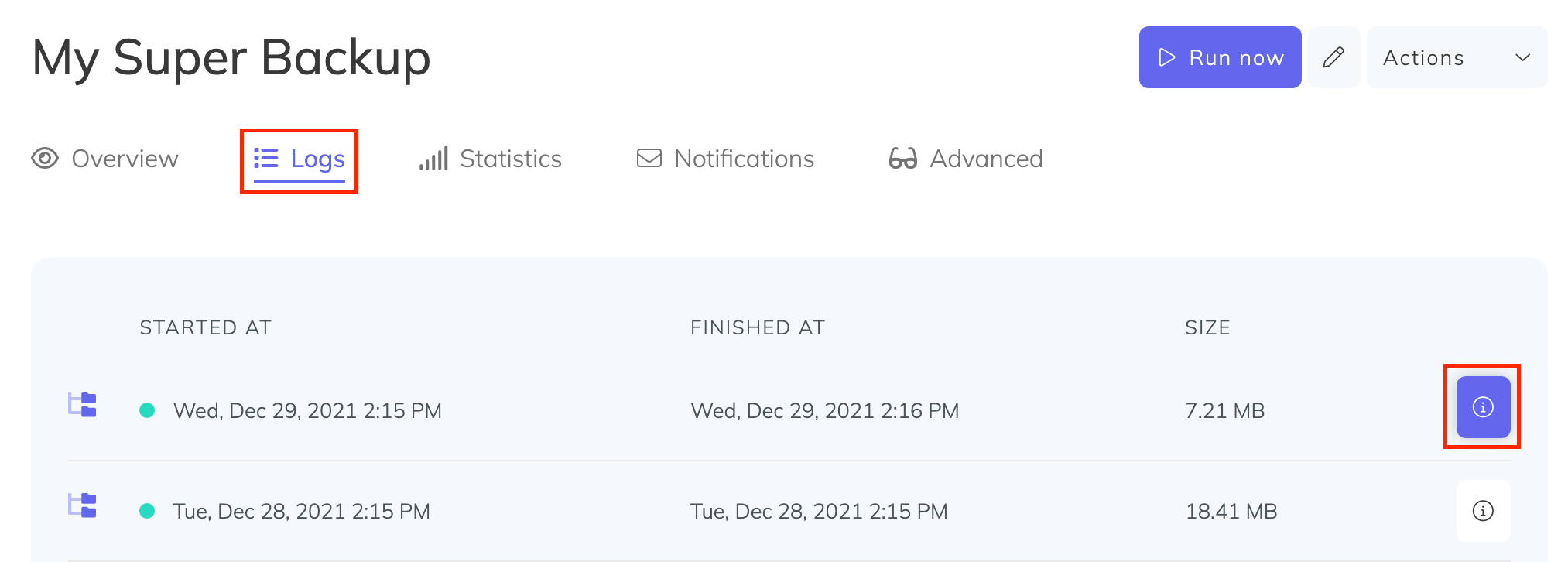
In the modal that appears, click Click to generate a signed download link and copy the resulting URL.
On your server, download and decompress the backup:
bash
wget "PASTE_SIGNED_DOWNLOAD_LINK_HERE" -O - | gunzip -dc > redis-backup.rdbDisable AOF if enabled
Check whether AOF is active:
bash
redis-cli CONFIG GET appendonlyIf the output shows yes, disable it before proceeding:
bash
redis-cli CONFIG SET appendonly noYou can re-enable it after the restore is complete.
Find the Redis data directory and filename
Get the directory where Redis stores its data file:
bash
redis-cli CONFIG GET dirGet the current database filename:
bash
redis-cli CONFIG GET dbfilenameNote both values — you will need them in the next step. In most installations, the directory is /var/lib/redis and the filename is dump.rdb.
Replace the data file and restart Redis
- Stop Redis:
bash
sudo service redis-server stop- Optionally back up the current data file before replacing it:
bash
cp /var/lib/redis/dump.rdb ~/redis-backup-before-restore.rdb- Remove the existing data files from the Redis data directory:
bash
rm /var/lib/redis/*.aof /var/lib/redis/*.rdb- Copy the restored backup into place, using the directory and filename you noted above:
bash
sudo cp redis-backup.rdb /var/lib/redis/dump.rdb
sudo chown redis:redis /var/lib/redis/dump.rdb
sudo chmod 660 /var/lib/redis/dump.rdb
If your Redis runs as a different system user, replace redis:redis with <your-redis-user>:<your-redis-user>.
- Start Redis:
bash
sudo service redis-server startRe-enable AOF (if applicable)
If you disabled AOF earlier and want to re-enable it:
bash
redis-cli CONFIG SET appendonly yes
redis-cli CONFIG REWRITE