Appearance
Rsync.net
How to connect Rsync.net Storage for backups? Use Rsync.net for file backups, database backups, and storage replication.
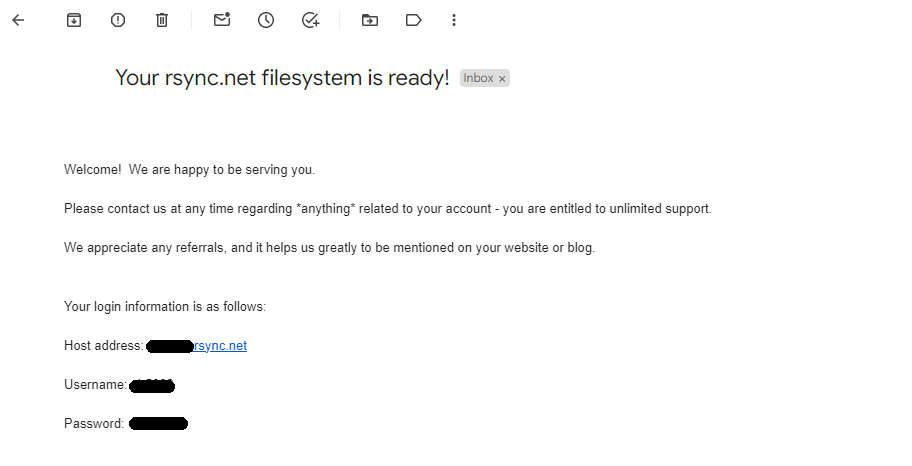
Step 1: Get Rsync.net Credentials
Get the Rsync.net connection credentials from the email sent to you:
Step 2: Connect Rsync.net to SimpleBackups:
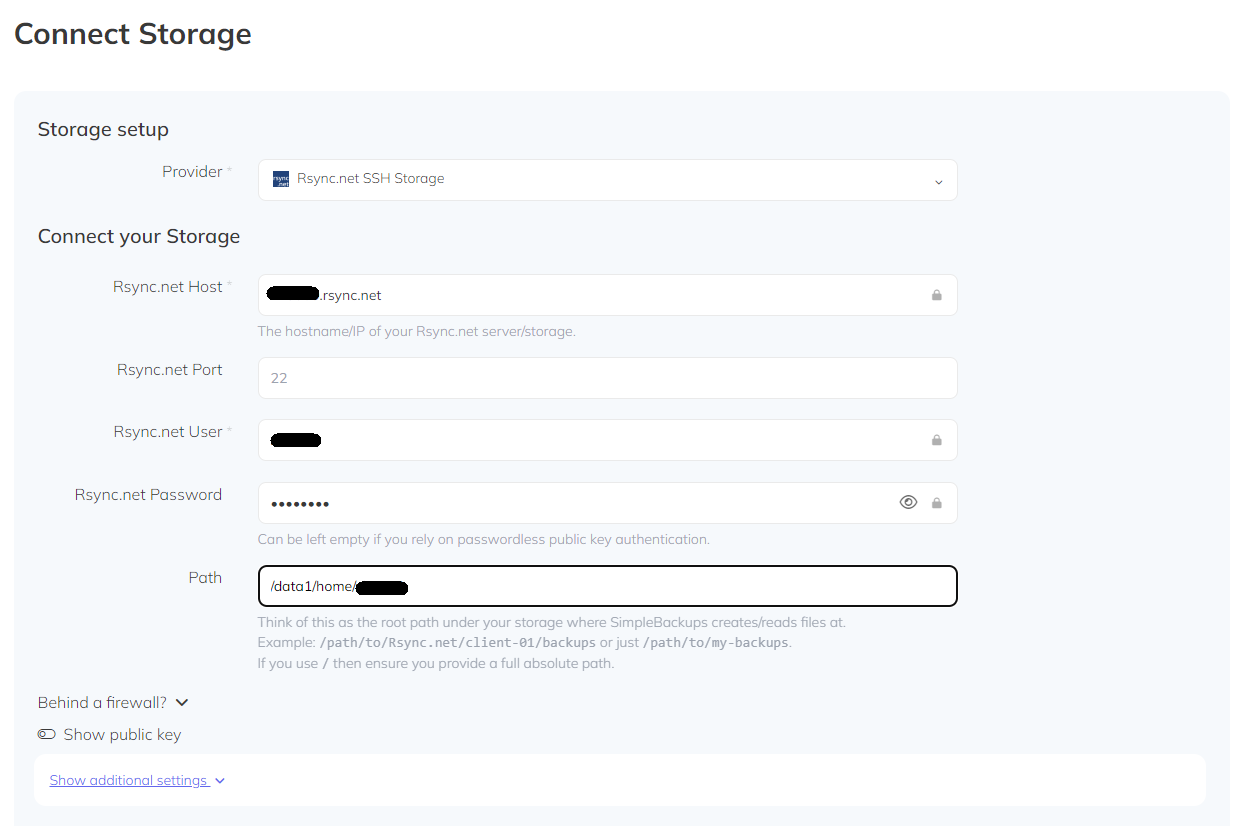
- Go to Create Storage — SimpleBackups.com.
- Choose Rsync.net from Provider list.
- Fill the form with Host, User and Password.
- For the path you need to add the full path of your storage.
- You can get the path by connecting to storage using
sftp [User]@[Host]. - Then using the command
pwd. - It will be something like
/data1/home/[User]. - Then proceed to Validate your storage and Save it.