
Appearance
Dropbox
Steps to connect your Dropbox storage to SimpleBackups
How to Connect your Dropbox Account to SimpleBackups
- Log into SimpleBackups and head to the Connect a Storage page
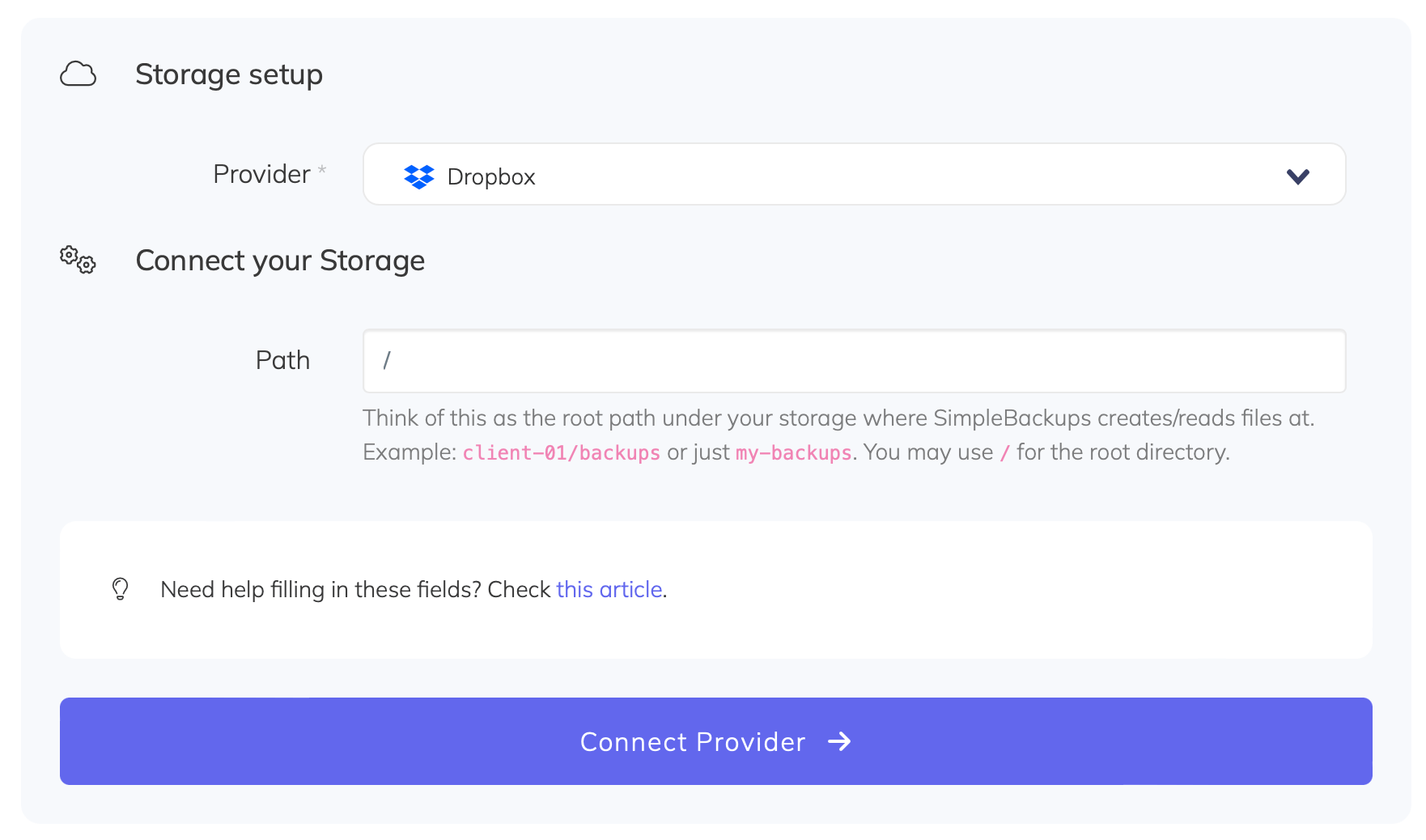
- In the storage provider list select "Dropbox", and click on the Connect Dropbox button.
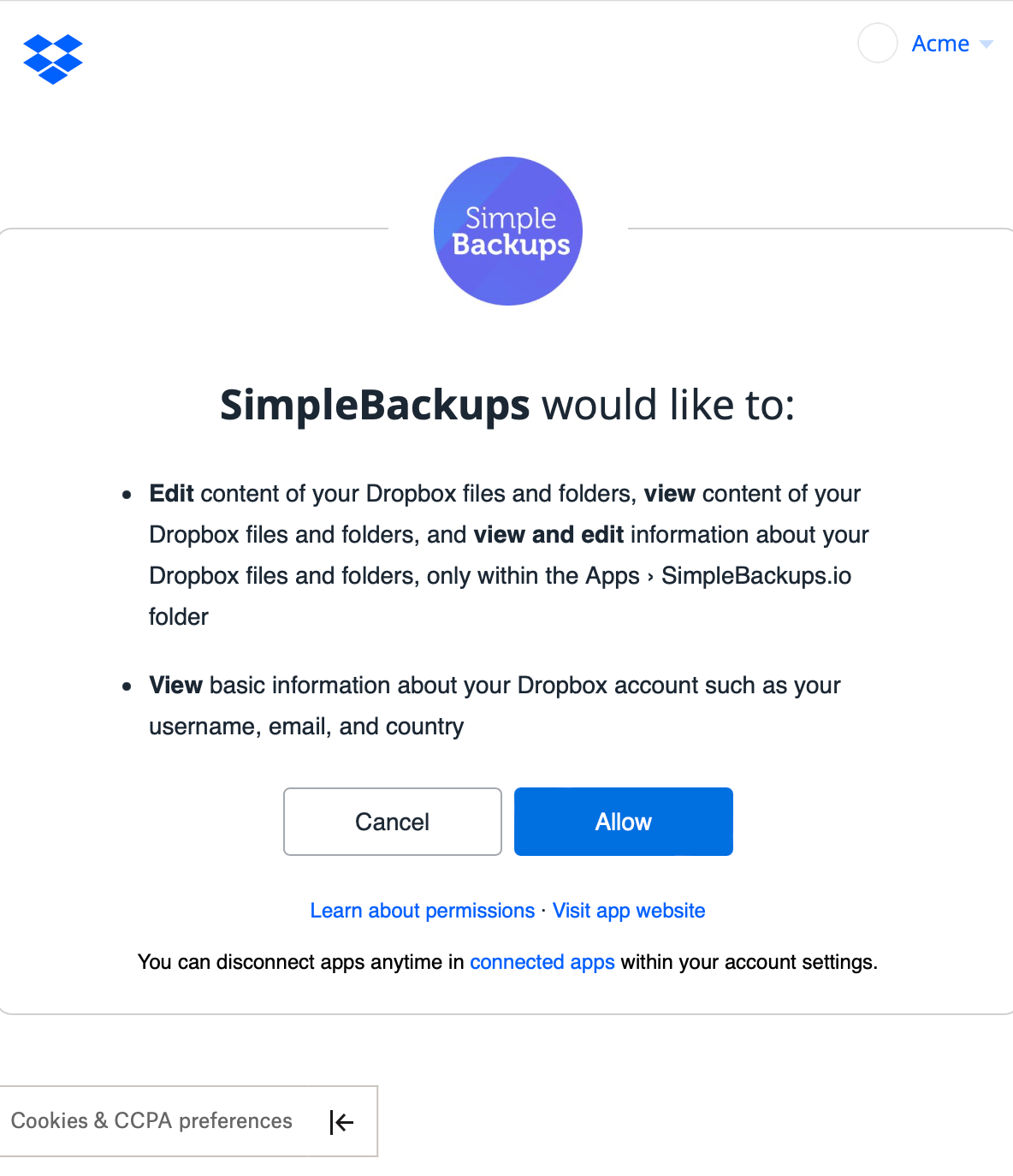
You'll then be redirected to a Dropbox page asking you to grant access to your storage and create a folder named Apps > SimpleBackus.io. Sign in and hit Allow.
And your storage is now connected!