
Appearance
OVH
Automate OVH server and volume snapshots on a custom schedule.
SimpleBackups connects to your OVH account through API credentials to create and manage snapshots automatically. This guide walks you through generating an OVH API token with the correct permissions.
Generate OVH API credentials
- Go to the OVH Create API Token page
- Choose a name and description for the token
- Grant the following permissions:
- GET:
* - PUT:
* - POST:
* - DELETE:
*
- GET:
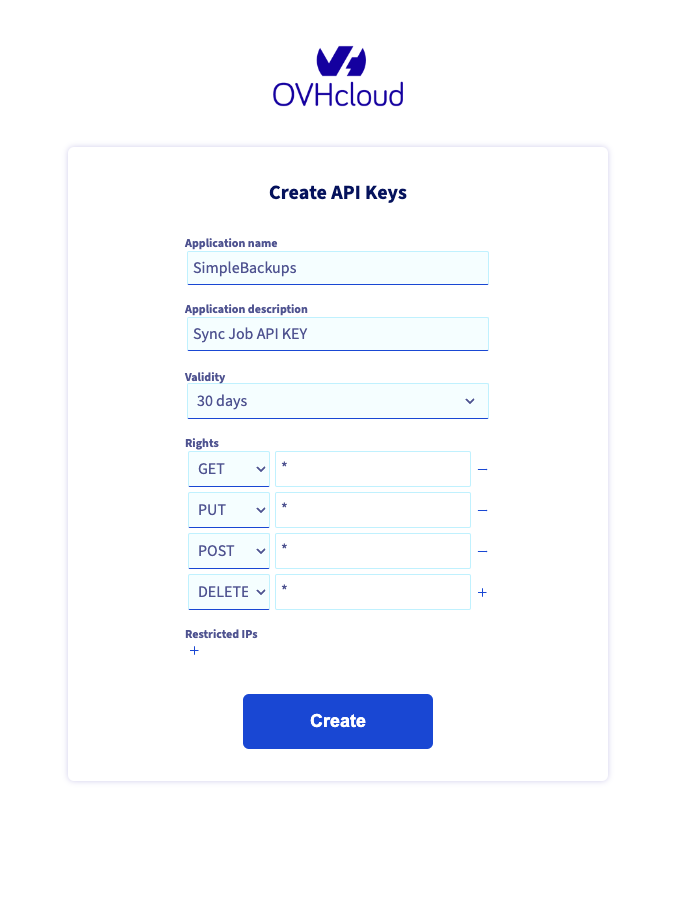
- Click Create
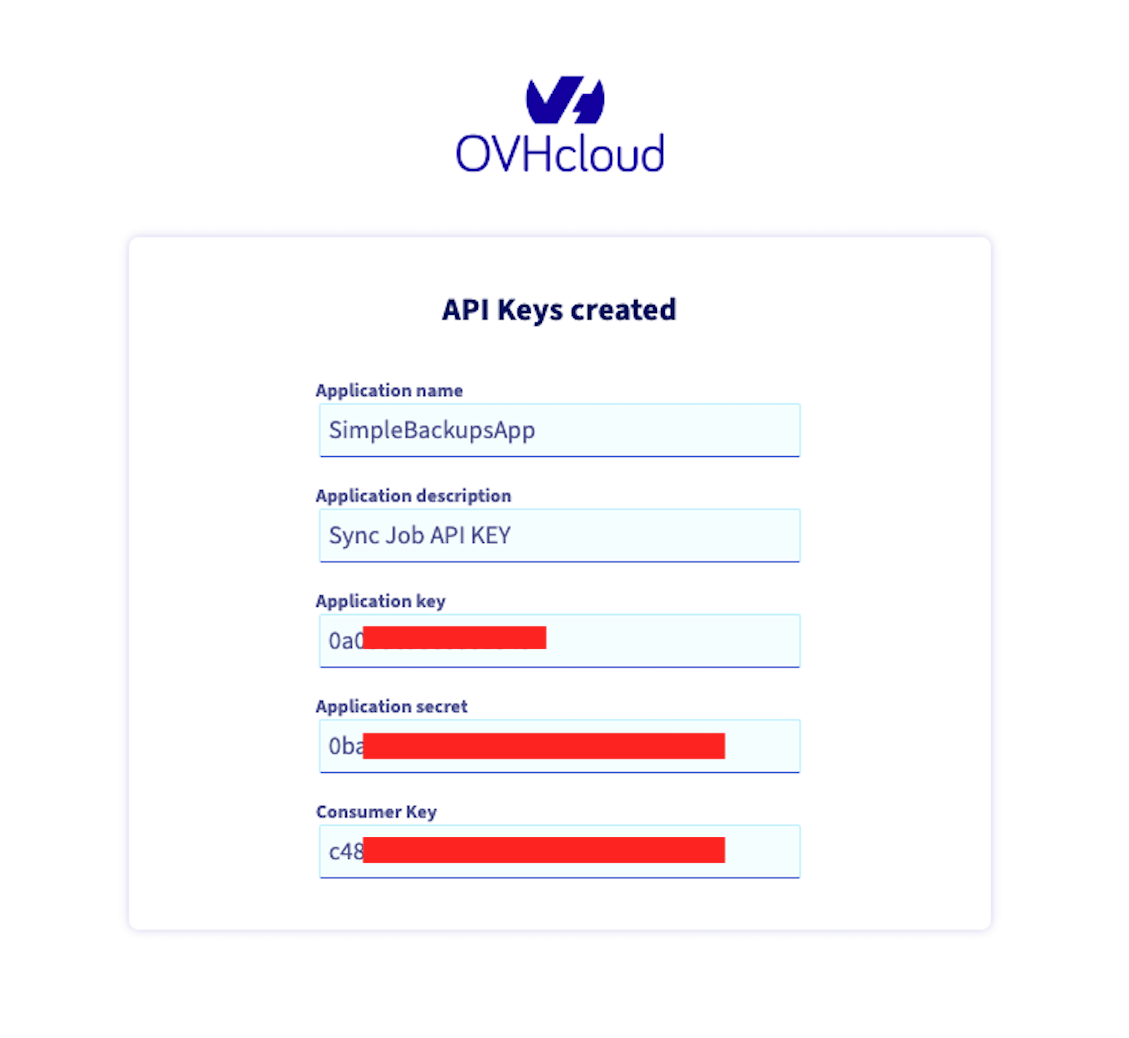
- Copy the Application Key, Application Secret, and Consumer Key
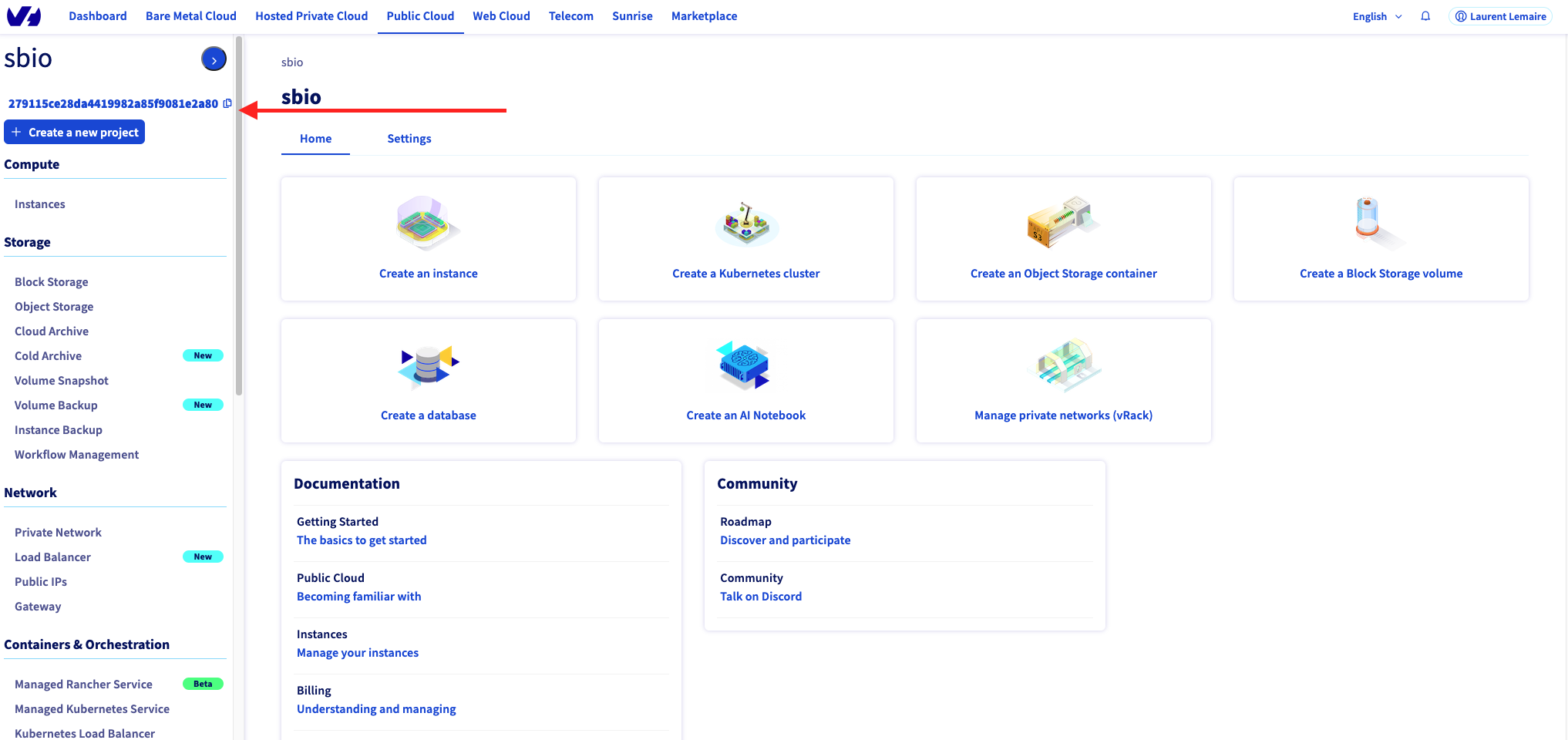
You can now use these credentials to connect your OVH account as a snapshot provider in SimpleBackups.