Appearance
Hetzner
Automate Hetzner server snapshots on a custom schedule.
SimpleBackups connects to your Hetzner account through an API token to create and manage server snapshots automatically. This guide walks you through generating a Hetzner API token and creating your first snapshot job.
Connect your Hetzner account to SimpleBackups
Generate a Hetzner API token
- Log in to your Hetzner Cloud Console
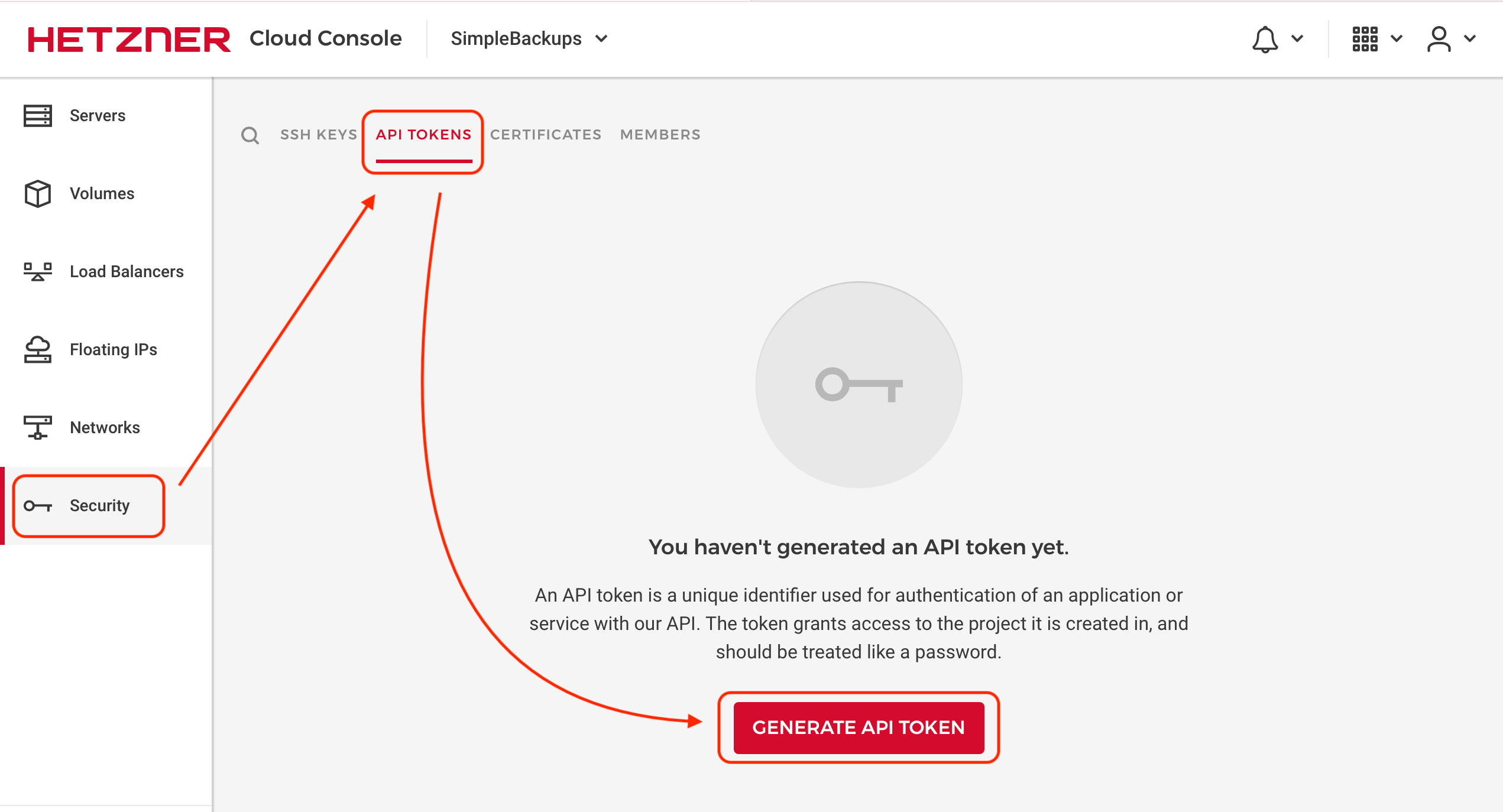
- Navigate to Security, then API Tokens, and click Generate API Token
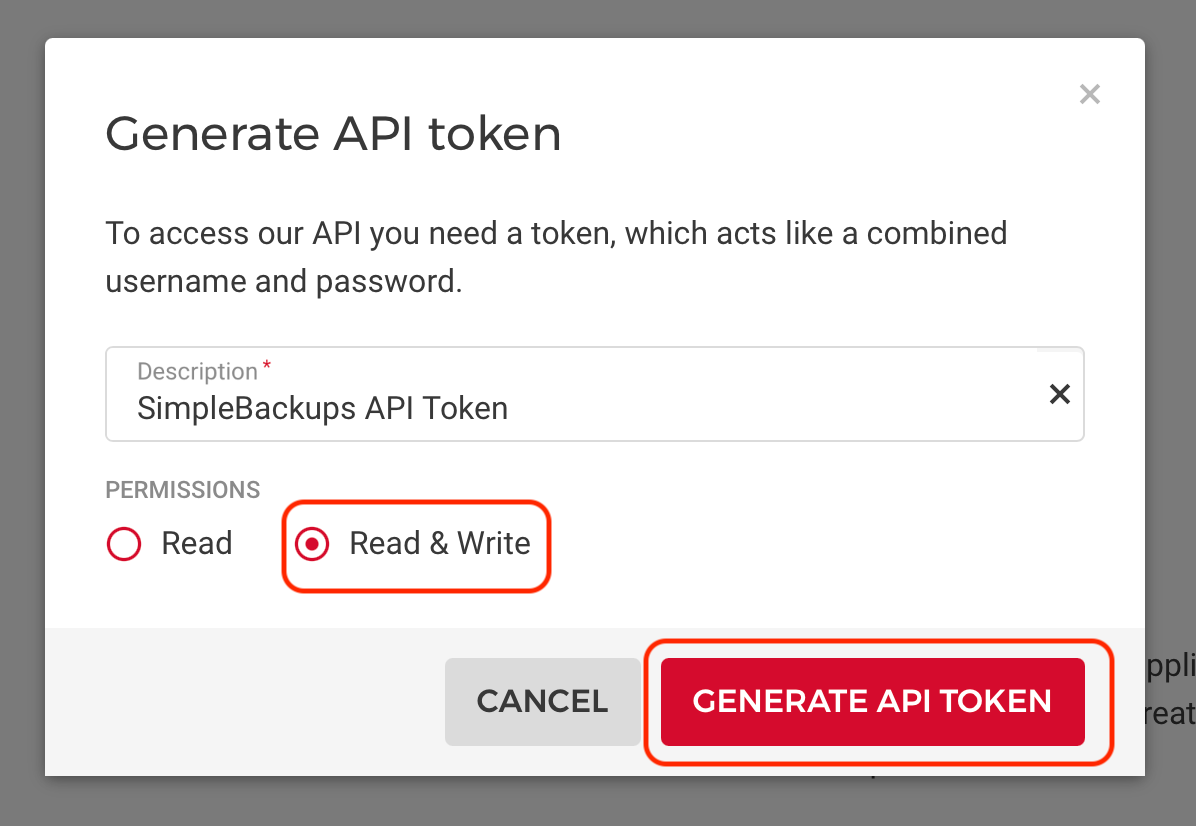
- Select the Read & Write permission, enter a name for your token, and click Generate API Token
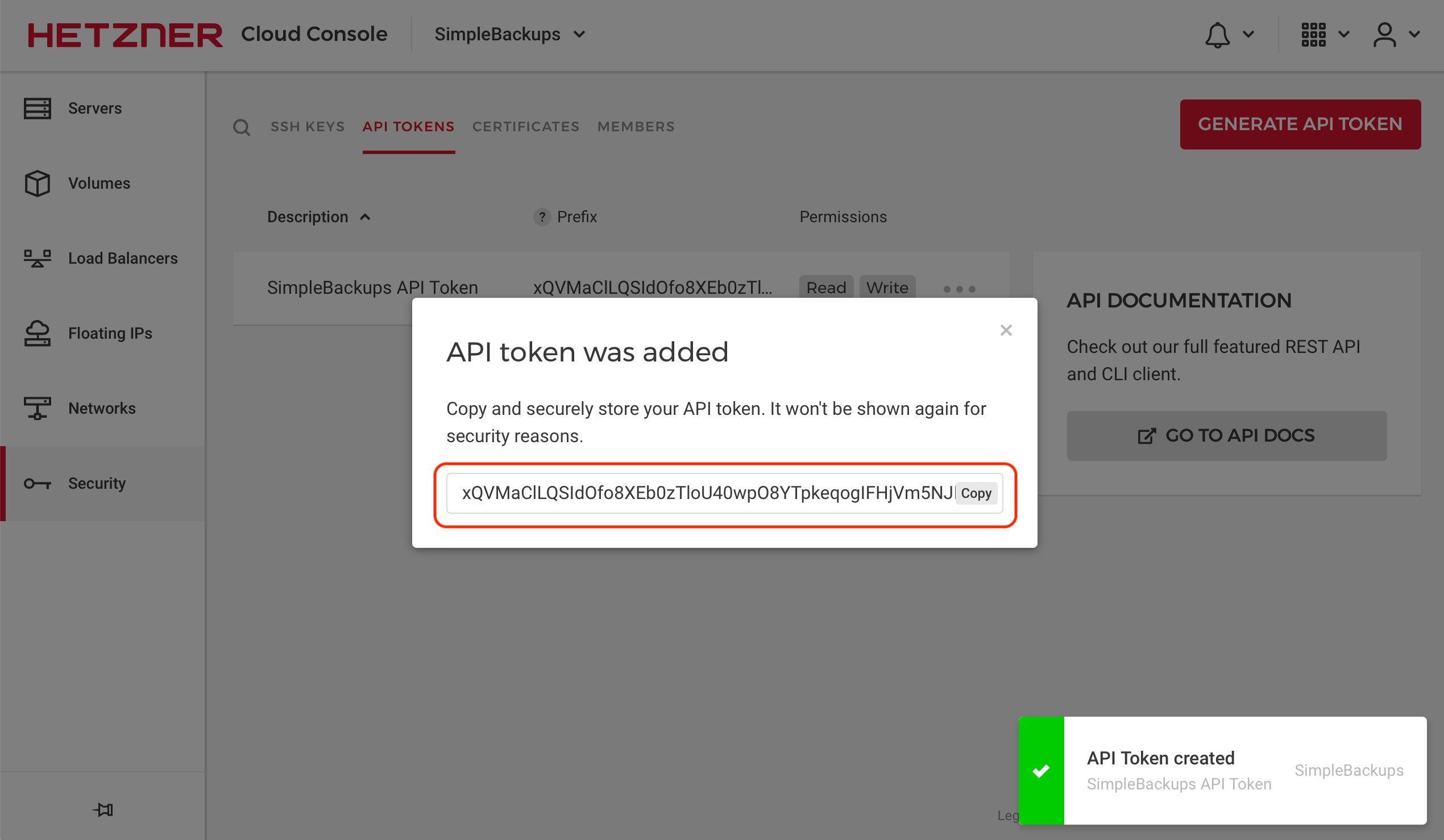
Add Hetzner as a provider in SimpleBackups
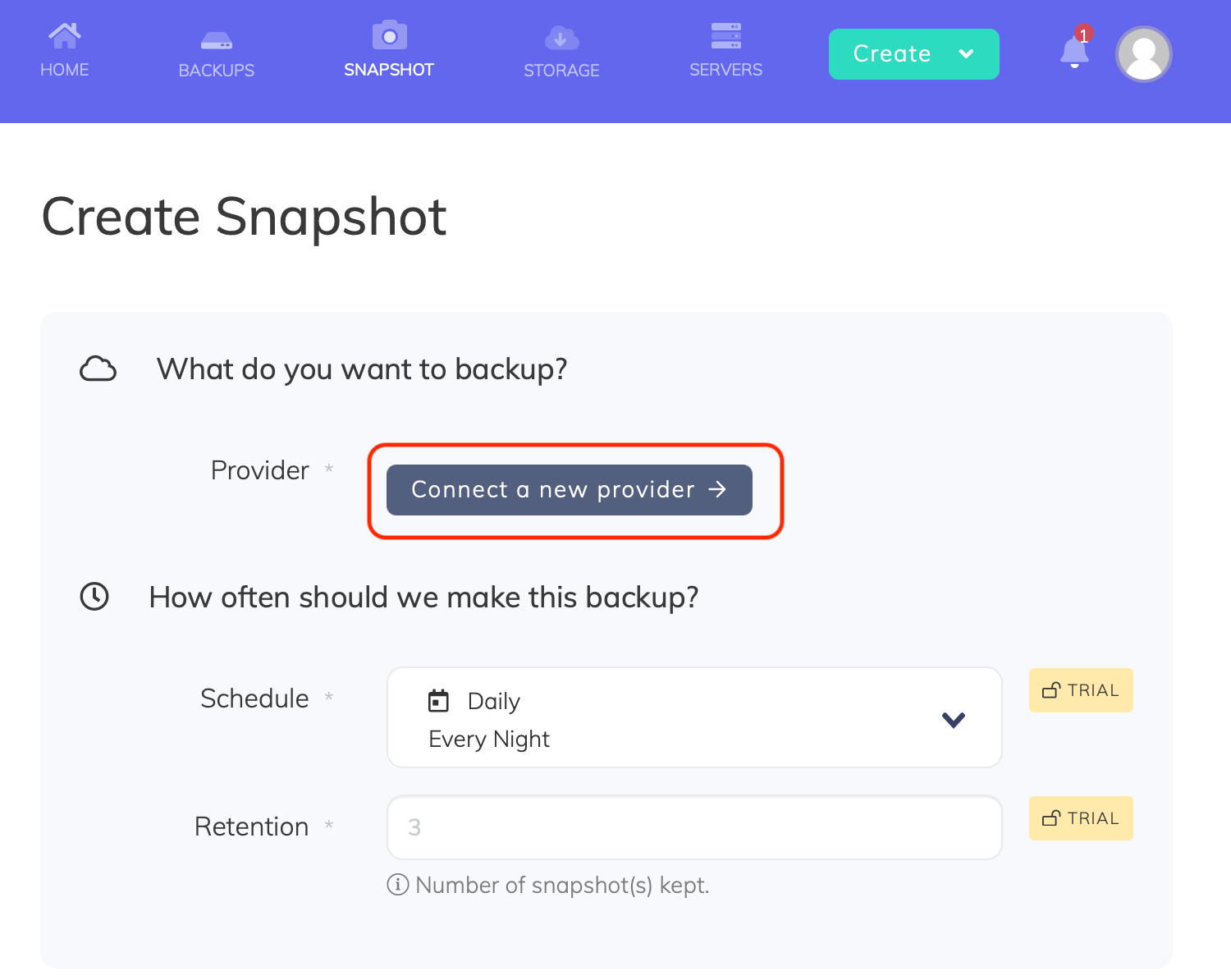
- Go to the Snapshots/Create page and click Connect a new provider
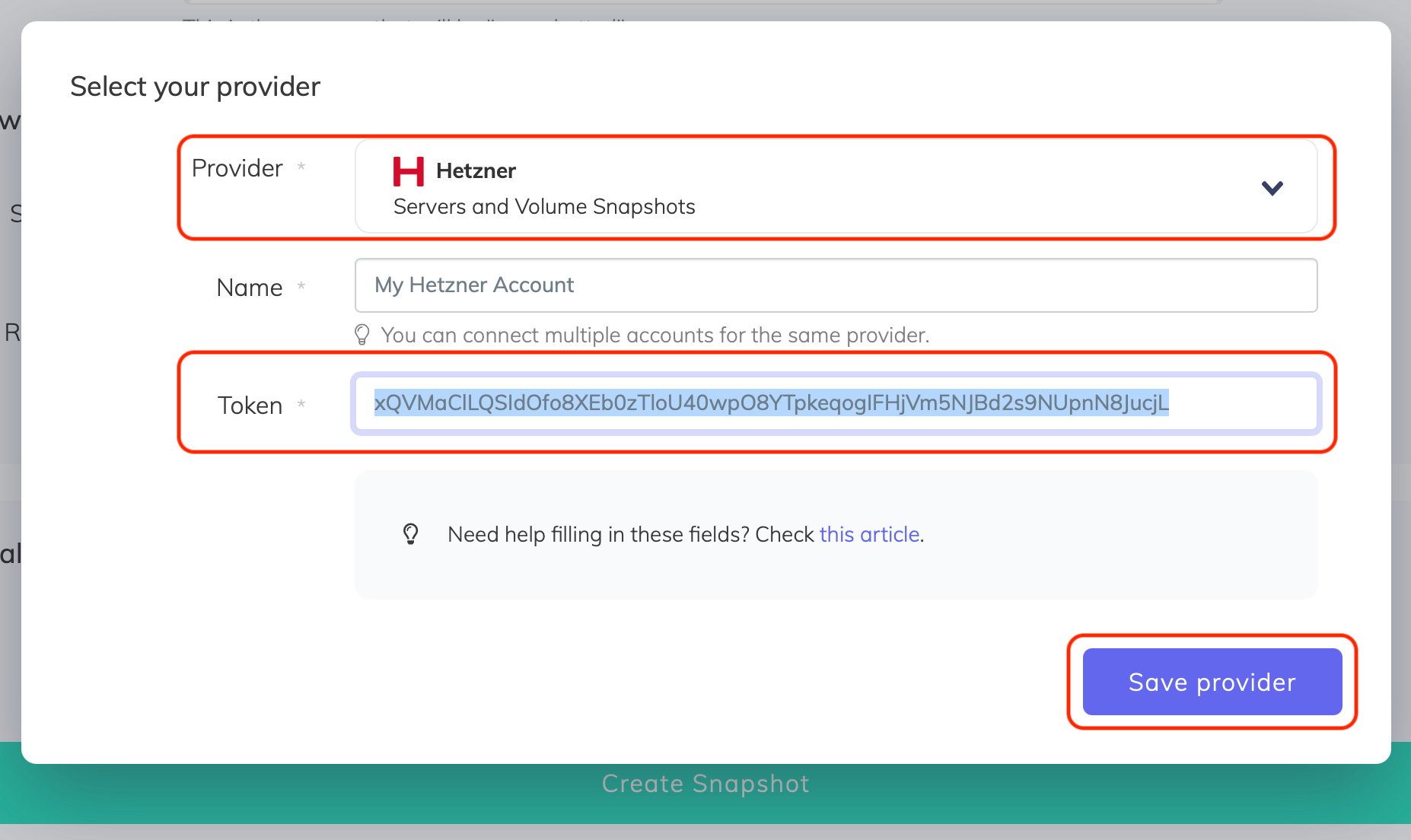
- Select Hetzner from the Provider dropdown, enter a name for the connection, paste the API token, and click Save provider
Create a snapshot backup job
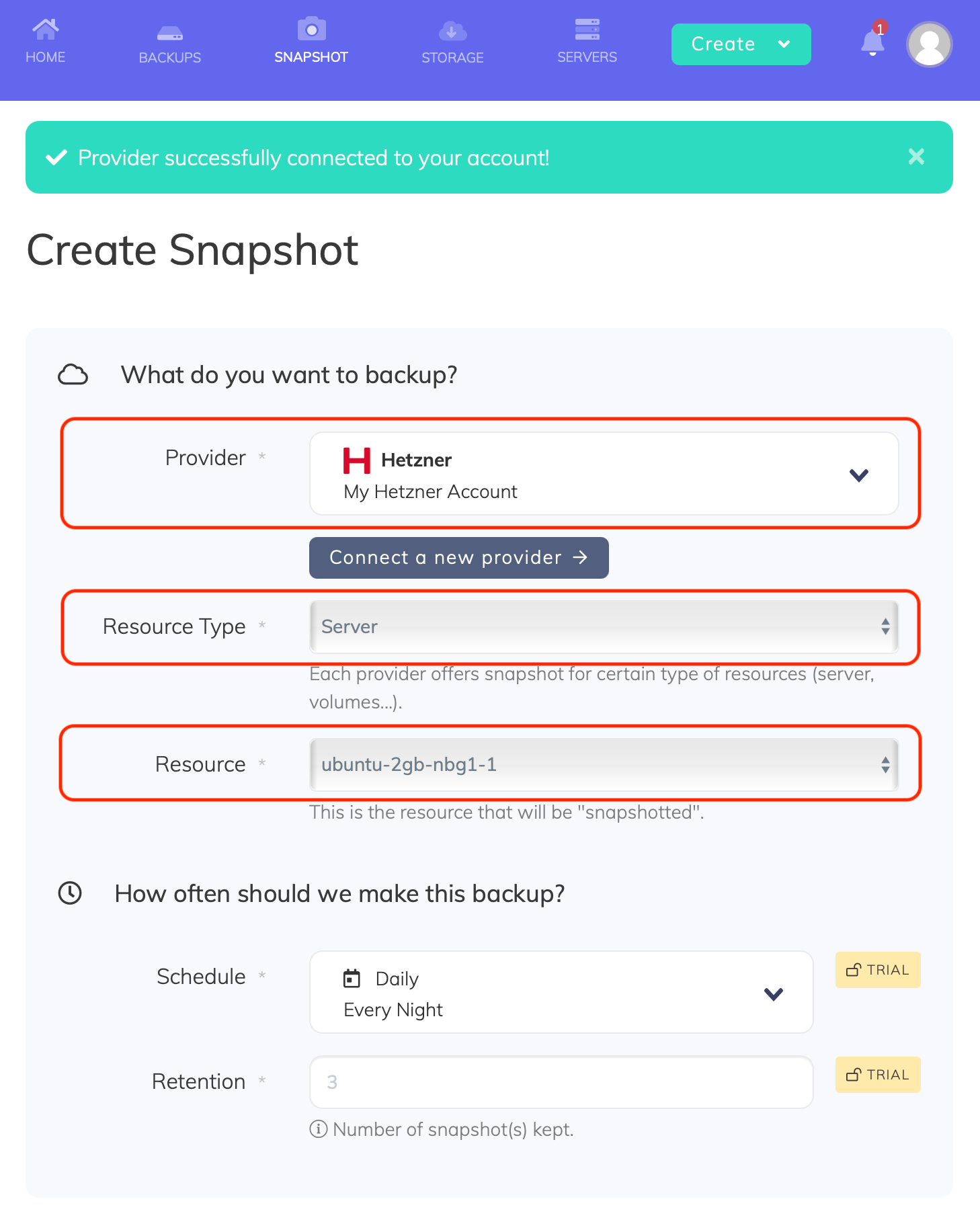
- Account: Choose your connected Hetzner account
- Resource: Select the server you want to snapshot. The Resource dropdown lists all servers accessible under your Hetzner account.
- Retention: Set the number of snapshots to keep. Older snapshots beyond this number are automatically rotated.
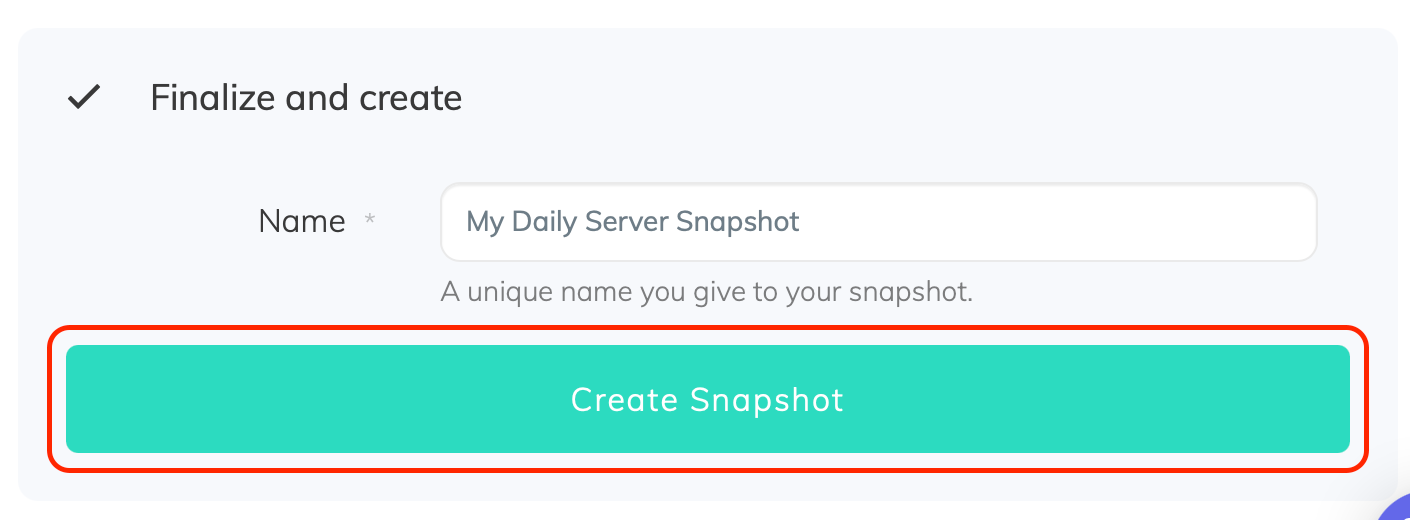
- Name and save: Give your snapshot job a descriptive name and click Create Snapshot