Appearance
DigitalOcean
How to connect your DigitalOcean managed databases to SimpleBackups.
SimpleBackups supports all four DigitalOcean managed database engines: PostgreSQL, MySQL, MongoDB, and Redis. Because DigitalOcean manages the infrastructure, connecting any of these to SimpleBackups follows the same flow — whitelist SimpleBackups, copy your connection string, and paste it into SimpleBackups. No server setup is required.
Connecting your database
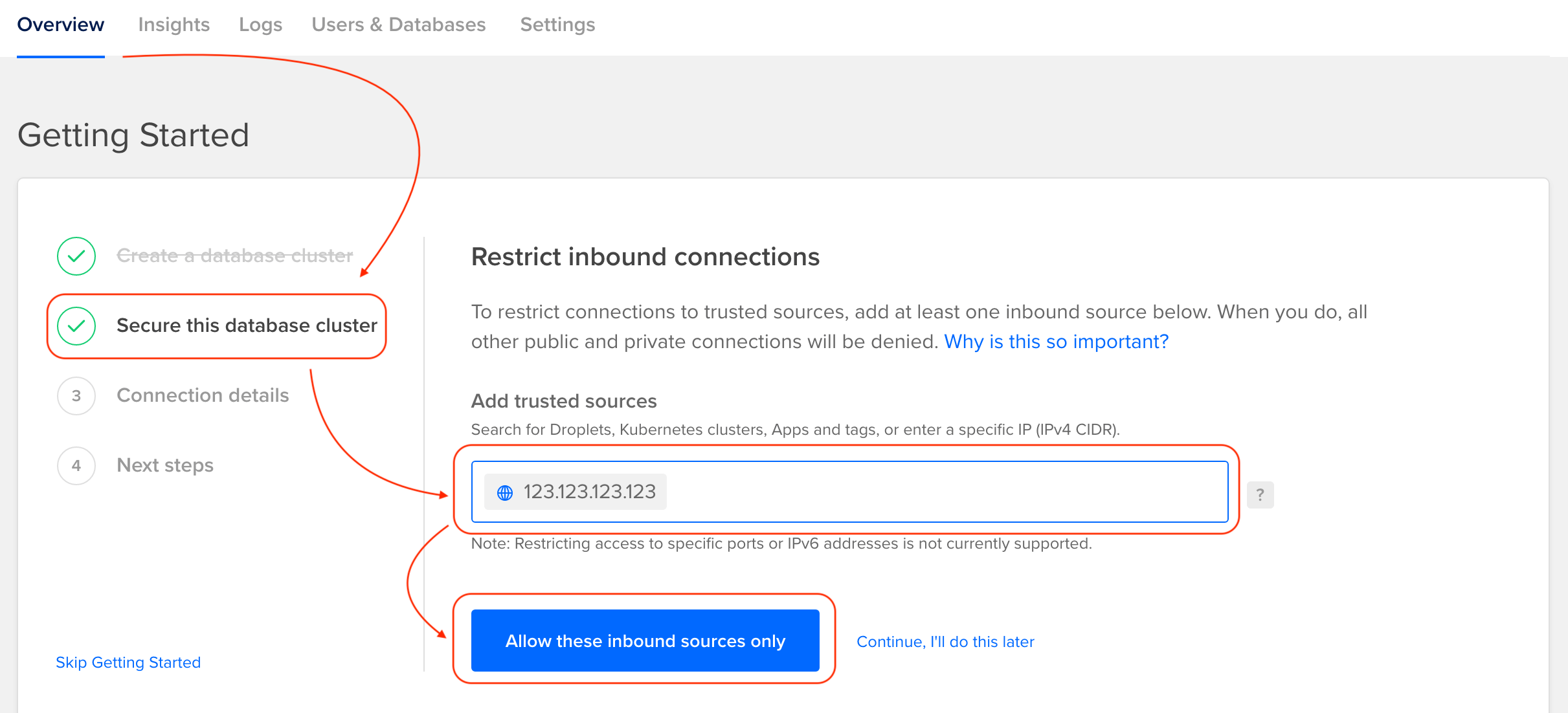
Step 1: Whitelist SimpleBackups IP addresses
Add the SimpleBackups IP addresses as trusted sources in your DigitalOcean database settings.
Step 2: Copy the connection string
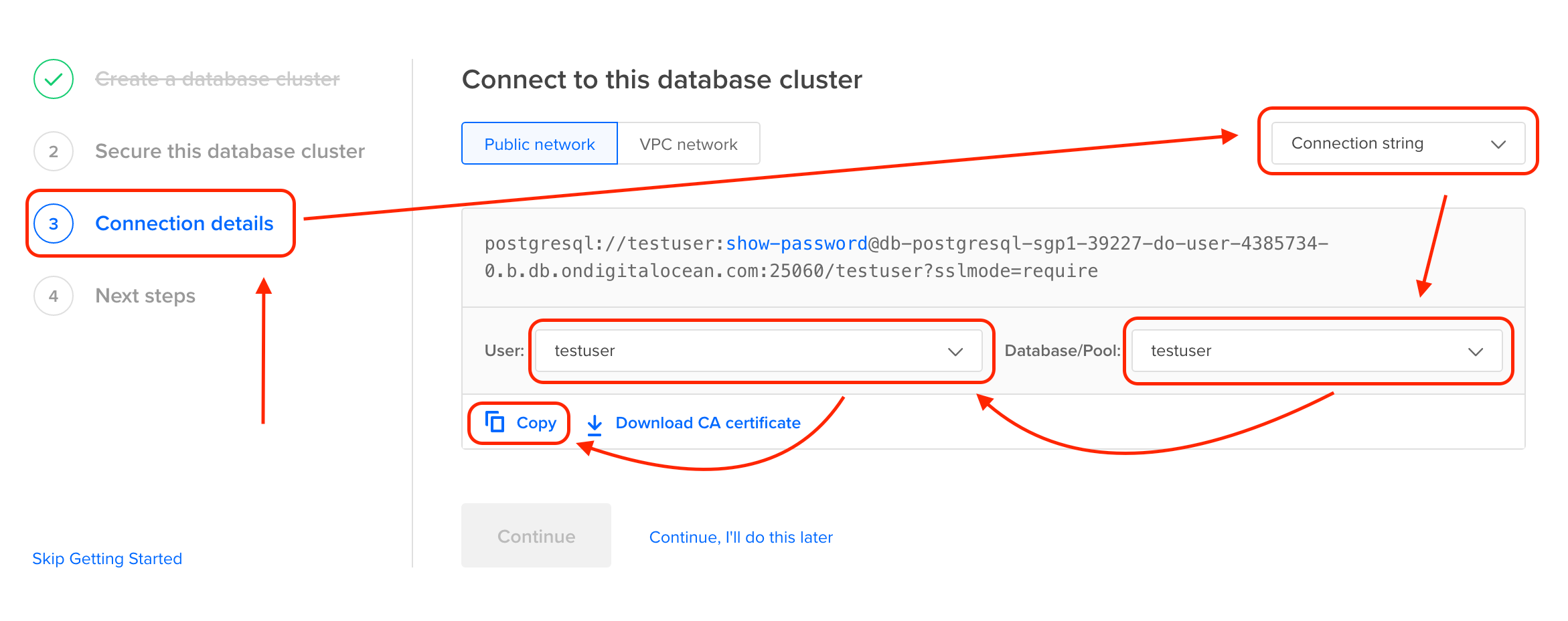
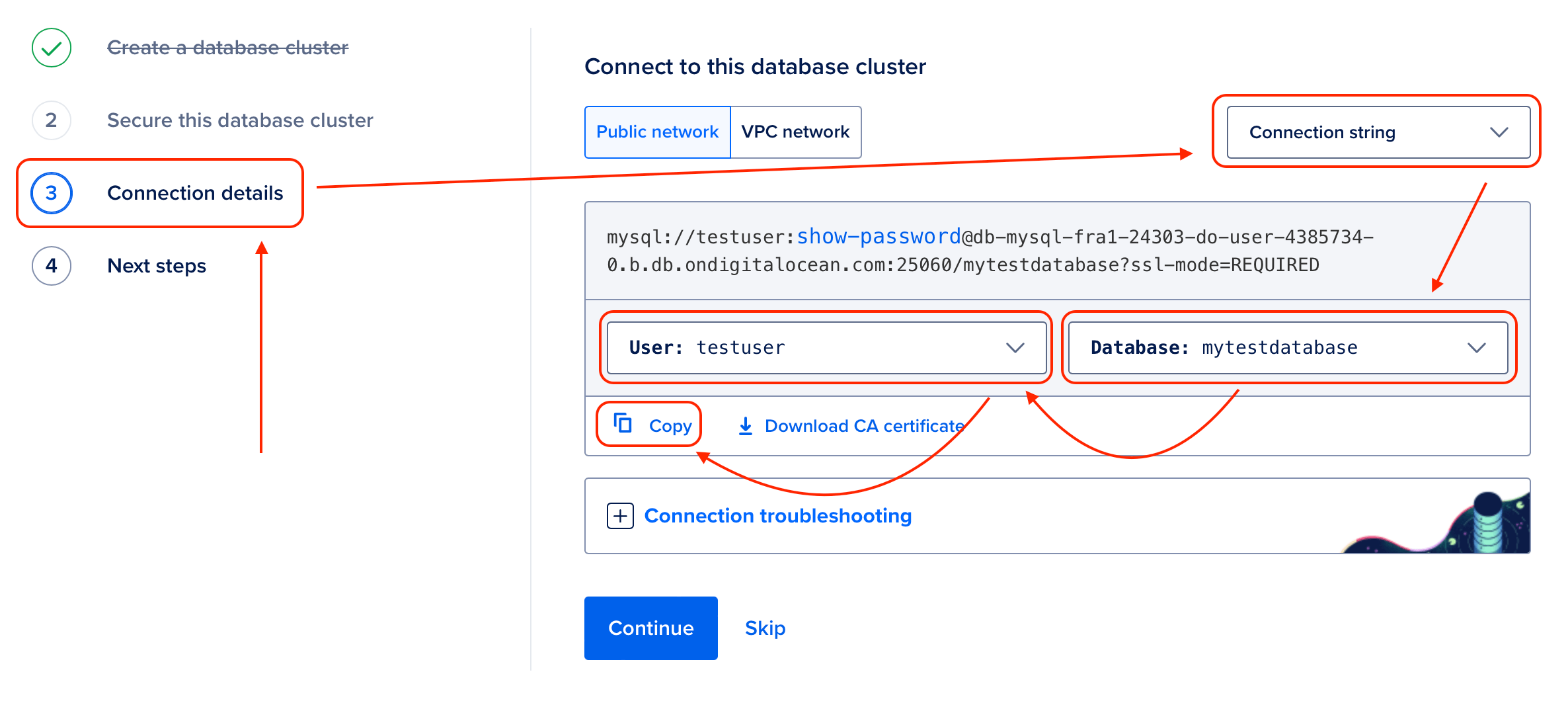
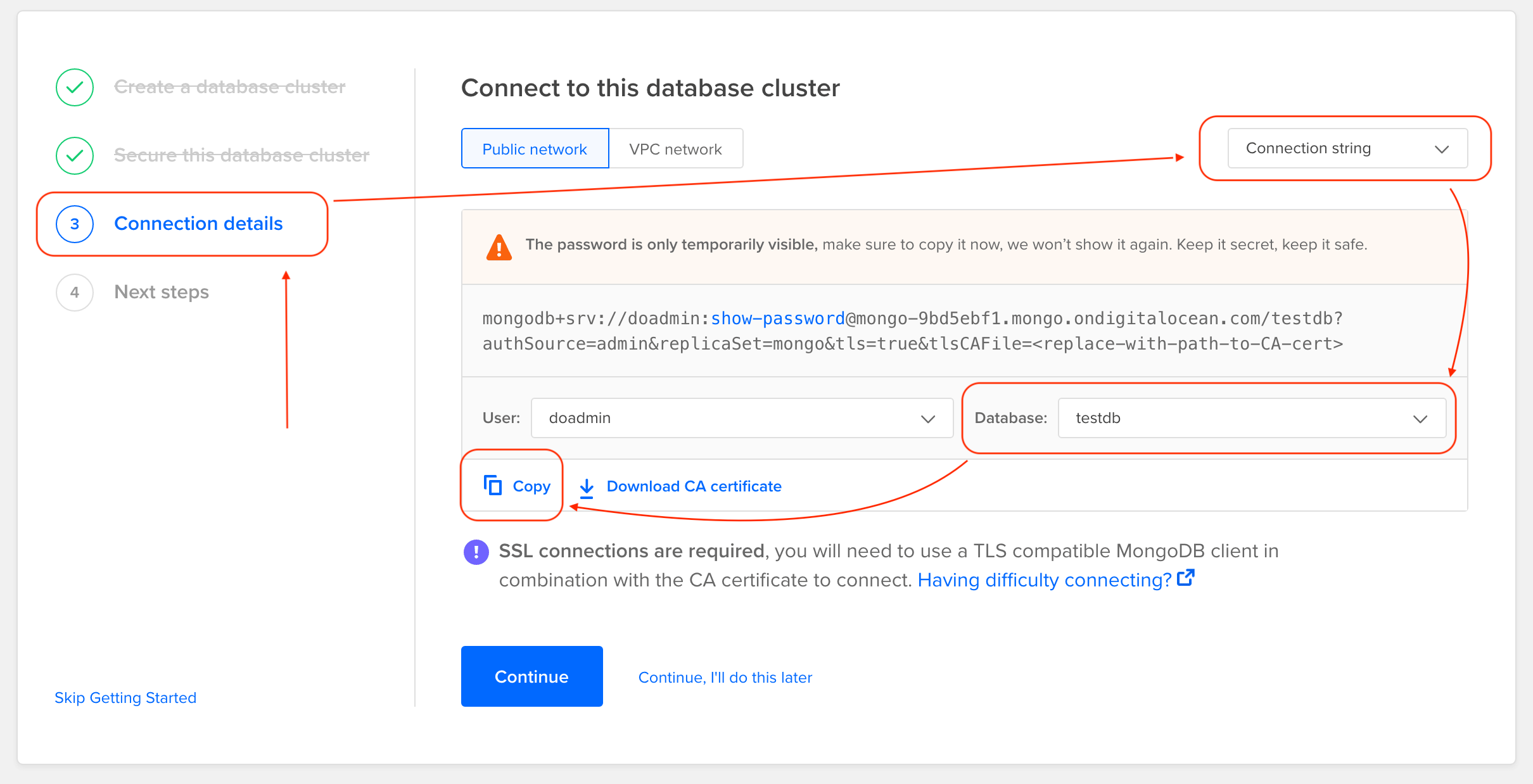
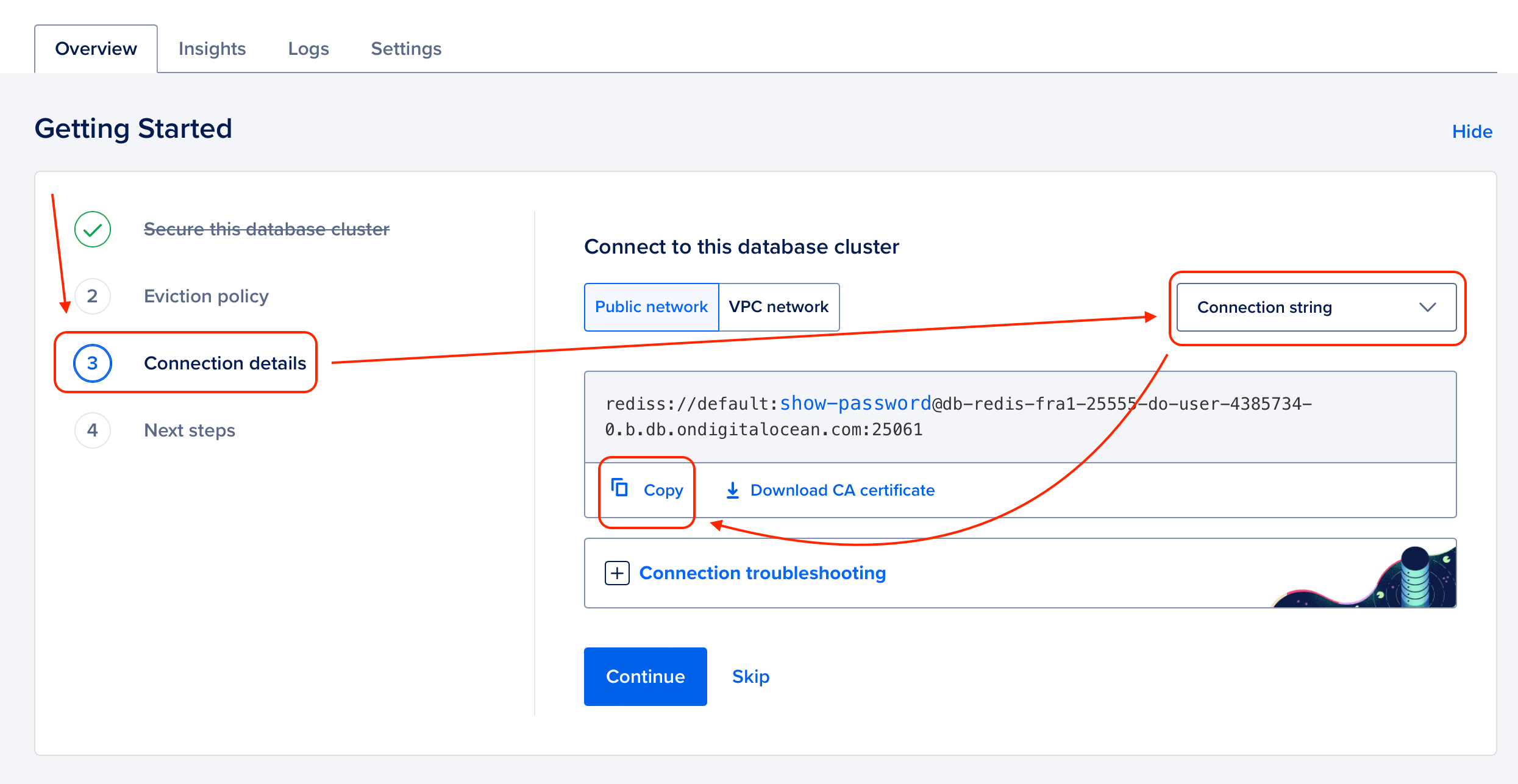
- Click on Connection details in your database cluster overview.
- Select Connection string from the dropdown.
- For PostgreSQL, MySQL, and MongoDB: select the Database you want to back up and the User, then click Copy. For Redis, click Copy directly — there is no database or user selector.
PostgreSQL:
MySQL:
MongoDB:
Redis:
Step 3: Create a database backup in SimpleBackups
- Navigate to Backups and click Create Backup, then select Database Backup.
- Choose Serverless as the backup server type.
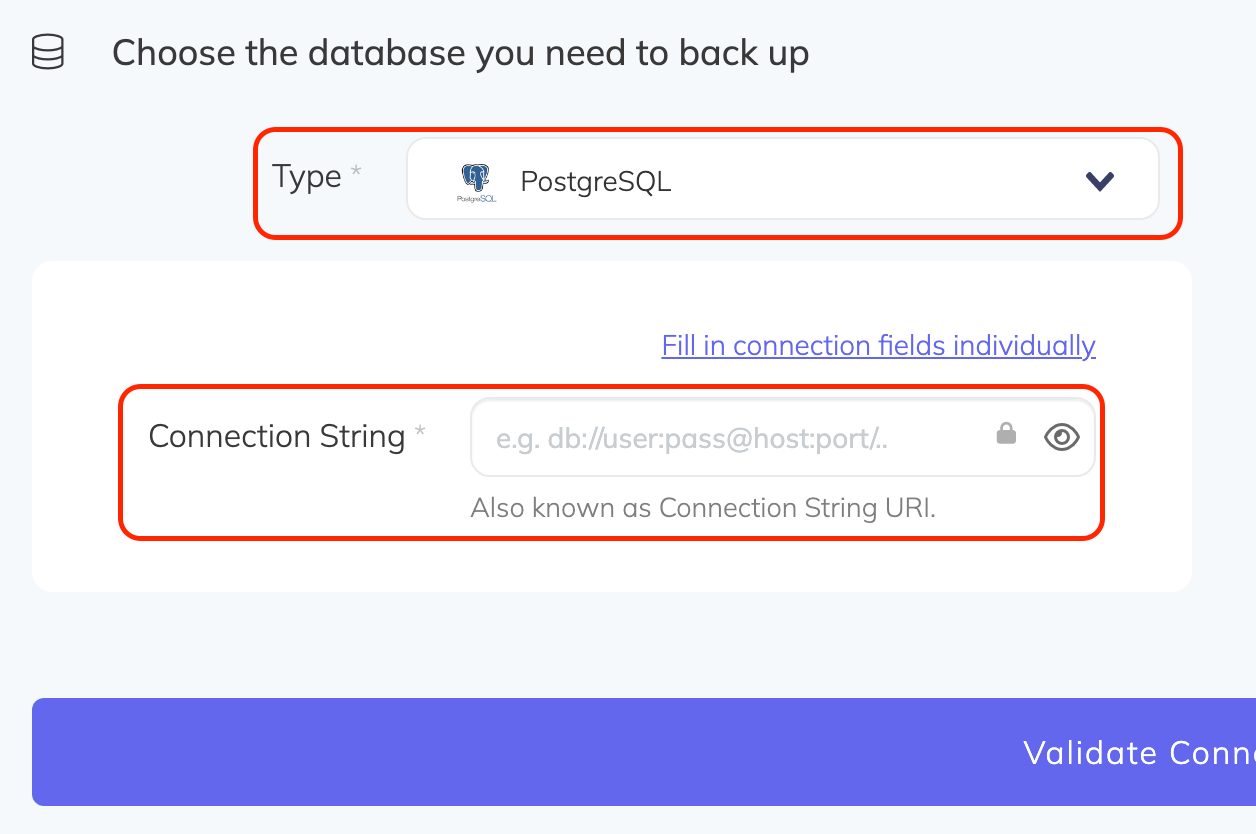
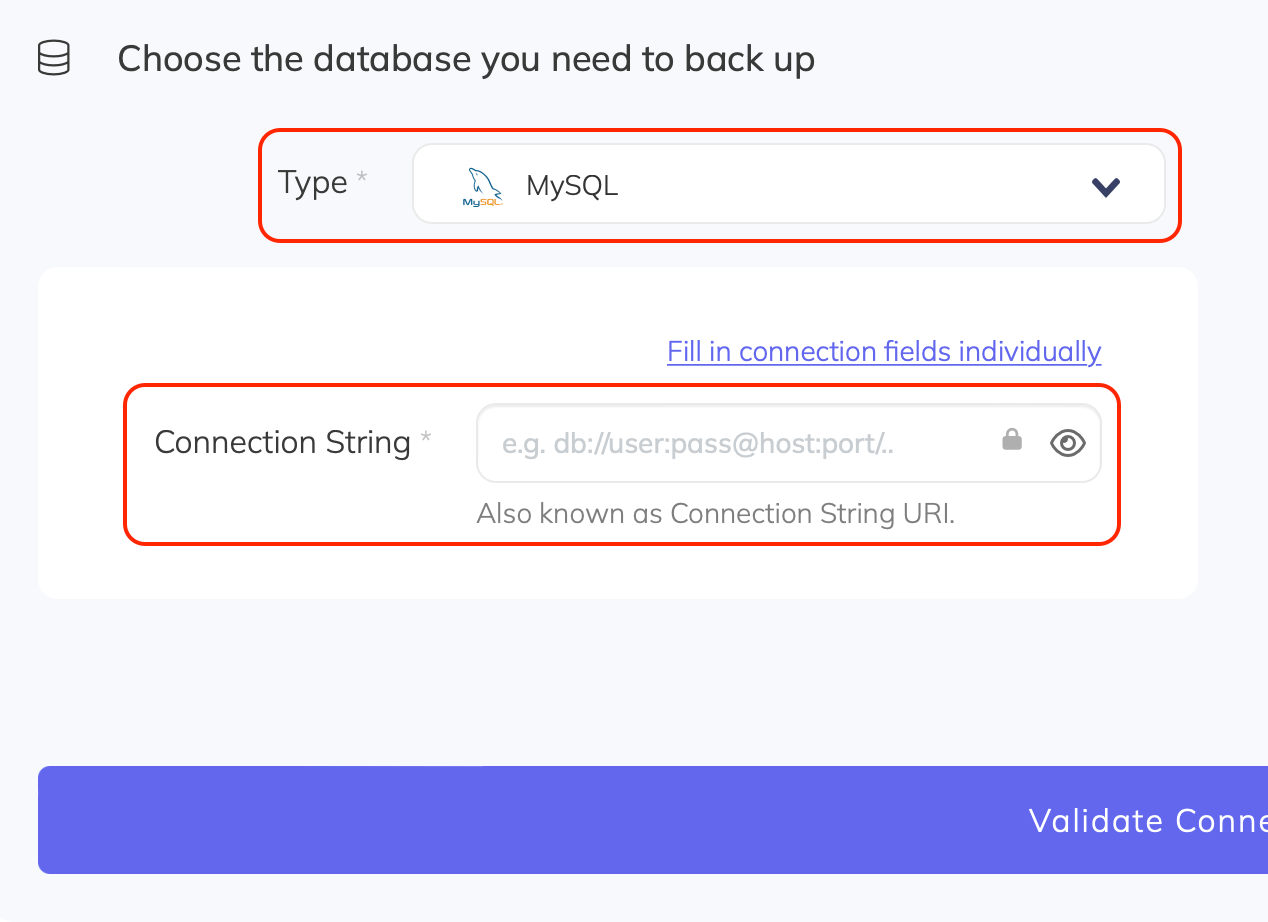
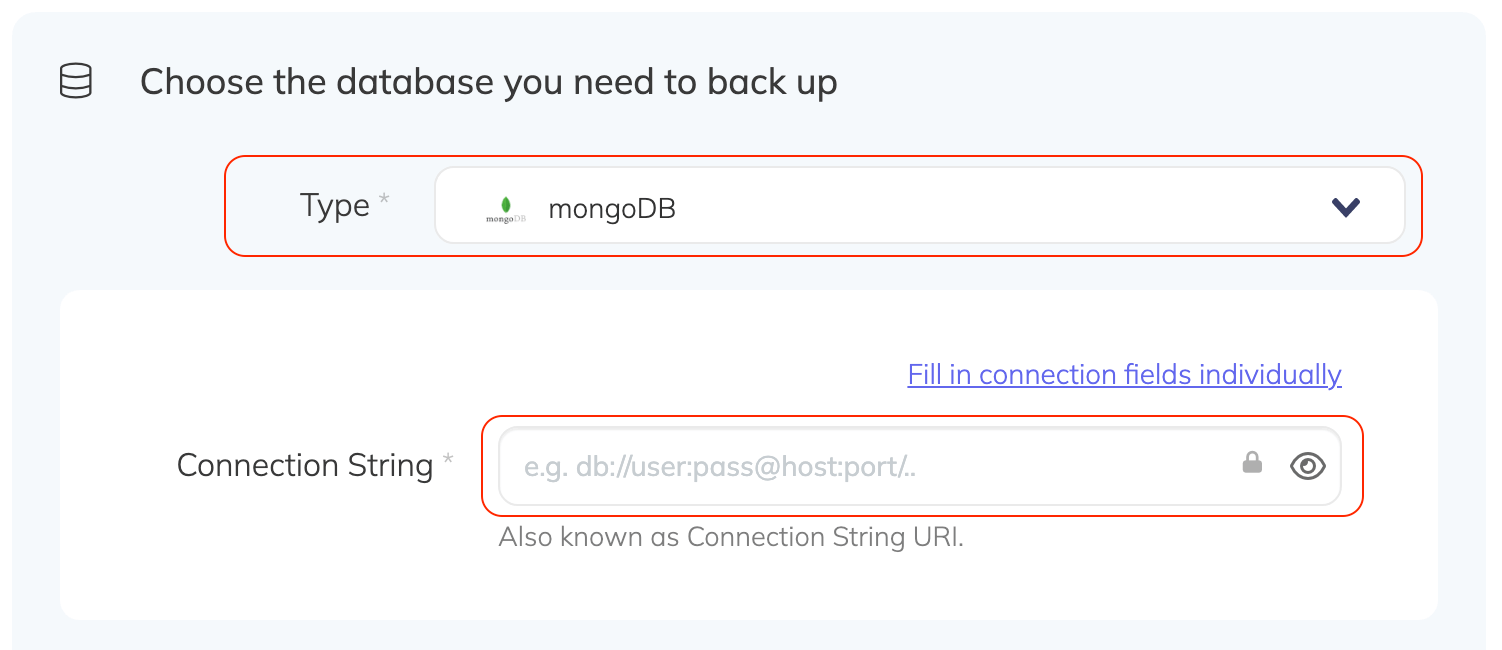
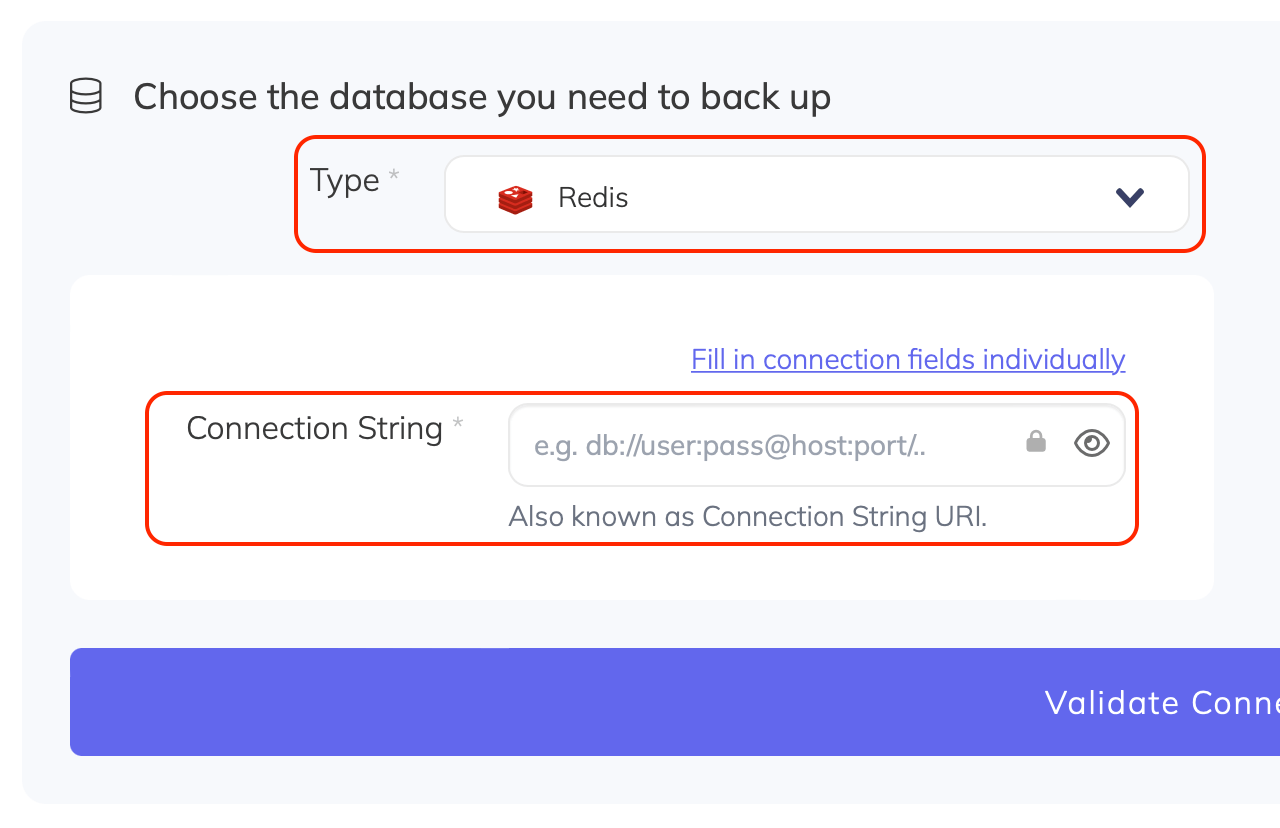
- Select the database Type matching your engine: PostgreSQL, MySQL, MongoDB, or Redis. If you do not see the connection string field, click Paste connection string instead.
- Paste the full connection string you copied from DigitalOcean.
- Click Validate connection, then configure your schedule and storage destination.
PostgreSQL:
MySQL:
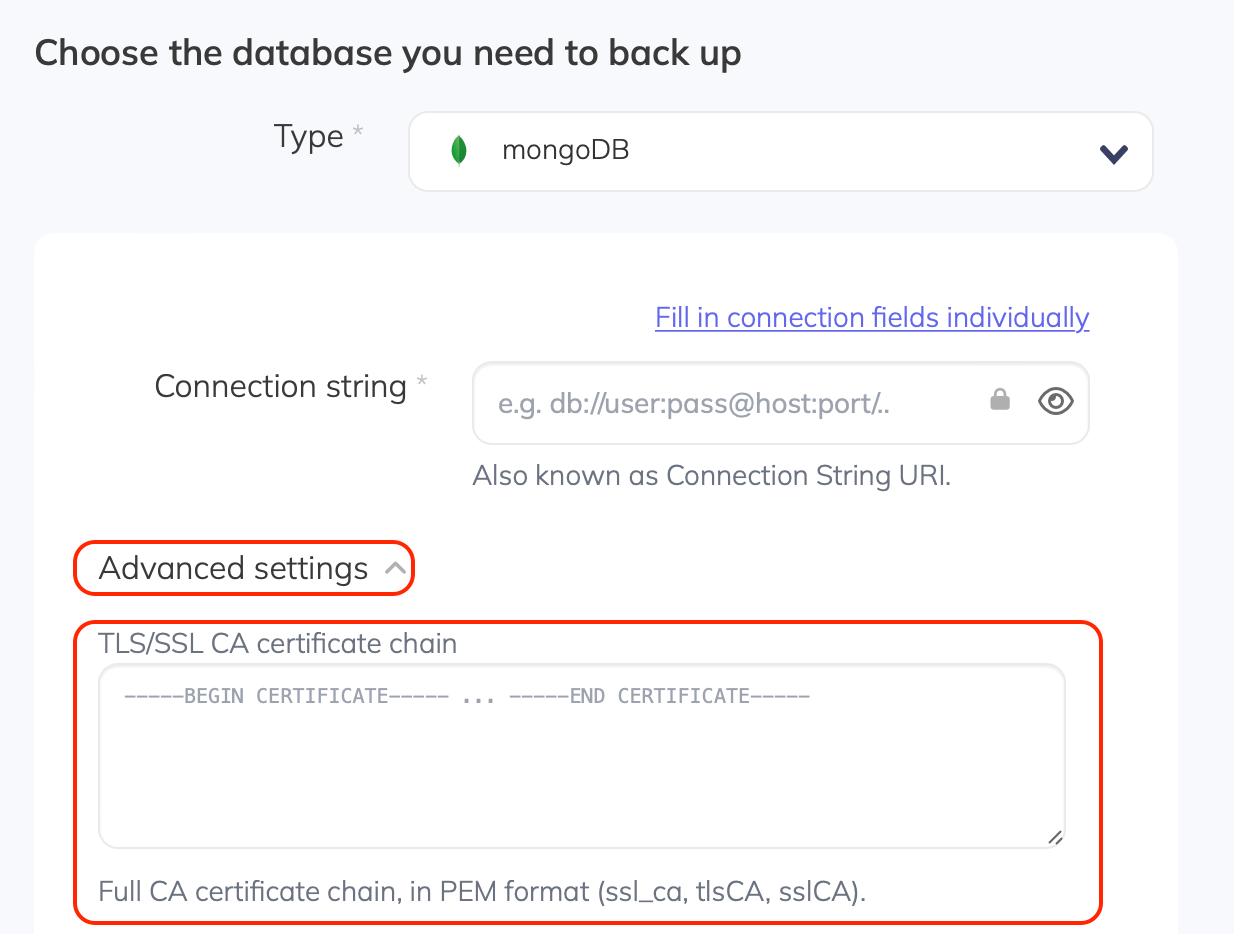
MongoDB:
Redis:
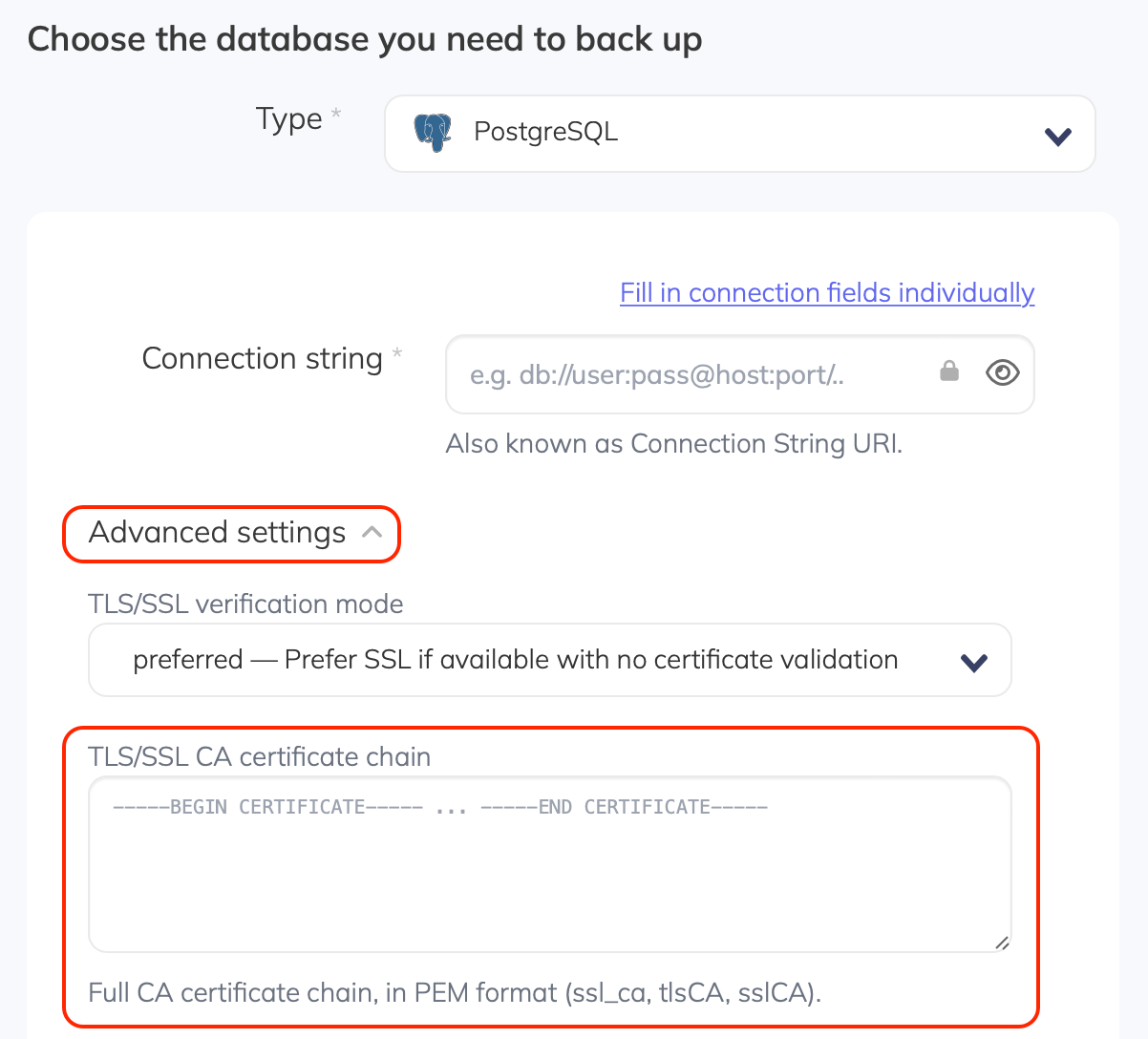
PostgreSQL CA certificate field:
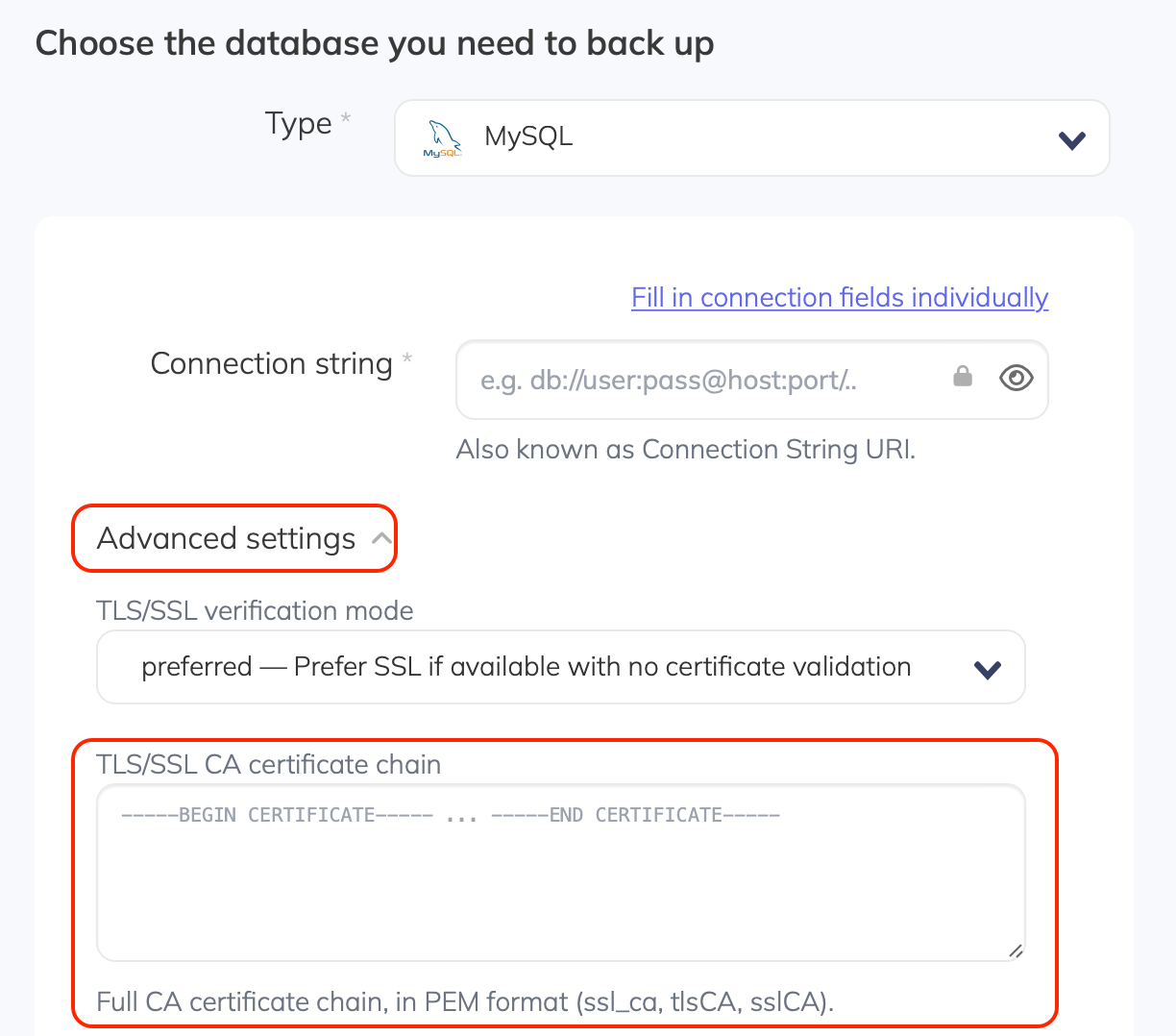
MySQL CA certificate field:
MongoDB CA certificate field: