
Appearance
Invoices and payment receipts
Download invoices, receive them by email, and set the company name they carry.
Where to find your invoices
All invoices are listed under Settings → Invoices, where you can download each one as a PDF.
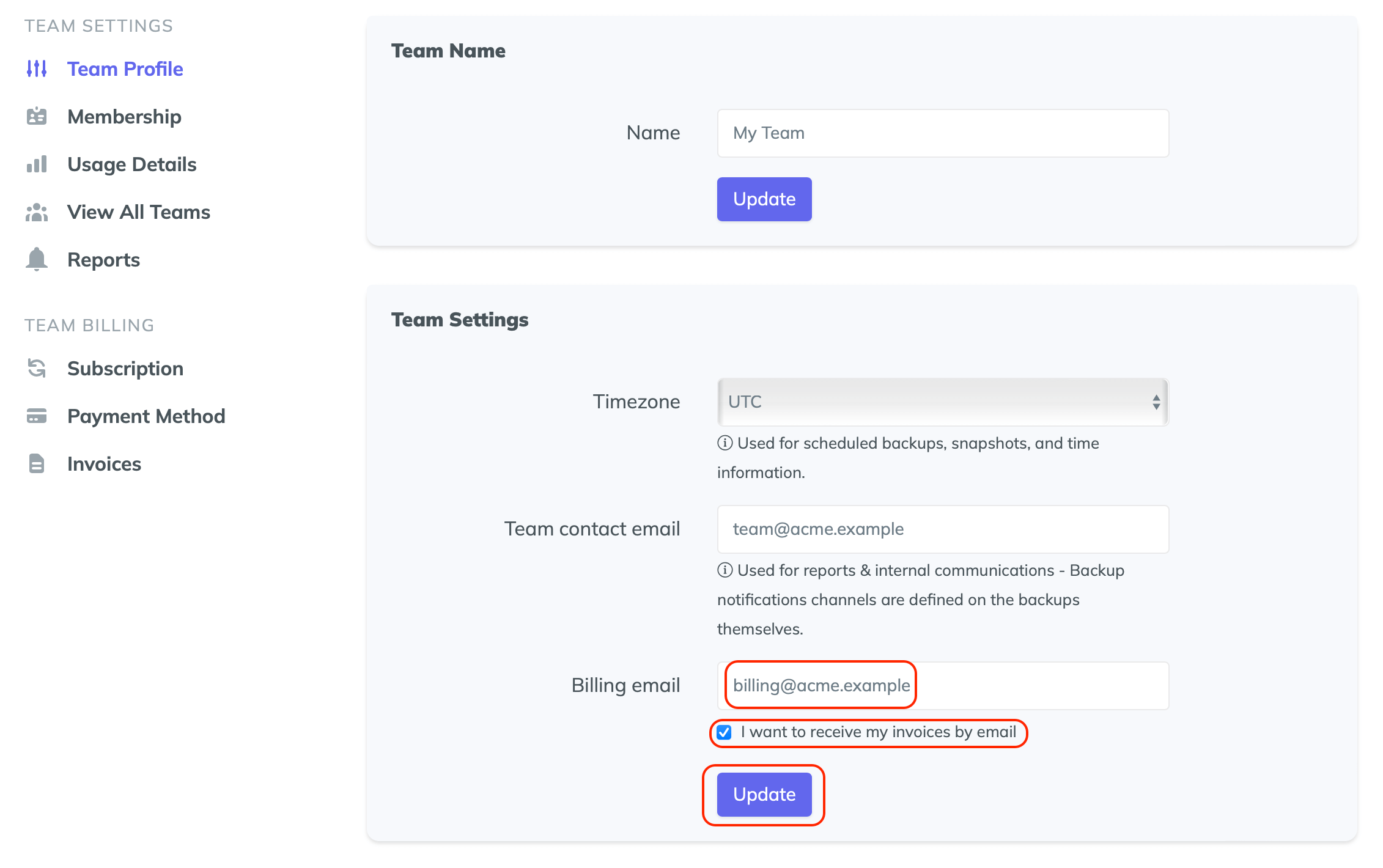
Receive invoices by email
To have every invoice emailed automatically:
- Go to Settings → Team profile
- Set the Billing email to the address that should receive invoices — your accountant's, for example
- Tick I want to receive my invoices by email
- Save your changes
Change the company name on your invoices
Invoices carry your Team name. To change it:
- Go to Settings → Team profile
- Set the Team Name to your company name
- Click Update
Invoices you download from the Invoices tab afterwards will show the updated name.
Account & billing FAQCoupons, failed payments, and transferring Team ownership.