
Appearance
How to download individual files when backing up all databases?
You can download individual backup files when backing up all databases.
Some backup types result in many files. For this reason, you will not find a single link that you can use to download your backup, instead, you can download the individual fires directly from your storage, or via SimpleBackups by following these steps.
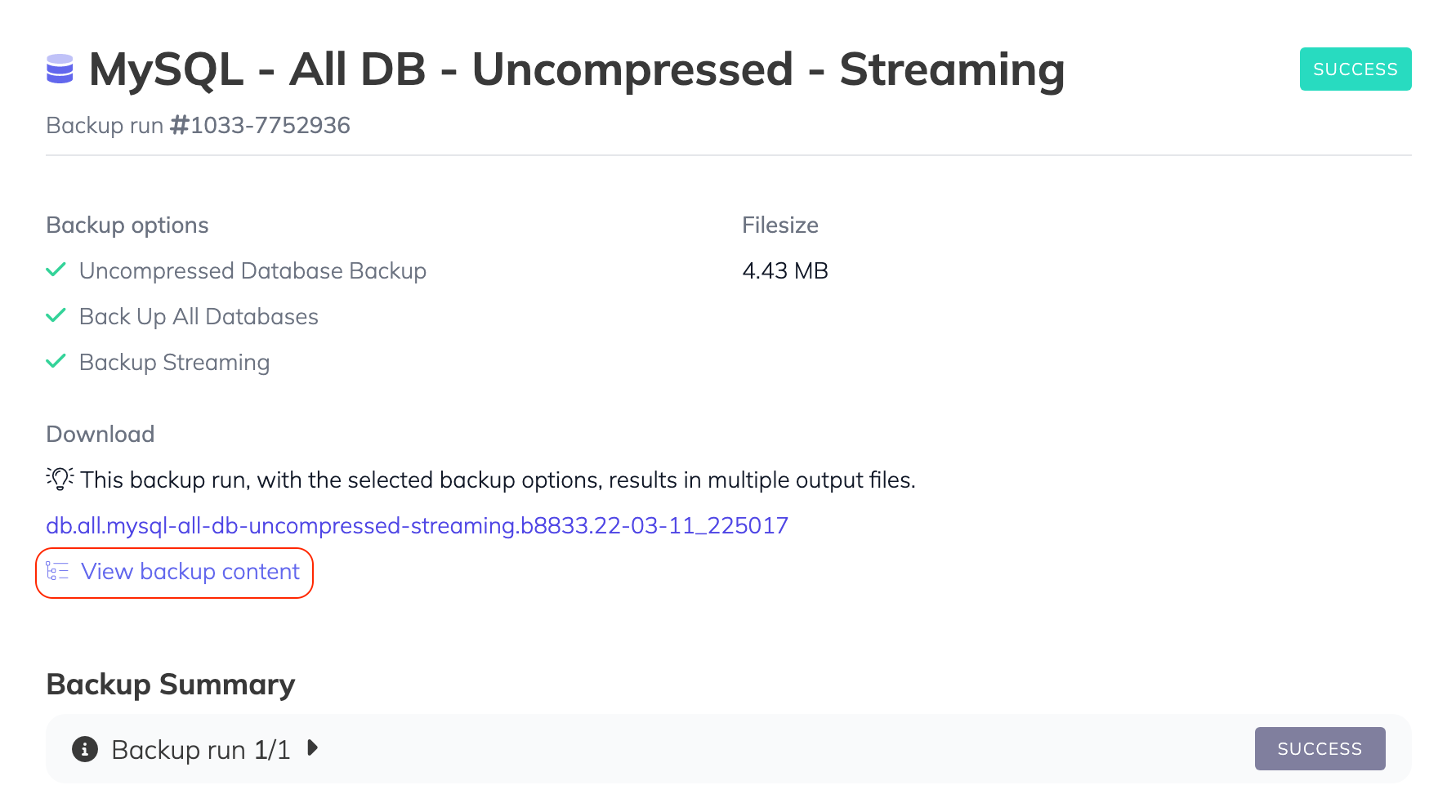
Step 1: View backup content
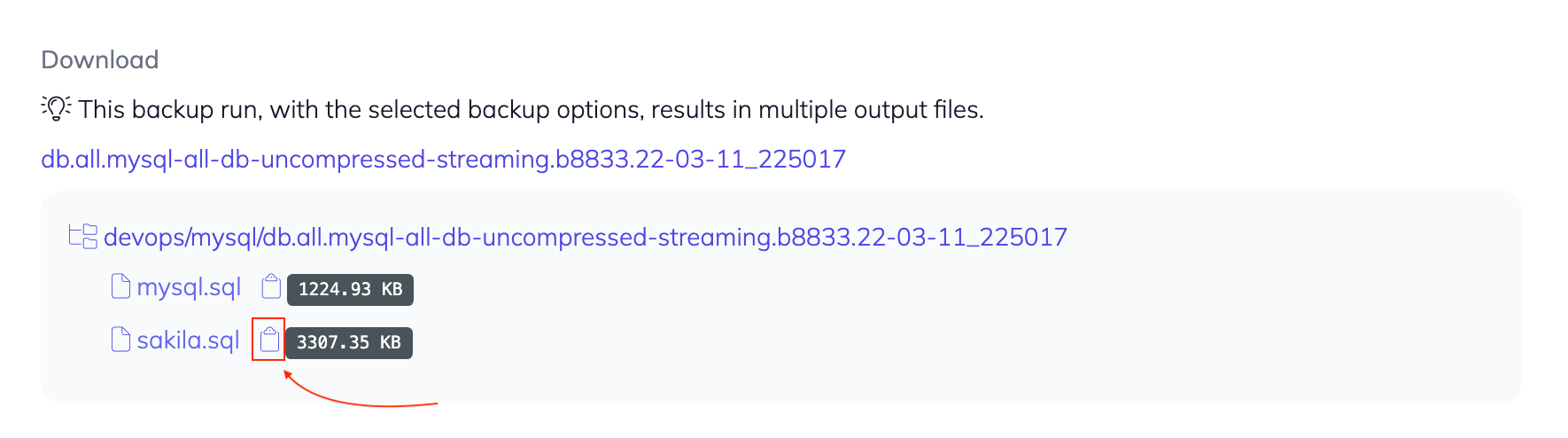
Step 2. Click the clipboard icon next to the database you want to download
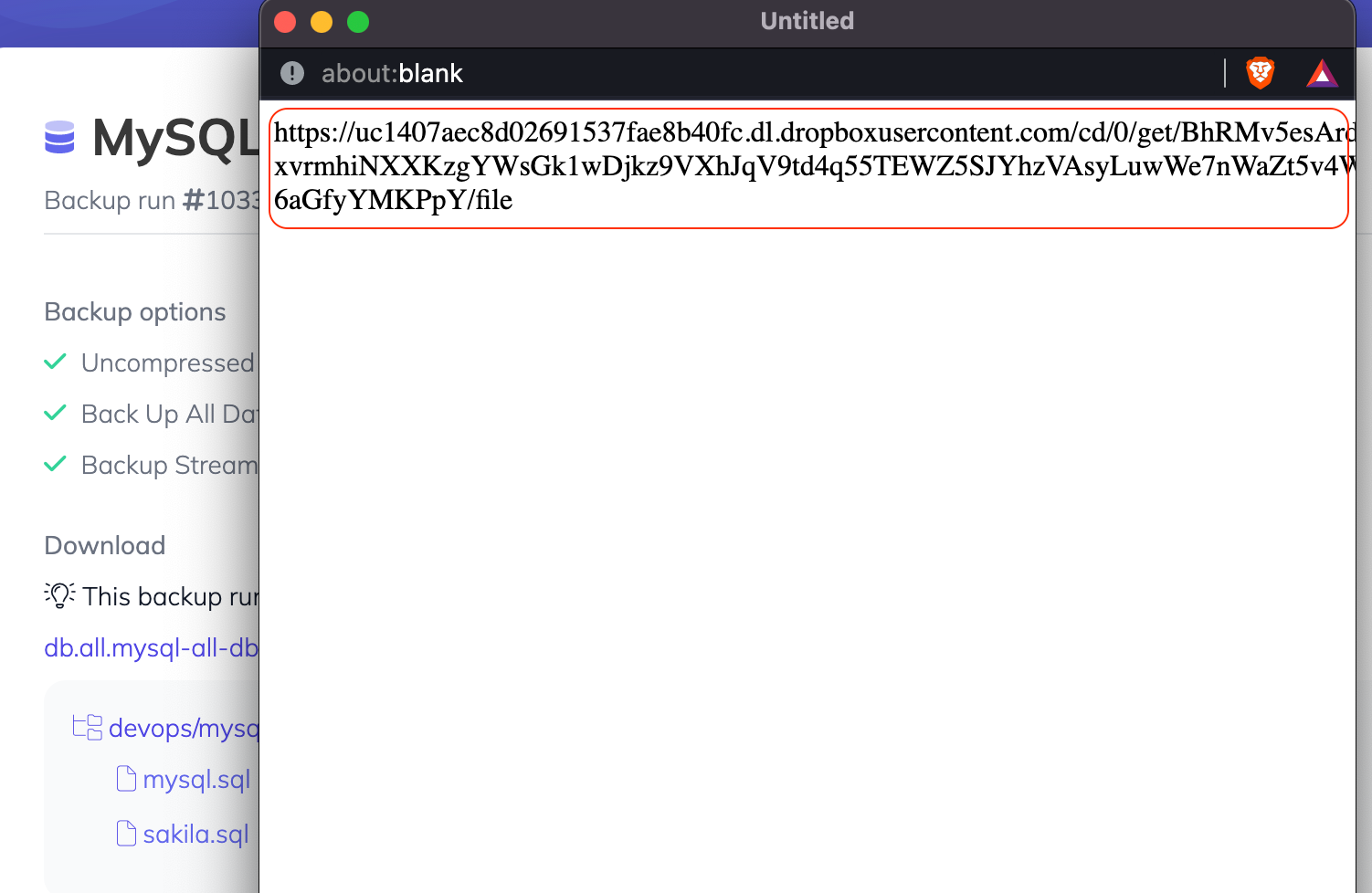
Note: this method is helpful when cannot see or find "Click to generate a signed download link"