
Appearance
Restore a MongoDB backup
Download and restore a MongoDB dump file to any MongoDB database.
SimpleBackups stores MongoDB backups as compressed archive files. You restore them using mongorestore on any server with access to your target database. The --nsFrom and --nsTo flags let you restore into a differently-named database without editing the archive.
Download the backup file
- Go to your backup page and open the Logs tab. Click the (i) icon next to the backup run you want to restore.
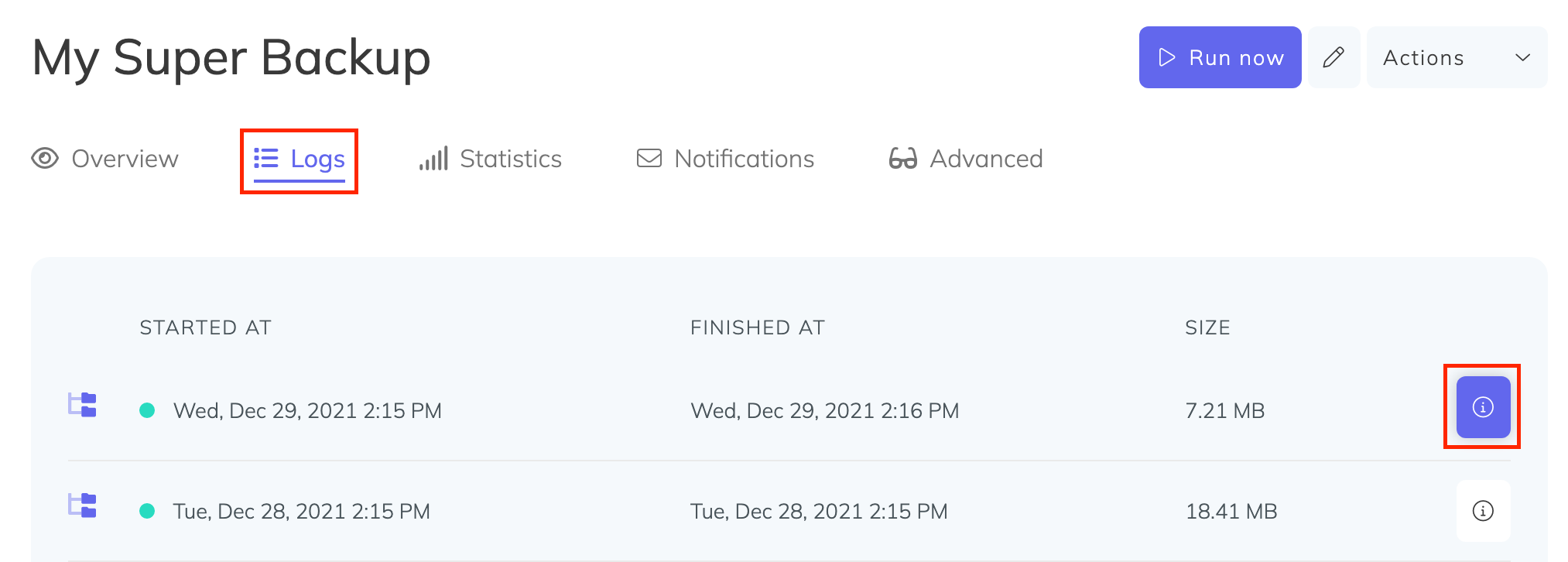
In the modal that appears, click Click to generate a signed download link and copy the resulting URL.
On your server, download the backup using the signed URL:
bash
wget "PASTE_SIGNED_DOWNLOAD_LINK_HERE" -O mongodb-backup.bin.gzRestore the database
Run mongorestore to restore the archive. Use --nsFrom and --nsTo to map the original database name to your target:
bash
mongorestore --gzip --archive=mongodb-backup.bin.gz \
  --nsFrom "sampleDatabase.*" \
  --nsTo "newDbName.*"
Replace sampleDatabase with the name of the database as it appears in the backup, and newDbName with the name you want to restore into. You do not need to extract the archive before running this command.