
Appearance
UpCloud
Automate UpCloud server snapshots on a custom schedule.
SimpleBackups connects to your UpCloud account through API credentials to create and manage server snapshots automatically. This guide walks you through connecting your UpCloud account and creating your first snapshot job.
Connect UpCloud to SimpleBackups
- Log in to your SimpleBackups account
- Click Snapshots in the navigation
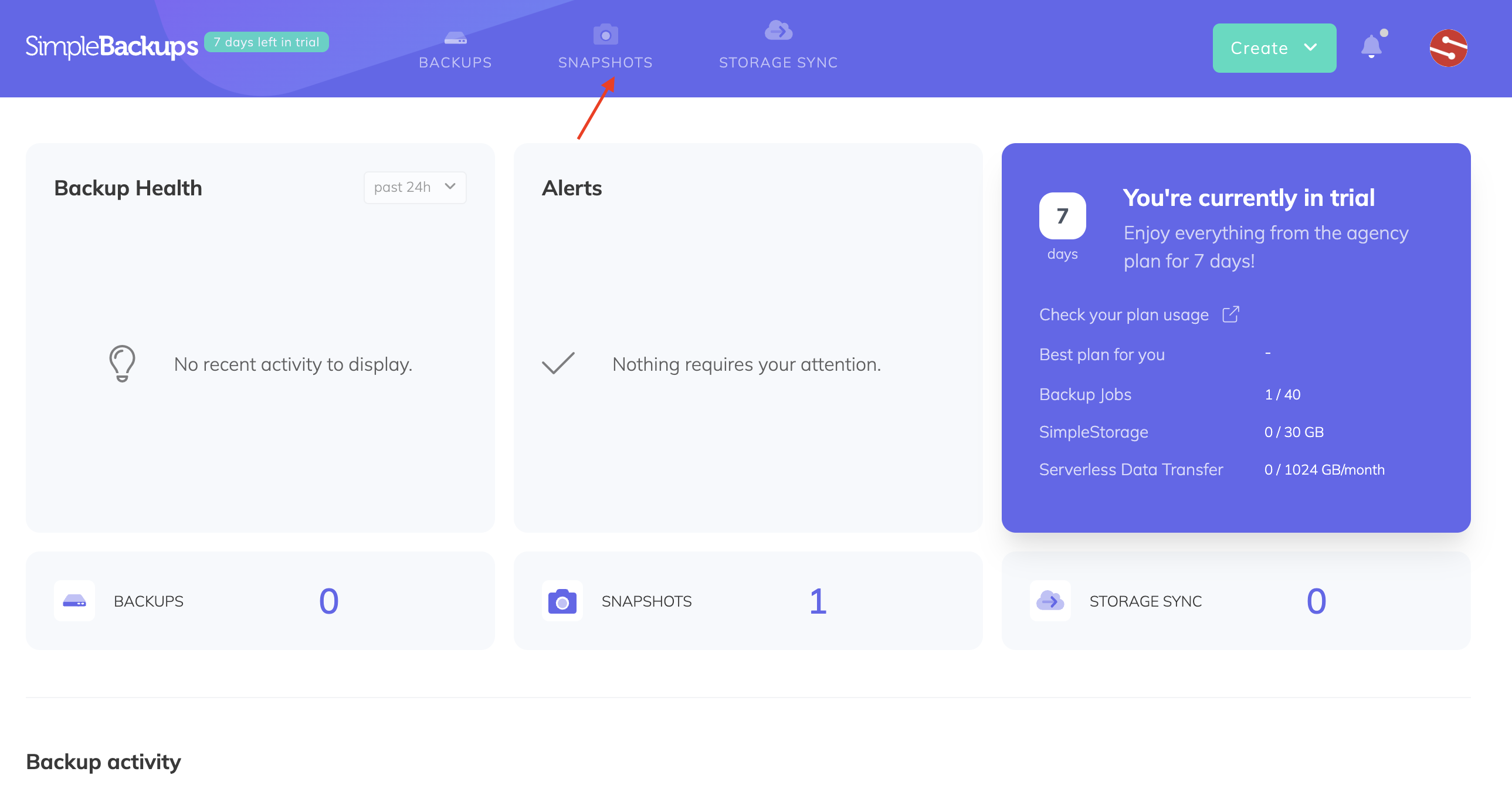
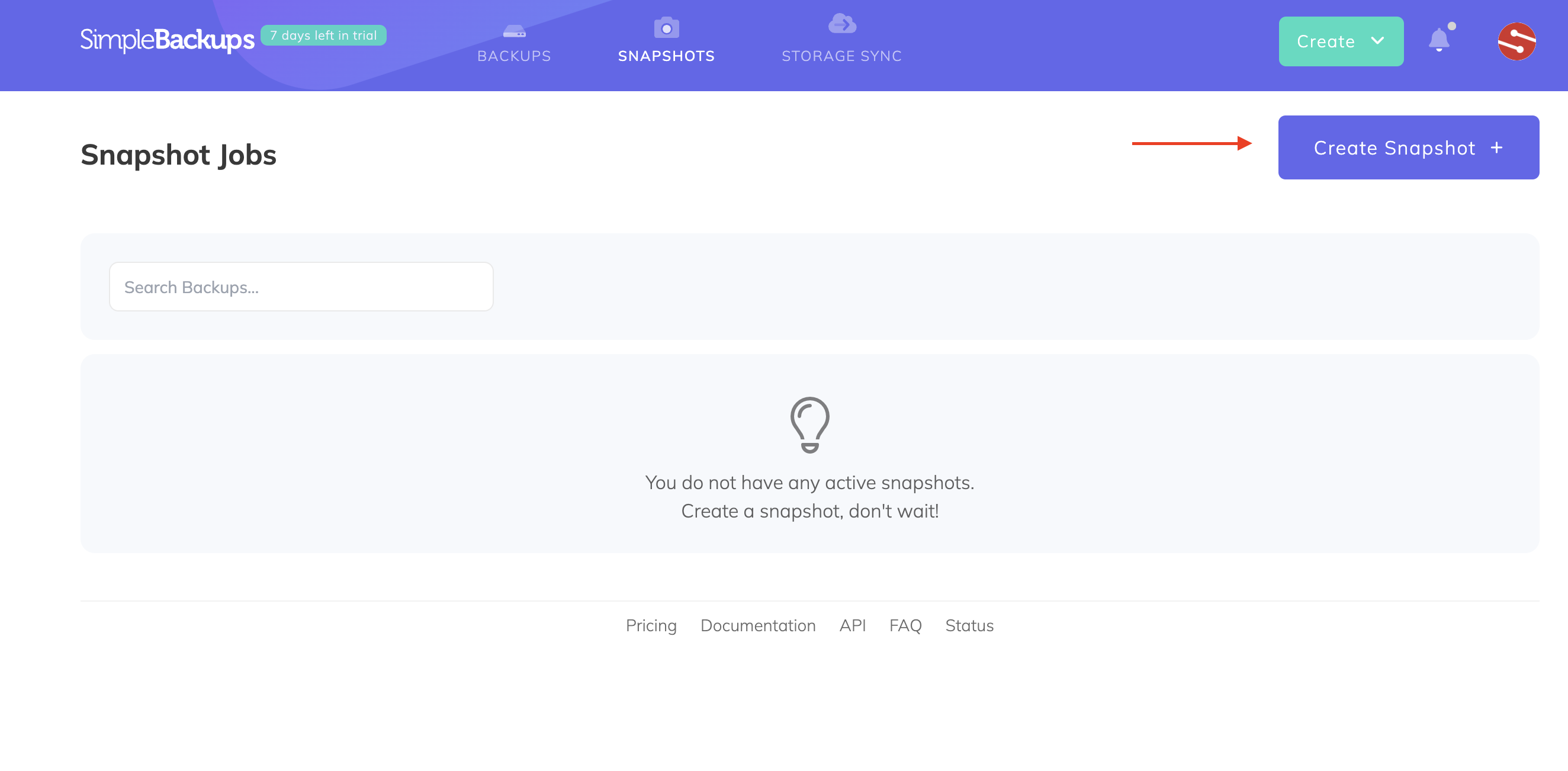
- Click Create snapshot
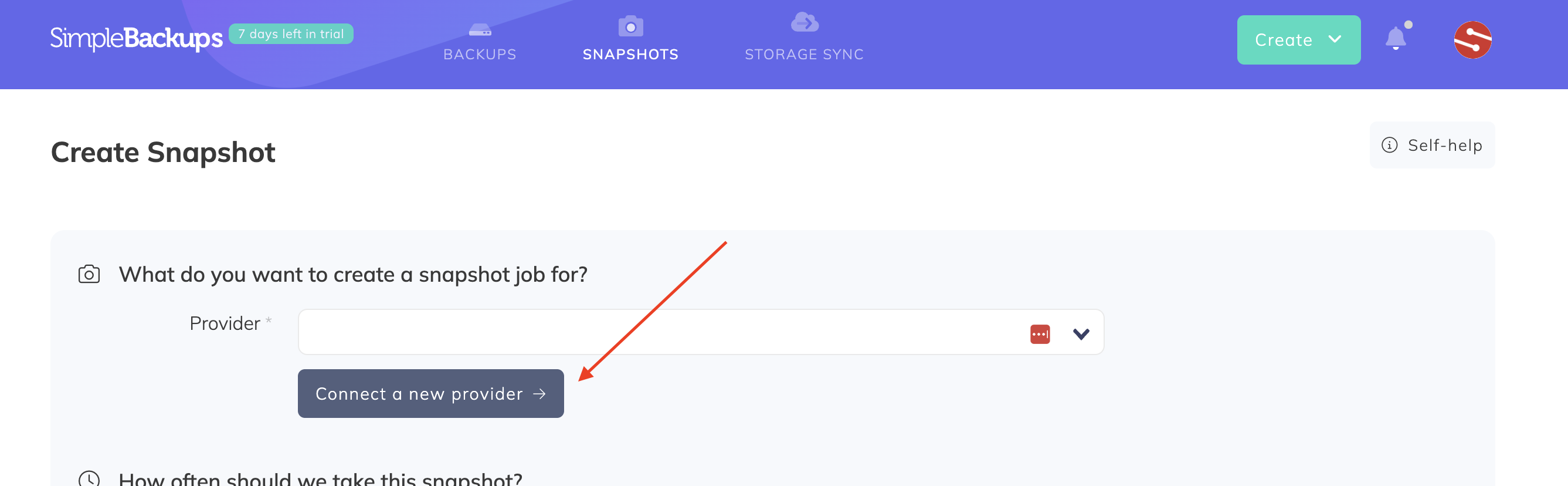
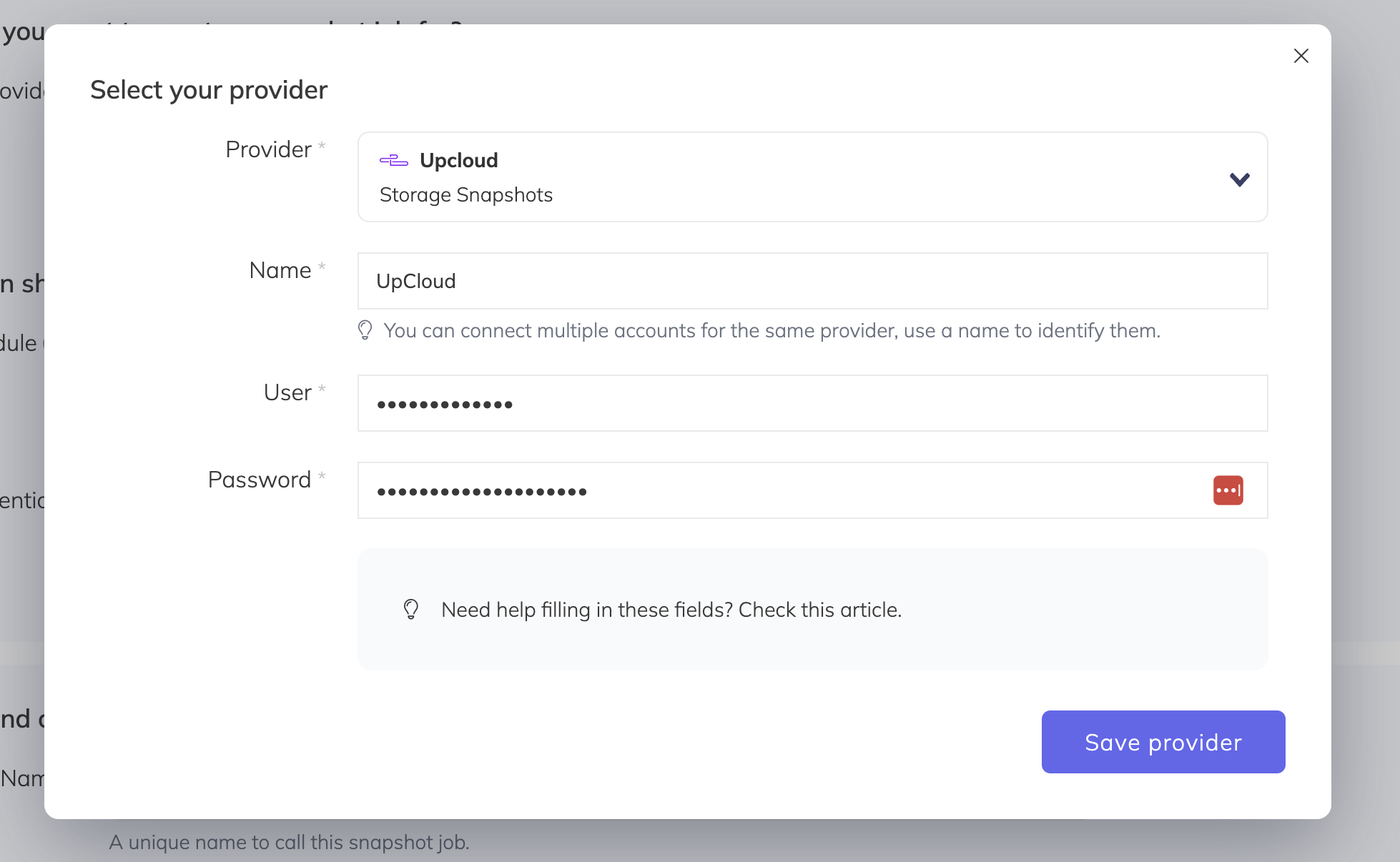
- Click Connect a new provider
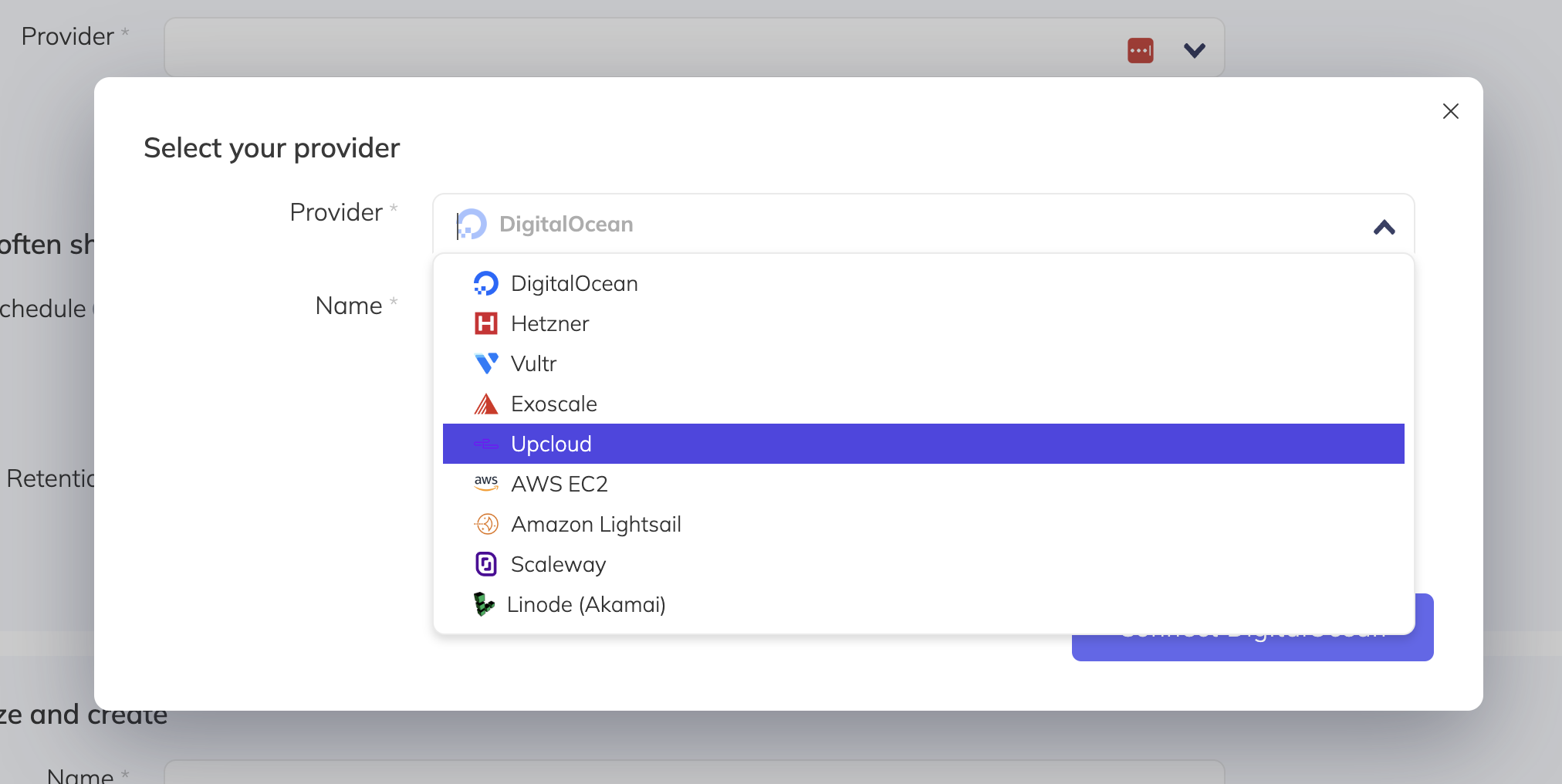
- Select UpCloud from the list of providers
- Enter your UpCloud API credentials (username and password) and click Save Provider
Create a snapshot backup job
- Select the UpCloud instance you want to snapshot
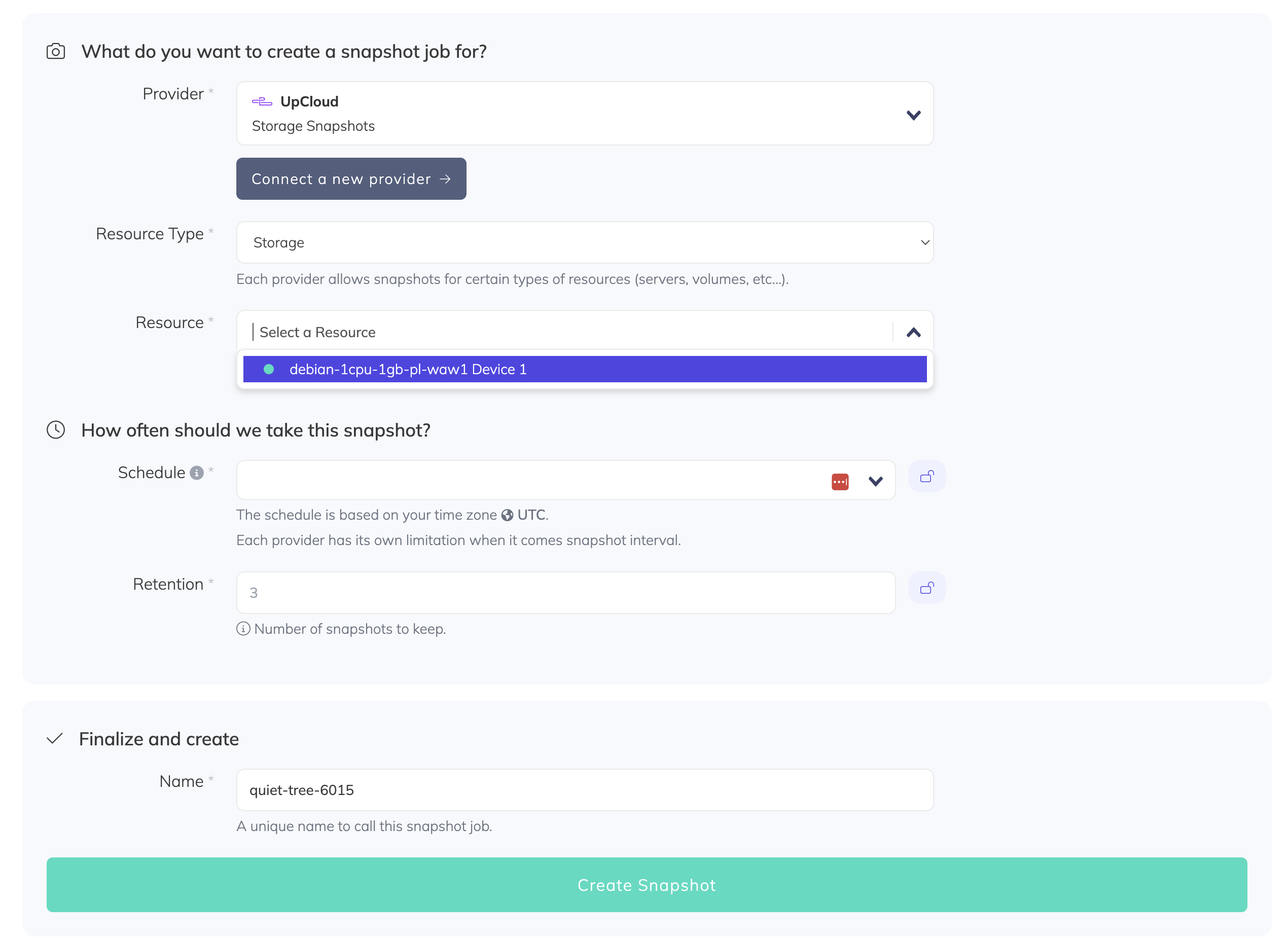
- Configure your snapshot schedule, retention, and a descriptive name, then click Create Snapshot