
Appearance
Restore a MySQL backup
Download and restore a MySQL dump file to any MySQL database.
SimpleBackups stores MySQL backups as compressed .sql.gz files. You restore them using the mysql CLI client on any server with access to your target database.
Download the backup file
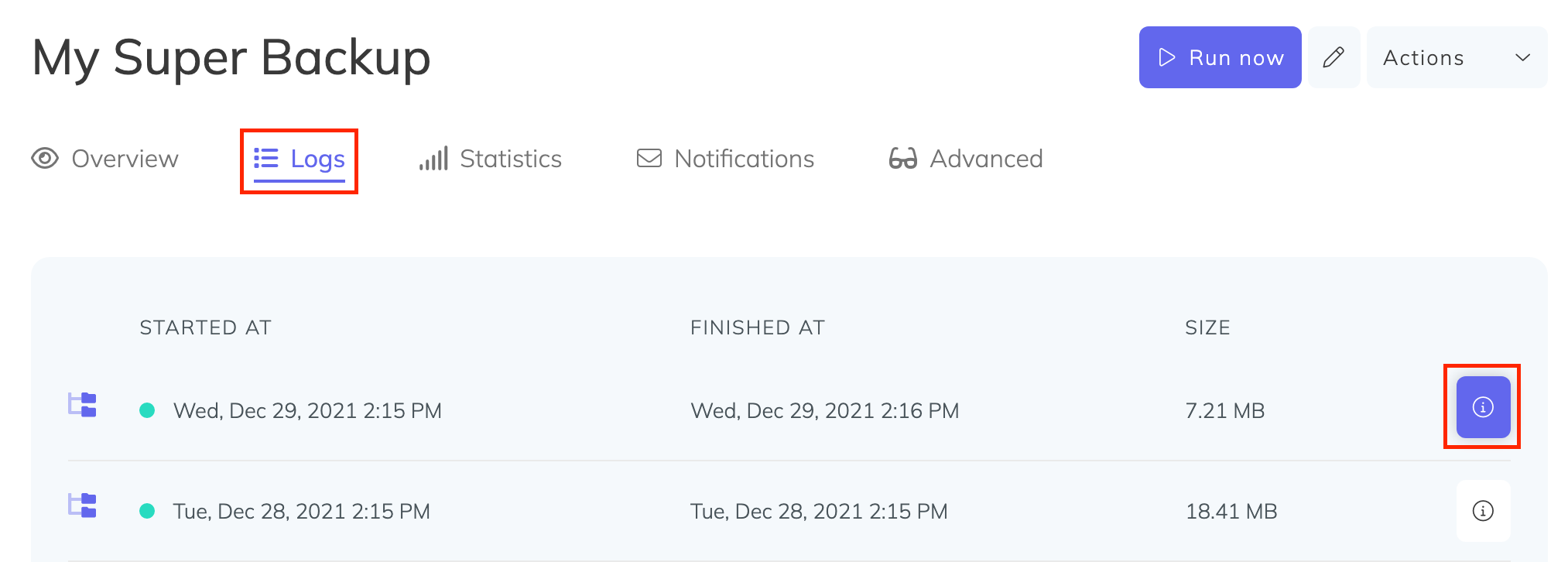
- Go to your backup page and open the Logs tab. Click the (i) icon next to the backup run you want to restore.
- In the modal that appears, click Click to generate a signed download link and copy the resulting URL.
- On your server, download the backup using the signed URL:
bash
wget "PASTE_SIGNED_DOWNLOAD_LINK_HERE" -O mysql-backup.sql.gz- Extract the archive:
bash
tar -xvf mysql-backup.sql.gzThis produces a single SQL file named db-backup-XXX.sql in the same directory.
Restore the database
Run the mysql client to restore the dump into your target database:
bash
mysql -u YOUR_DB_USERNAME -pYOUR_DB_PASSWORD < db-backup-XXX.sqlReplace YOUR_DB_USERNAME and YOUR_DB_PASSWORD with your database credentials, and db-backup-XXX.sql with the extracted filename.