
Appearance
Backup Storage FAQ
Answers to some common questions related to storing backups
How to delete specific backups without purging them?
There is no way to purge specific backups from within your account. You could only do that from the storage itself.
What happens to my old backups if I delete a schedule?
Deleting a schedule doesn't delete the backup files it already created — they remain in your storage. Since retention rotation only runs for schedules that still exist, though, those backups no longer rotate automatically and can pile up in your storage over time.
SimpleBackups shows a banner on the backup's overview page when it detects backups like this, letting you purge them and clean up your storage. See Retention for more details.
How to change the default backup storage after my backup has run?
If your backup has already run, you can go to the backup page and click Actions, then "Duplicate". This will allow you to duplicate the job and choose a new storage as your destination.
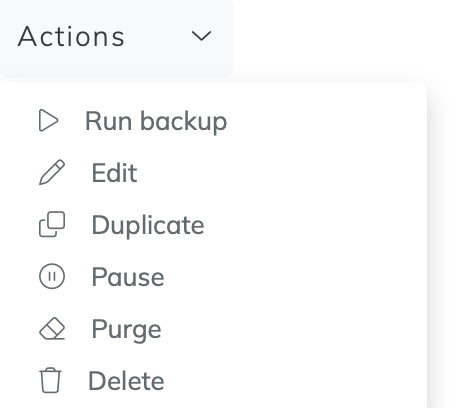
Duplicate backup to edit the storage