
Appearance
Docker containers backup
Back up databases running inside Docker containers without exposing them to external ports.
SimpleBackups can connect directly to Docker containers on your server to back up MySQL, PostgreSQL, MongoDB, or Redis databases. You do not need to map container ports to the host — SimpleBackups detects running containers and connects to the database inside them.
Connect your server
Before creating a backup, connect the server running your Docker containers to SimpleBackups. See Connect your server for instructions.
Create the backup
- Go to Create Backup and select your server from the Own Server section
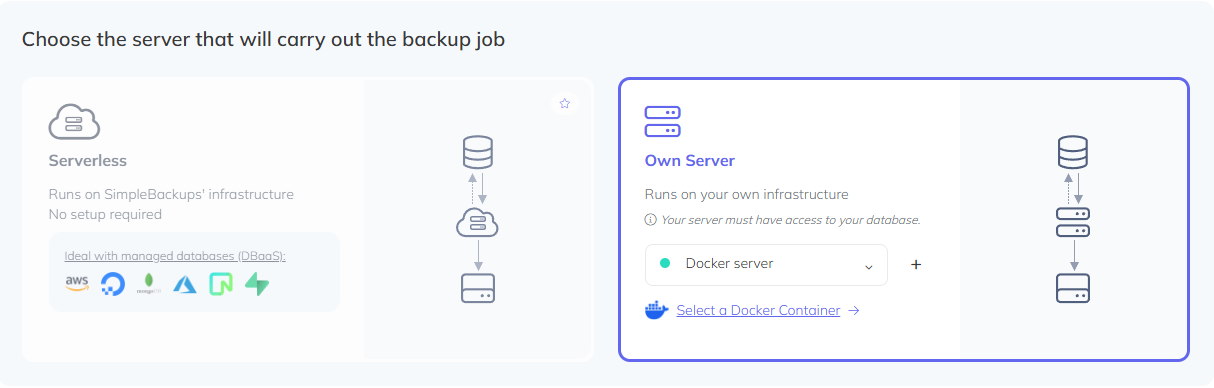
- Click Select a Docker Container. SimpleBackups will fetch your running containers — select the one containing the database you want to back up
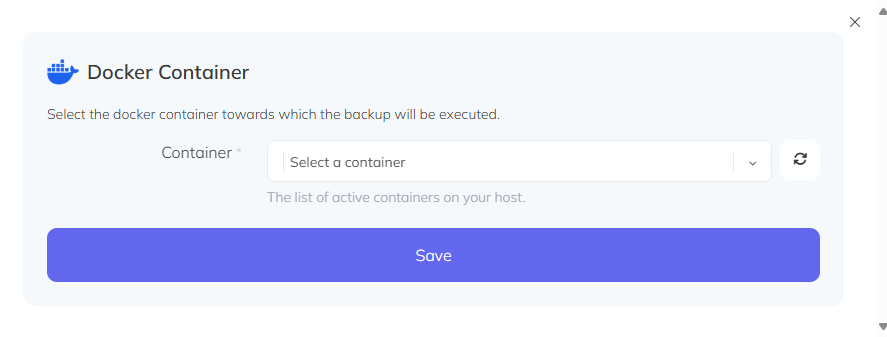
Click Save and fill in your database connection parameters. The default host inside the container is
127.0.0.1orlocalhostComplete your backup options (name, schedule, retention, storage) and click Create Backup